The Chat Support Assessment Test shows you who actually can stay calm under pressure. This test puts each candidate inside real chat scenarios with a customer.
You see how they open the conversation and calm a frustrated customer. You also see how they close out the chat once the issue is solved.
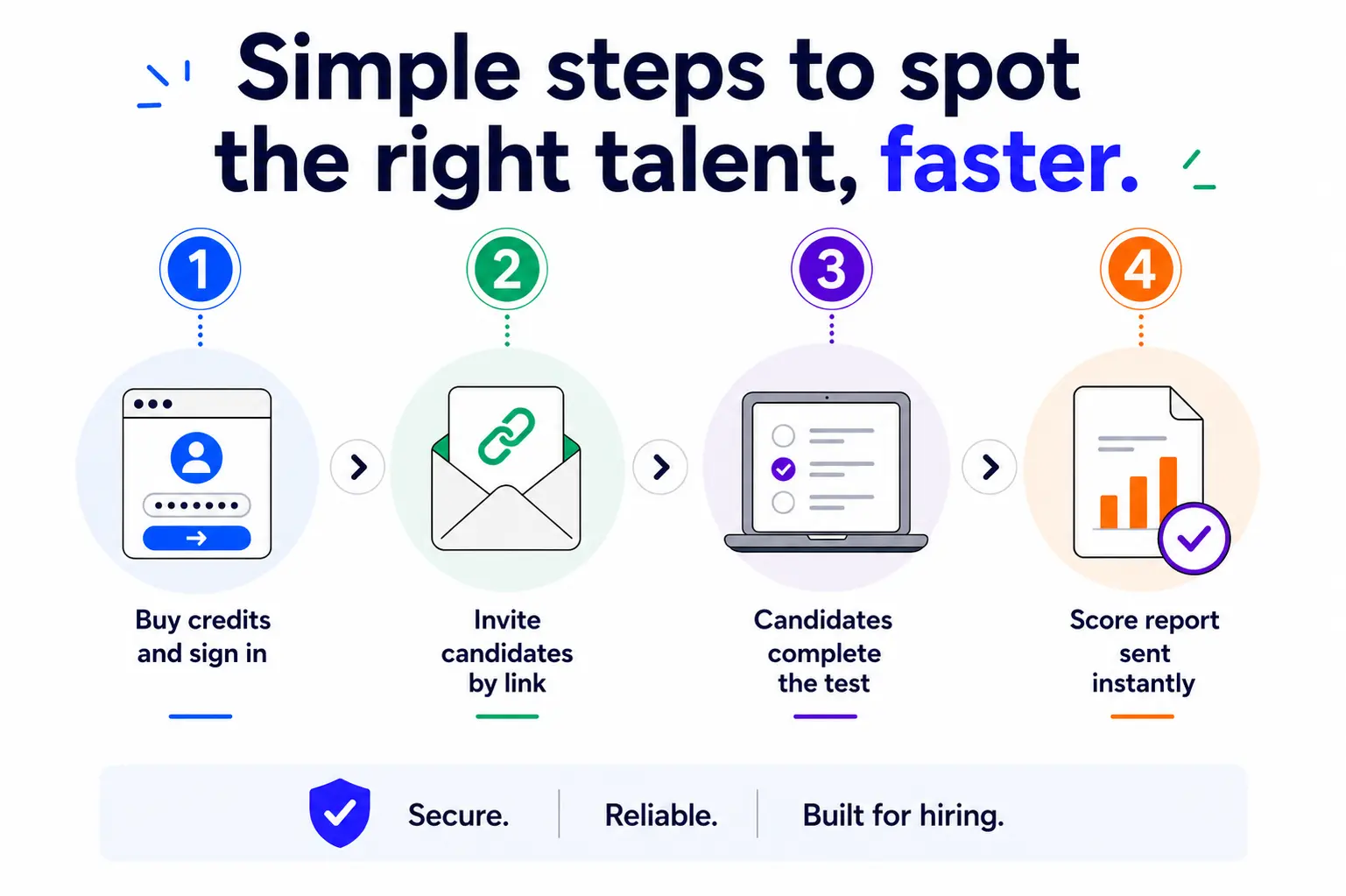
Score reports arrive the moment the candidate finishes, so you can move them forward in the hiring process ASAP.
EmployTest helps you keep hiring costs low with flexible assessment pricing and no annual license commitments.








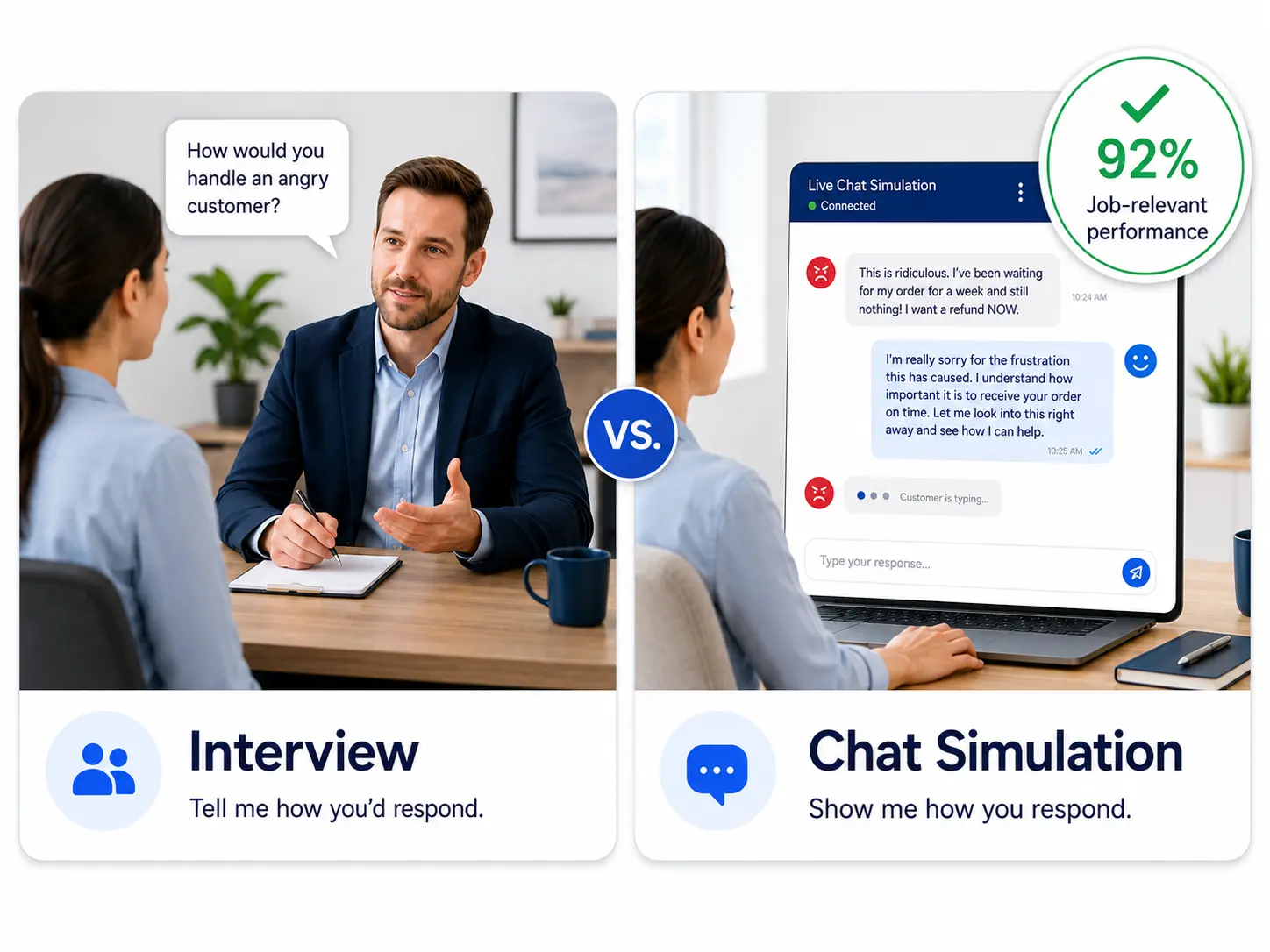
Interviews don’t show you how someone handles an angry customer in real time.
SHRM reports that unstructured interviews aren’t particularly useful for predicting job performance. A chat simulation test fixes that gap, because it puts the candidate in a work simulation, instead of asking them to describe it.
The Bureau of Labor Statistics notes that customer service reps need to be good at communicating and interacting with people. A live chat support test checks for that skill directly, before the candidate ever talks to a real customer.
A bad hire on your chat team costs more than a support headache. SHRM’s recruiting cost data puts the average cost per hire at nearly $4,700, and that number grows if you have to start the search over. A chat support skills test lowers that risk by confirming skills before you hire.
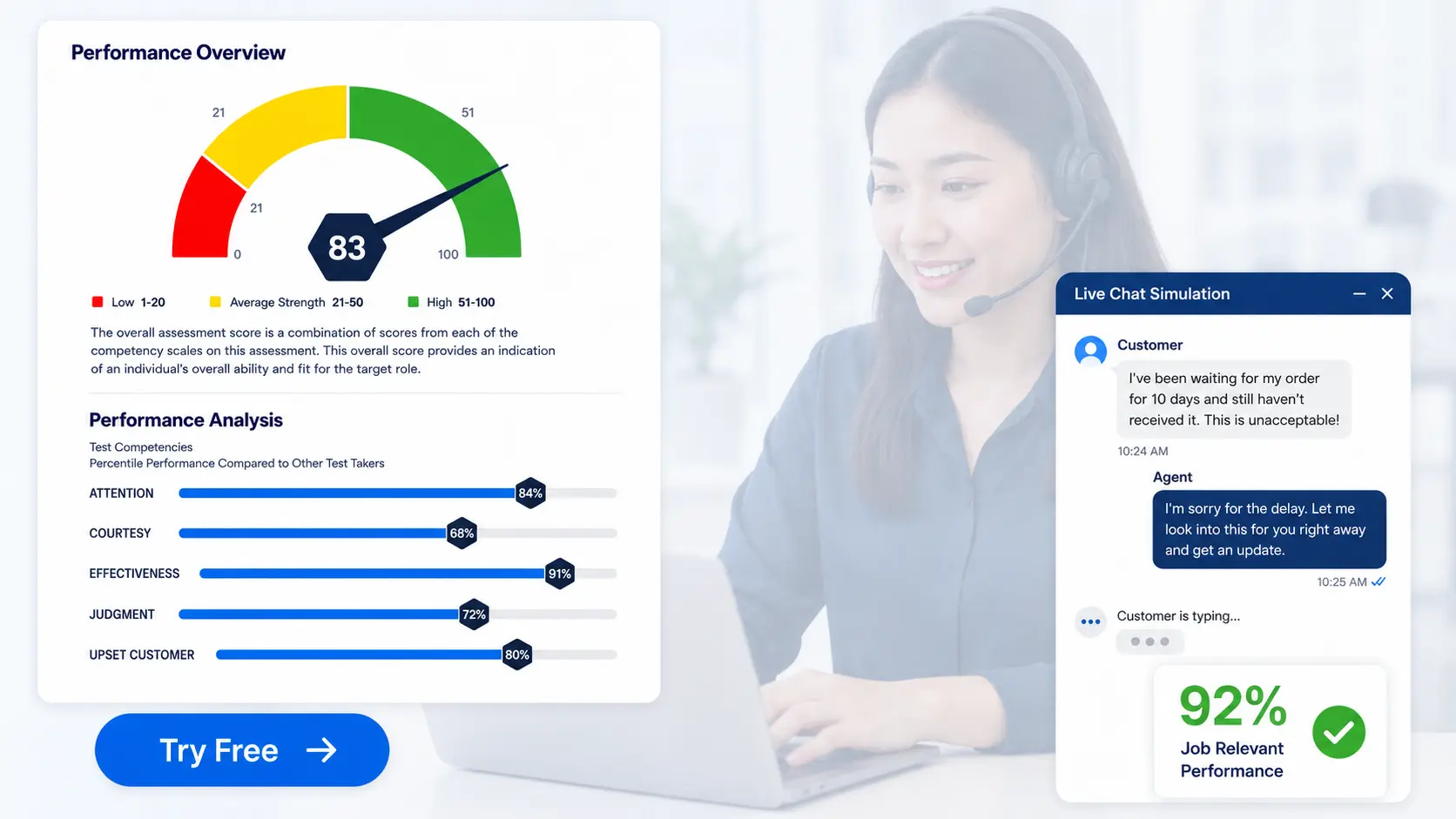
The Chat Support Assessment Test is a 15-minute test built around real chat-based customer scenarios. It scores candidates on five areas: Attention, Courtesy, Effectiveness, Judgment, and Upset Customer handling.
Attention checks if the candidate catches and remembers the right details in a conversation.
Courtesy checks their tone and professionalism, even in a tense chat.
Effectiveness looks at how fast they solve the actual problem, not just how fast they type.
Judgment checks their decision-making on tricky, non-obvious issues.
Upset Customer handling checks how they calm someone down without losing the thread of the conversation.

Every completed test generates a score report right in your dashboard. The overall score lands in one of three areas: Low (1 to 20), Average (21 to 50), or High (51 to 100).
You also get a percentile score for each of the five skill areas, so you can see exactly where a candidate is strong and where they need support. This makes it easy to compare candidates side by side instead of relying on gut feel.
For more on how strong customer service skills affect your bottom line, read the cost of poor customer service.
You can run a mock chat test before you commit to anything. The free trial shows you exactly how the chat simulation plays out when you’re testing during the interview process.
You get a complete, scored sample report to review before you send the test to real candidates.
This gives you a clear look at what a strong score looks like on your account. Use it to confirm the chat simulation fits your customer support hiring needs.
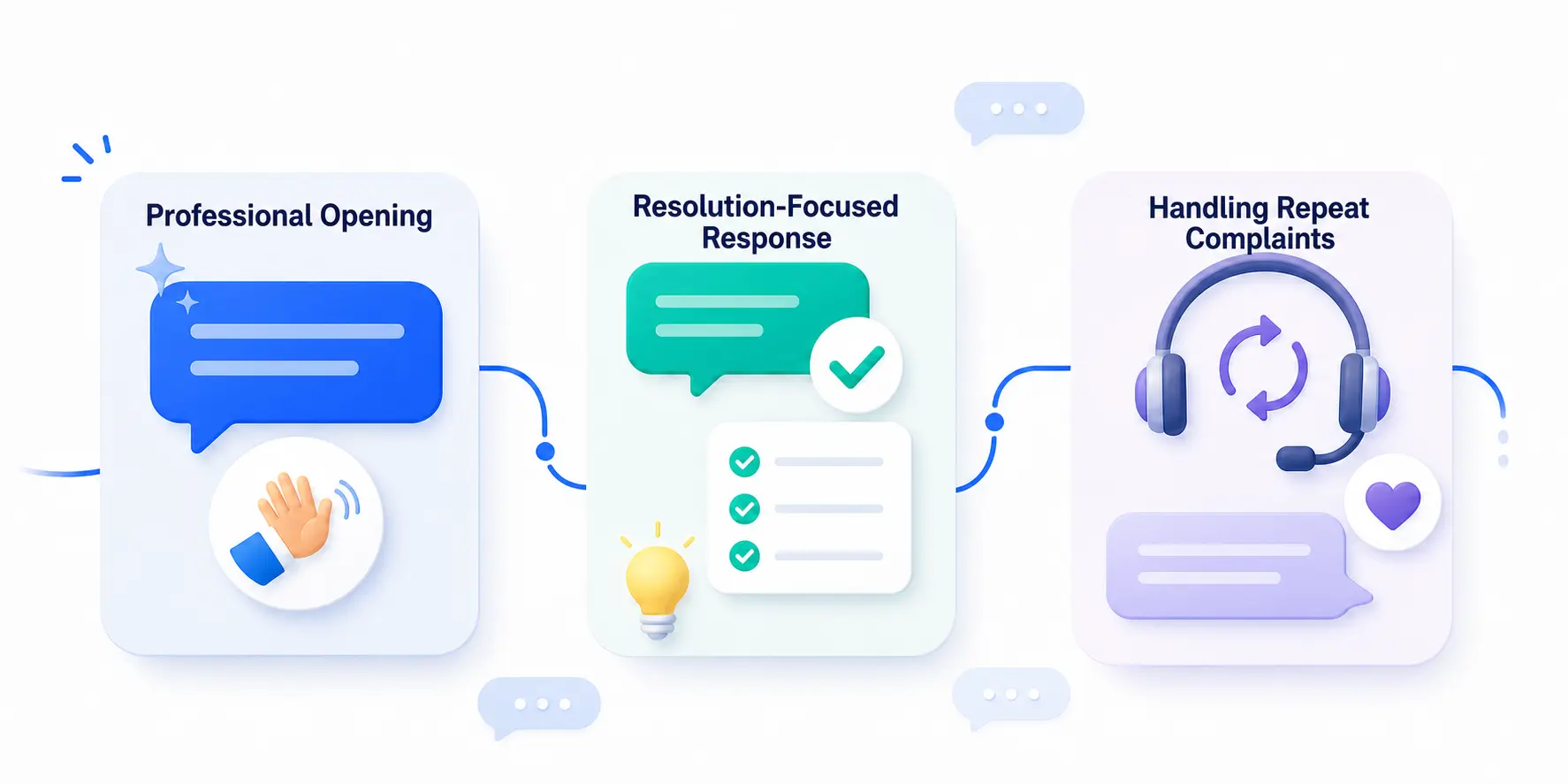
Each question drops you into a live chat with a customer. You read the message, then choose the best response from a short list of options.
Some questions test how you’d open the chat professionally. Others check how you’d close it once the issue is solved, or how you’d handle a customer who keeps repeating the same complaint.
Every answer choice sounds reasonable at first glance. The scoring rewards the response that actually solves the customer’s problem.
Use this test for any job position where an employee handles customers through chat. Chat support and live chat agents are the most direct fit.
Help desk and technical support staff also rely on the same skills, especially Effectiveness and Judgment.
Customer service positions that mix phone, email, and chat benefit too, since Courtesy and Upset Customer handling carry over across channels.
If your team fields written customer conversations all day, this test verifies who’s ready before hiring. For a deeper look at the skills that matter most, read key customer service interview questions.




The test puts you inside a simulated live chat with a customer. You read their message and pick the best response from a short list of options.
Questions cover how to open a chat, how to close one out, and how to handle a customer who’s frustrated or repeating themselves. It takes about 15 minutes to complete.
The report scores five areas: Attention, Courtesy, Effectiveness, Judgment, and Upset Customer Handling. Attention measures how well someone catches and remembers details in a conversation. Courtesy measures tone and professionalism. Effectiveness measures how well they solve the real problem. Judgment measures decision-making on harder issues. Upset Customer handling measures how they calm a frustrated person down.
Yes. The free trial runs you through the same chat simulation candidates see, and gives you a scored sample report to review. This lets you confirm the test format fits your team’s chat support needs before you send it out.
An interview relies on a candidate describing how they’d handle a chat conversation. This test has them actually do it, inside real chat scenarios, so you see their skills in action instead of taking their word for it.
Scores fall into three bands: Low (1 to 20), Average (21 to 50), and High (51 to 100). A High overall score, especially paired with strong Effectiveness and Judgment scores, is a good sign for chat-heavy customer support work.
Pricing is simple and flexible as your needs change. Each test completed uses one test credit. (See pricing for credits)
Yes, just visit Try for Free to provide your information and we’ll send a free sample of the test you request.


