
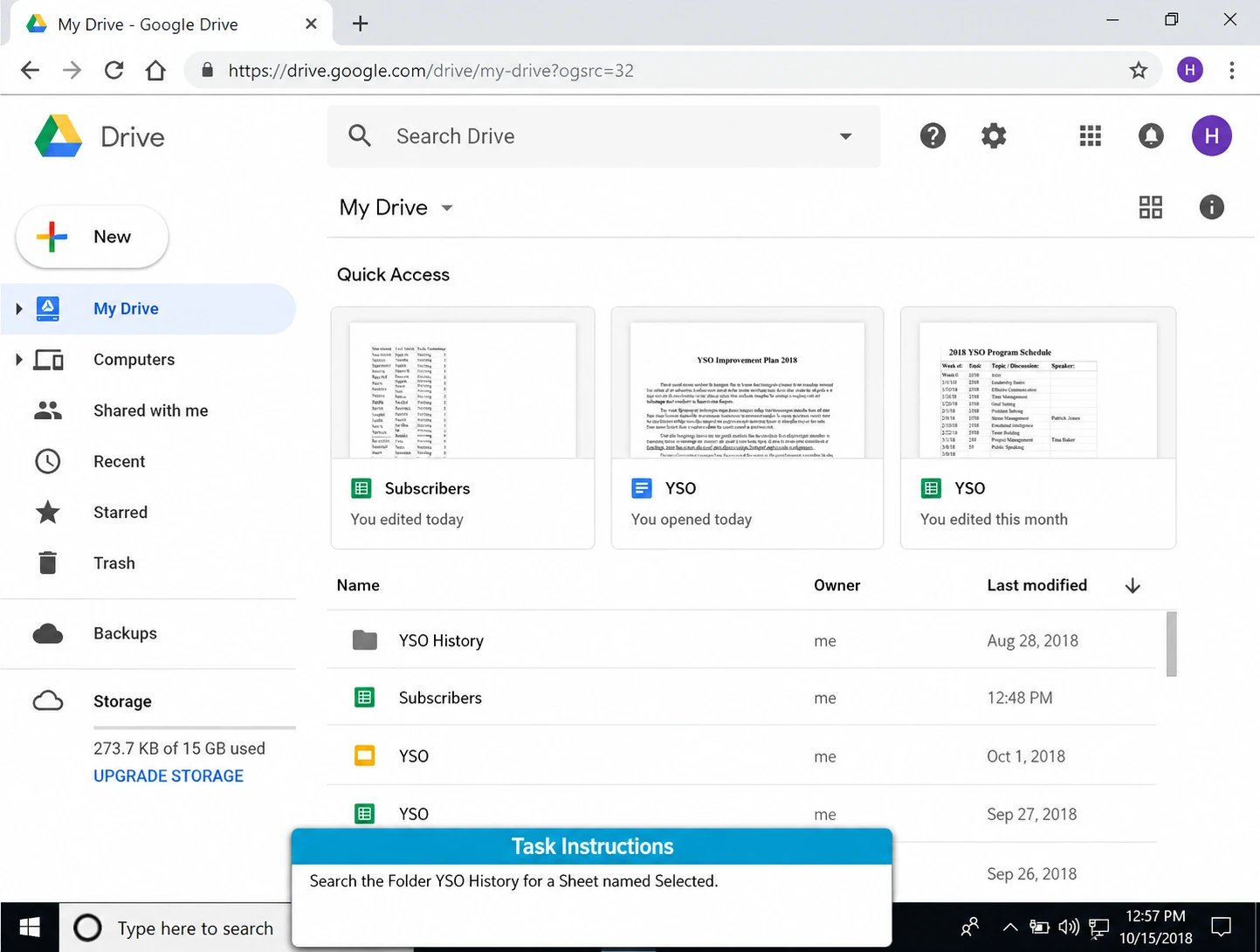


What does the Google Workspace Skills Test cover?
The test covers real tasks in Google Docs, Sheets, Slides, and Drive, split across Basic and Intermediate difficulty levels. It’s built around the day-to-day work of an office job position.
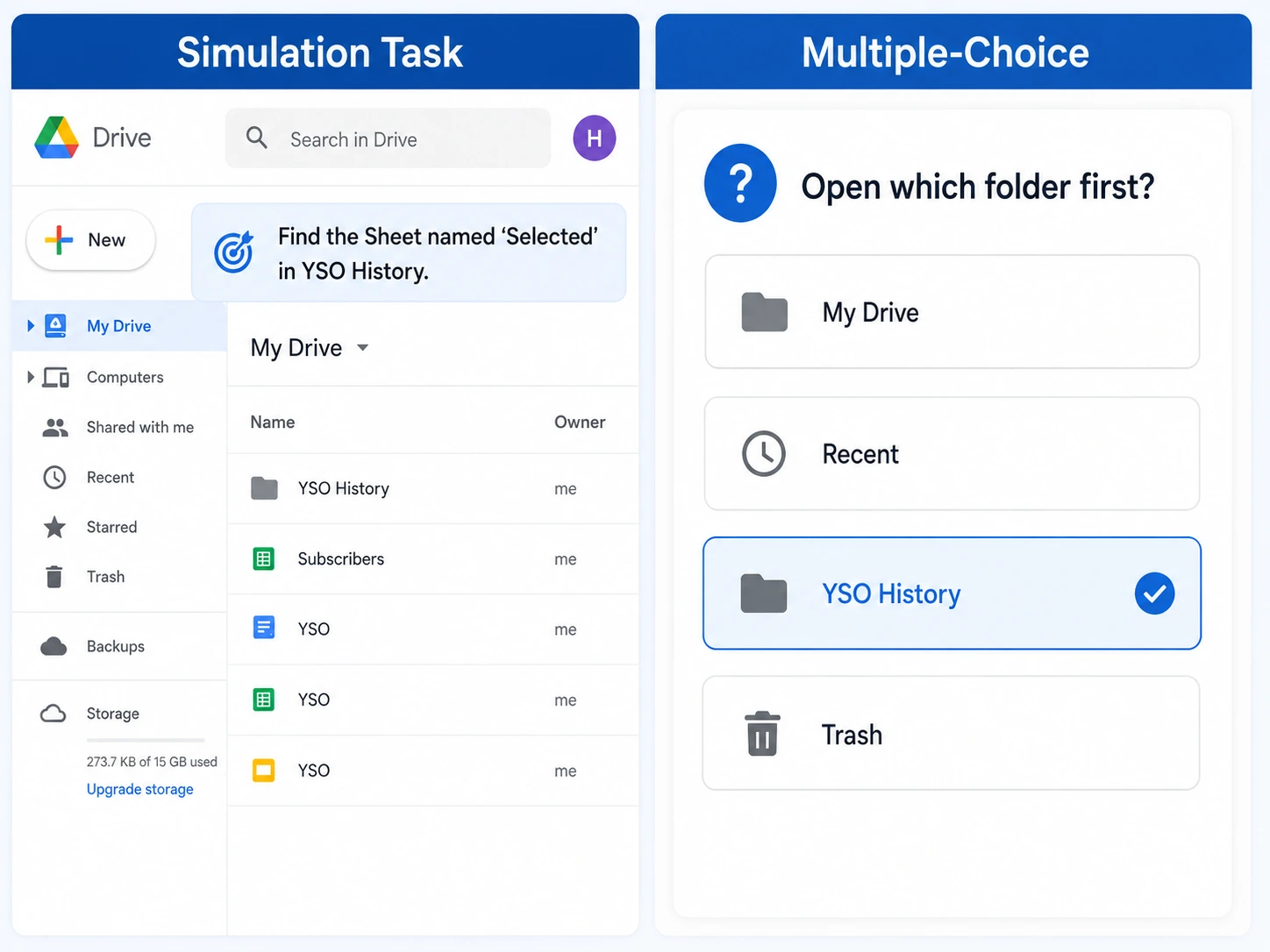
The Google Workspace Skills Test shows you how well a candidate actually works inside Google Docs, Sheets, Slides, and Drive. Candidates complete real, hands-on tasks inside the apps themselves.
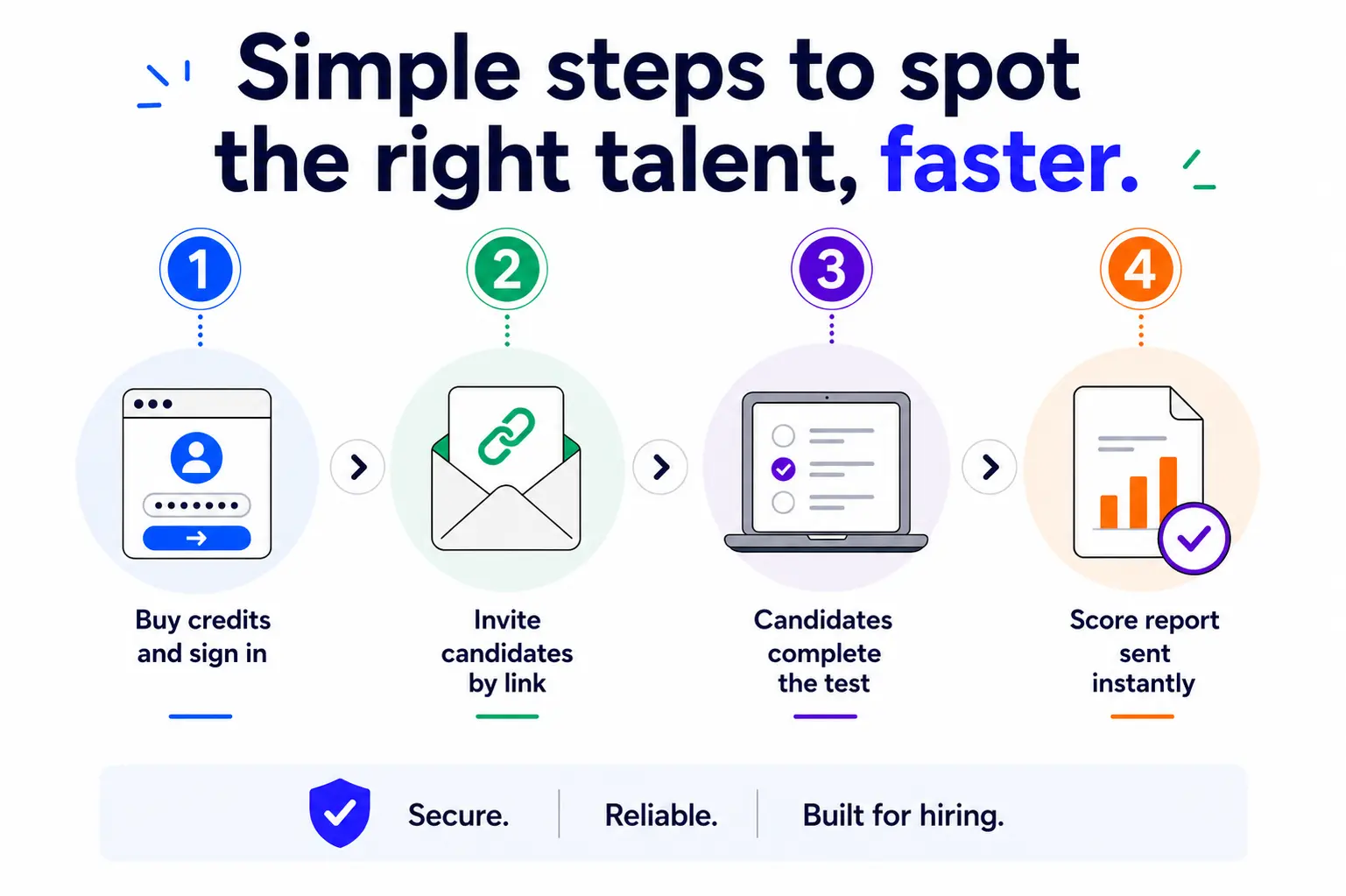
You get an instant score report your team can use before hiring, so you’re comparing verified skills instead of résumé claims.
EmployTest is ideal for occasional or ongoing hiring, with flexible pricing and no long-term contracts.
Every completed test generates a score report your team can read in minutes, with no guesswork about what the numbers mean. Your report includes:
This structure shows you exactly where a candidate is strong, topic by topic.
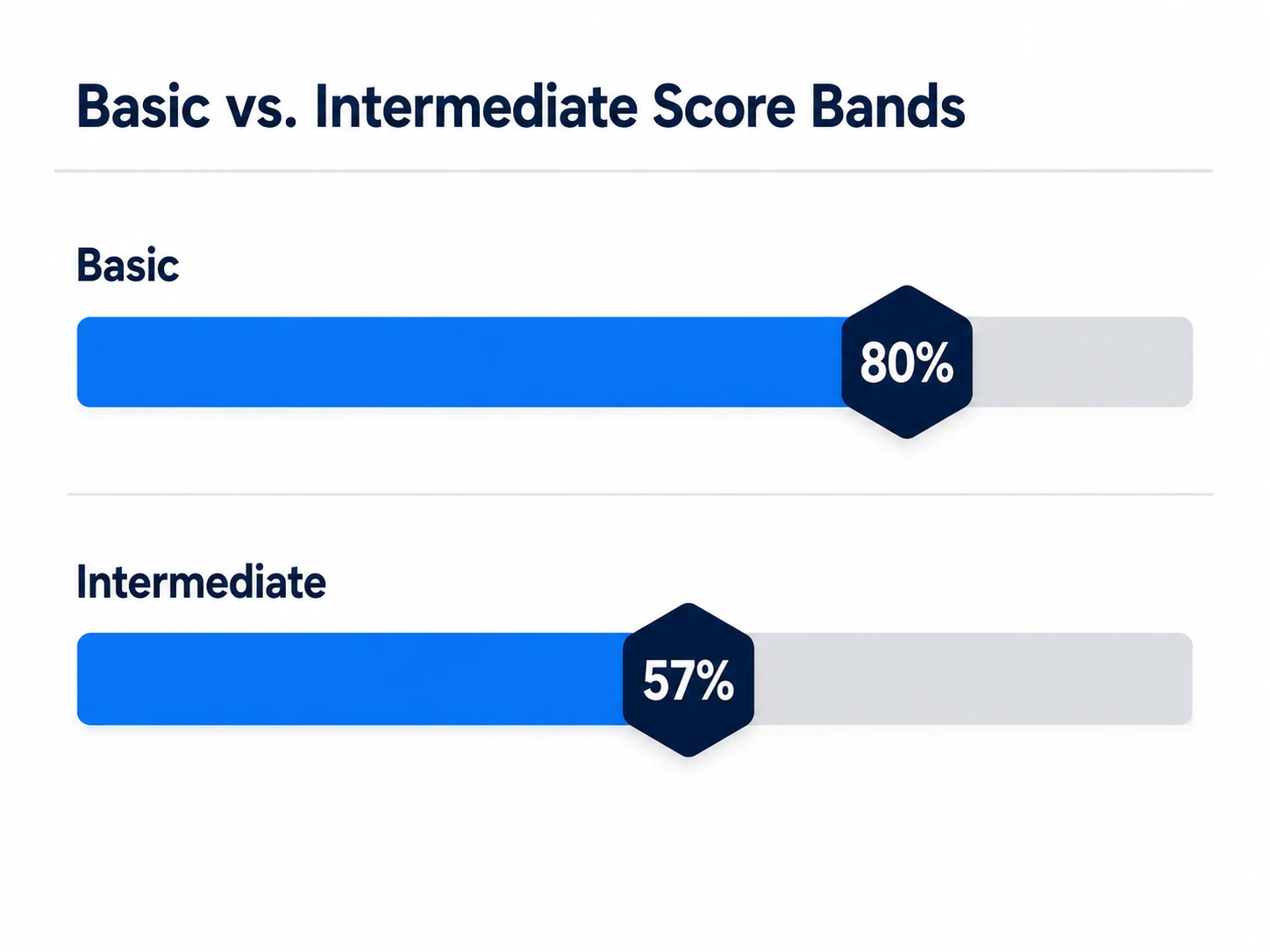
Job positions vary in how much Google Workspace knowledge they need day-to-day. This skills test separates results by difficulty level, so you can match the score to the job.
Basic-level questions cover core tasks like saving a file, sharing a document, and formatting text. Intermediate questions test file management, sharing permissions, and multi-step work like sorting data or building a chart.
A candidate who scores well on basic tasks is often ready for entry-level admin work. A candidate who also scores well on intermediate tasks is ready for a job position with heavier day-to-day Google Suite use.
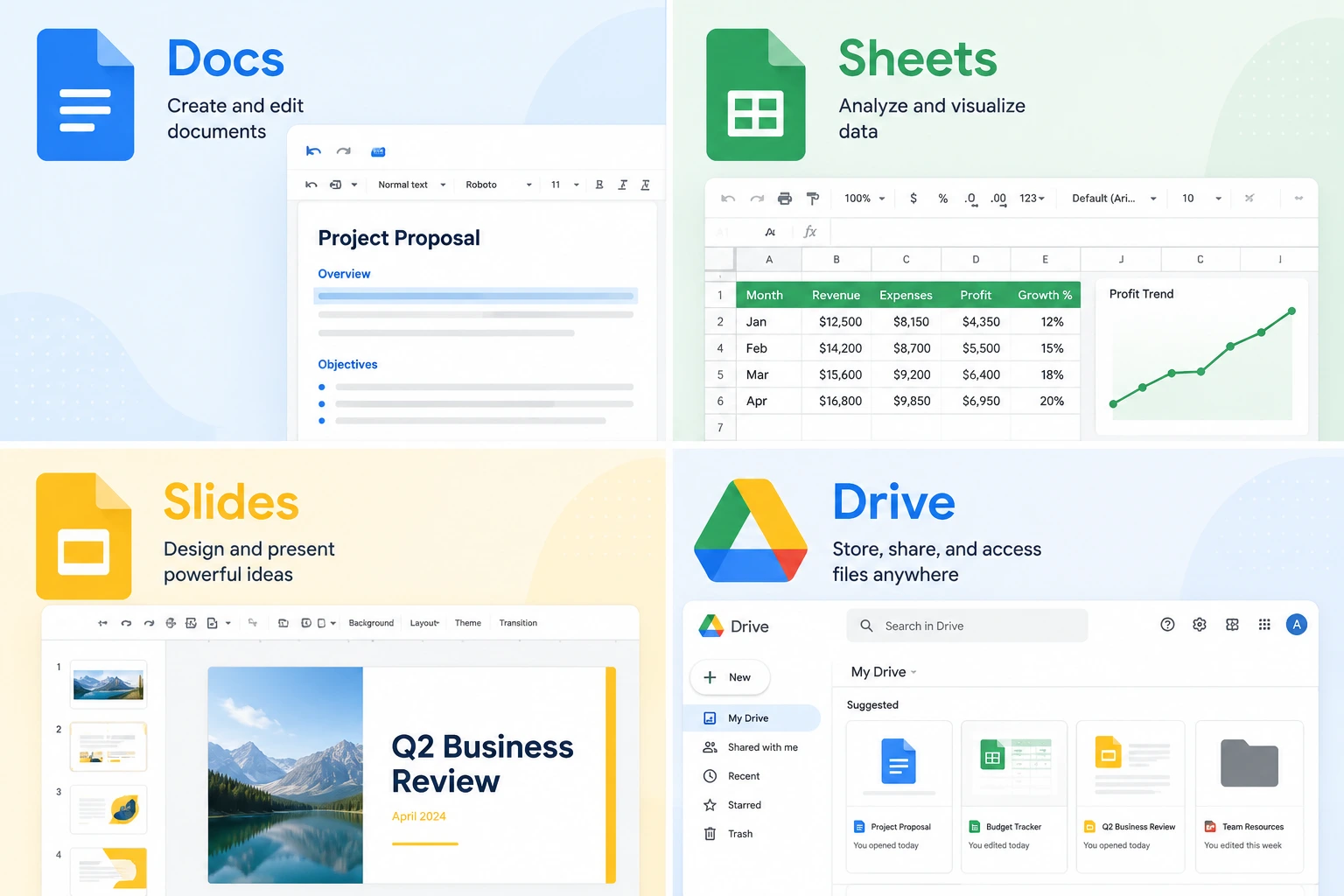
The test covers real, job-relevant tasks in each core Google Workspace application:
Docs – formatting text, inserting page breaks, using find and replace, and managing document layout
Sheets – building formulas, sorting data, formatting cells, and creating charts
Slides – adding text boxes, changing layouts, inserting shapes, and running a slide show
Drive – managing files and folders, setting sharing permissions, and locating saved documents
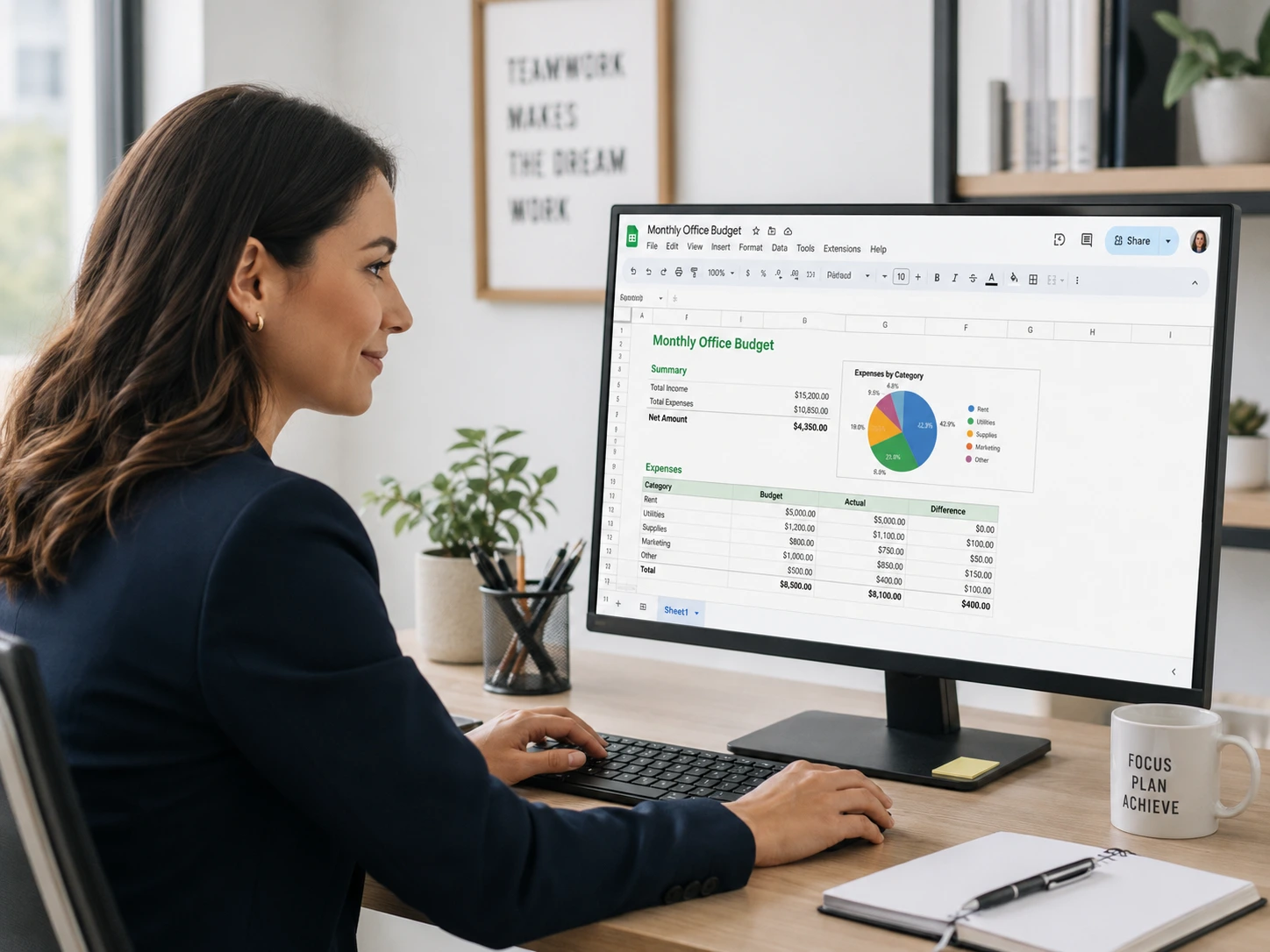
This test works well for entry-level admin assistants, office coordinators, and other job positions that rely on Google Docs, Sheets, and Drive daily.
It also helps hiring teams screen for general digital skill before an interview. Not every applicant is as computer proficient as their résumé suggests, which is exactly why a hands-on skills test is worth the few minutes it takes.
Résumé claims about computer skills are hard to verify on their own. SHRM research shows digital skill gaps show up at every level of the workforce, not only in IT-focused job positions.
O*NET, the U.S. Department of Labor’s occupational database, lists learning new office technologies as a core duty for administrative assistants and secretaries. That makes hands-on Google Suite testing directly relevant to the job.
Testing real tasks inside Google Docs, Sheets, and Drive gives you proof of ability before hiring.

The Google Workspace Skills Test has candidates complete tasks inside real Google apps.
Such work sample tests are among the strongest predictors of job performance, according to research summarized by SHRM.
A candidate who can actually format a sheet or move a file in Drive shows you real, usable skill you can act on right away.
Pair this test with a Cognitive Ability Test or an Attention to Detail Test for a fuller picture of how a candidate thinks and works, then add this test to confirm hands-on Google Suite skills.
If your job positions are split between Google and Microsoft tools, compare Google Suite skills against Microsoft Office skills to decide which test fits your hiring process.

What does the Google Workspace Skills Test cover?
The test covers real tasks in Google Docs, Sheets, Slides, and Drive, split across Basic and Intermediate difficulty levels. It’s built around the day-to-day work of an office job position.
Who should take this test?
It works best for entry-level admin assistants, office coordinators, and other job positions where Google Docs, Sheets, and Drive are part of the daily workload.
How is the test scored?
Each candidate gets a percentile ranking against all test takers, a breakdown by difficulty level, and a topic-by-topic score across Docs, Drive, Sheets, and Slides.
Is this the same as a Microsoft Office skills test?
This test focuses only on Google Docs, Sheets, Slides, and Drive. For Microsoft-based job positions, pair it with a Word and Excel skills test instead.
Can I compare candidates who took the test on different days?
Yes. Every score report includes a percentile ranking against all past test takers, so you can compare candidates fairly even when they didn’t test on the same day.
How much does this cost?
Pricing is simple and flexible as your needs change. Each test completed uses one test credit. (See pricing for credits)
Can I get a free sample before I purchase?
Yes, just visit Try for Free to provide your information and we’ll send a free sample of the test you request.


