








EmployTest Logo

Data Entry Audio Pre-Employment Test

The Data Entry Audio Pre-Employment Test measures how accurately and quickly an applicant can enter information they hear, not just information they read.

Candidates listen to short audio clips, such as a customer call or a set of order details, and type what they hear into onscreen fields. The test times each response and scores speed, accuracy, and error rate the same way a live call center or transcription job would.

EmployTest sells test credits pay-per-test in blocks, so you only pay for the tests you run. No annual license and no long-term contract required, which makes it perfect for small to medium sized companies, whose hiring needs change monthly.

★★★★★ 4.7/5 from 144+ HR teams on Capterra
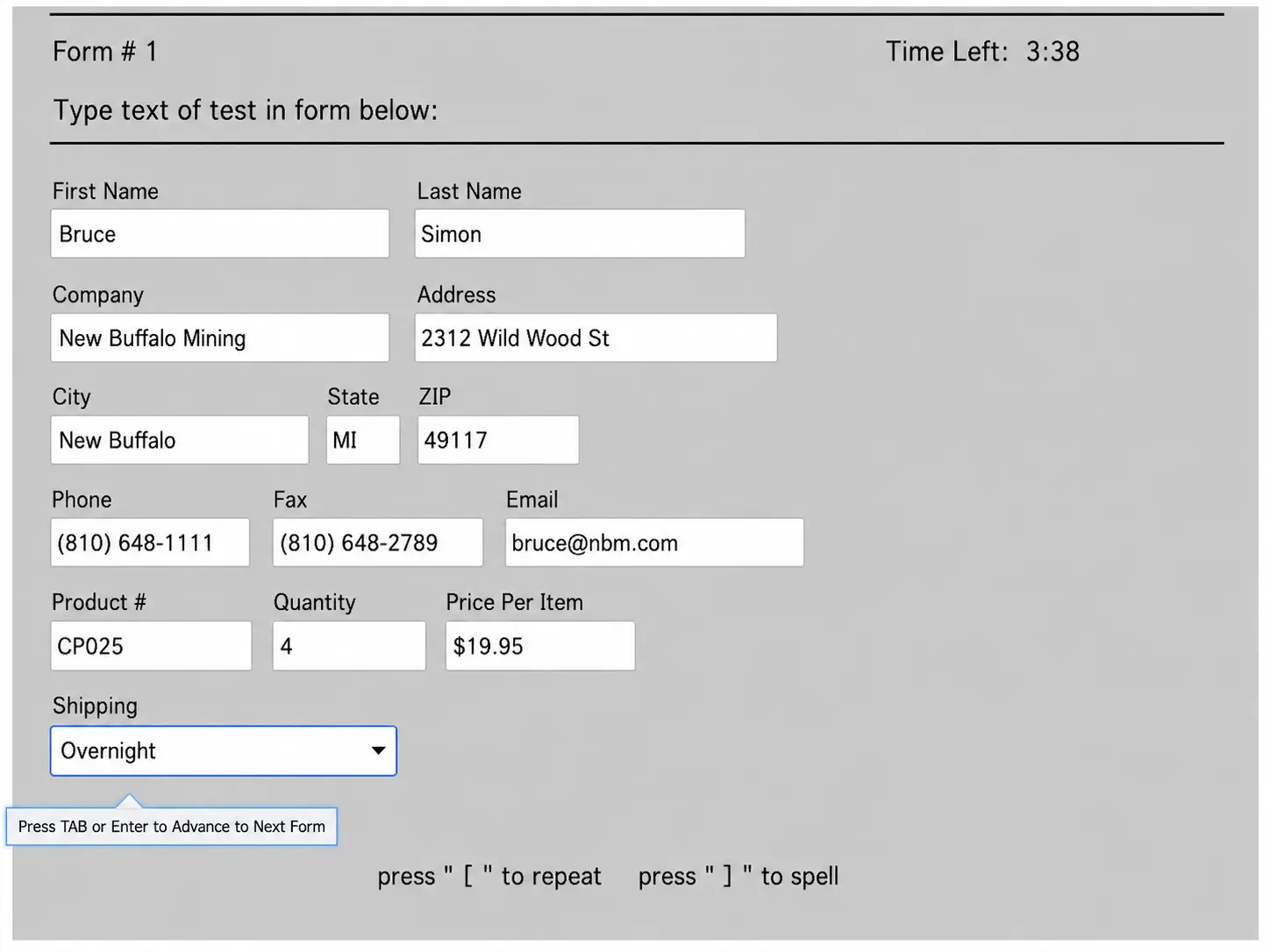
Data Entry Audio Pre-Employment Test sample question screen
Trusted by HR Professionals

What Is a Data Entry Audio Assessment Test?

A data entry audio assessment test checks how well someone can turn spoken information into typed records.

The applicant listens to a recording and types what they hear into a form, the same way they would on a live call or order line.

The test grades two things at once: typing speed in keystrokes per hour, and accuracy, by comparing what the applicant typed against the audio. Listening speed and written accuracy are core requirements for these positions, so testing both together gives a more complete picture than a plain typing test.

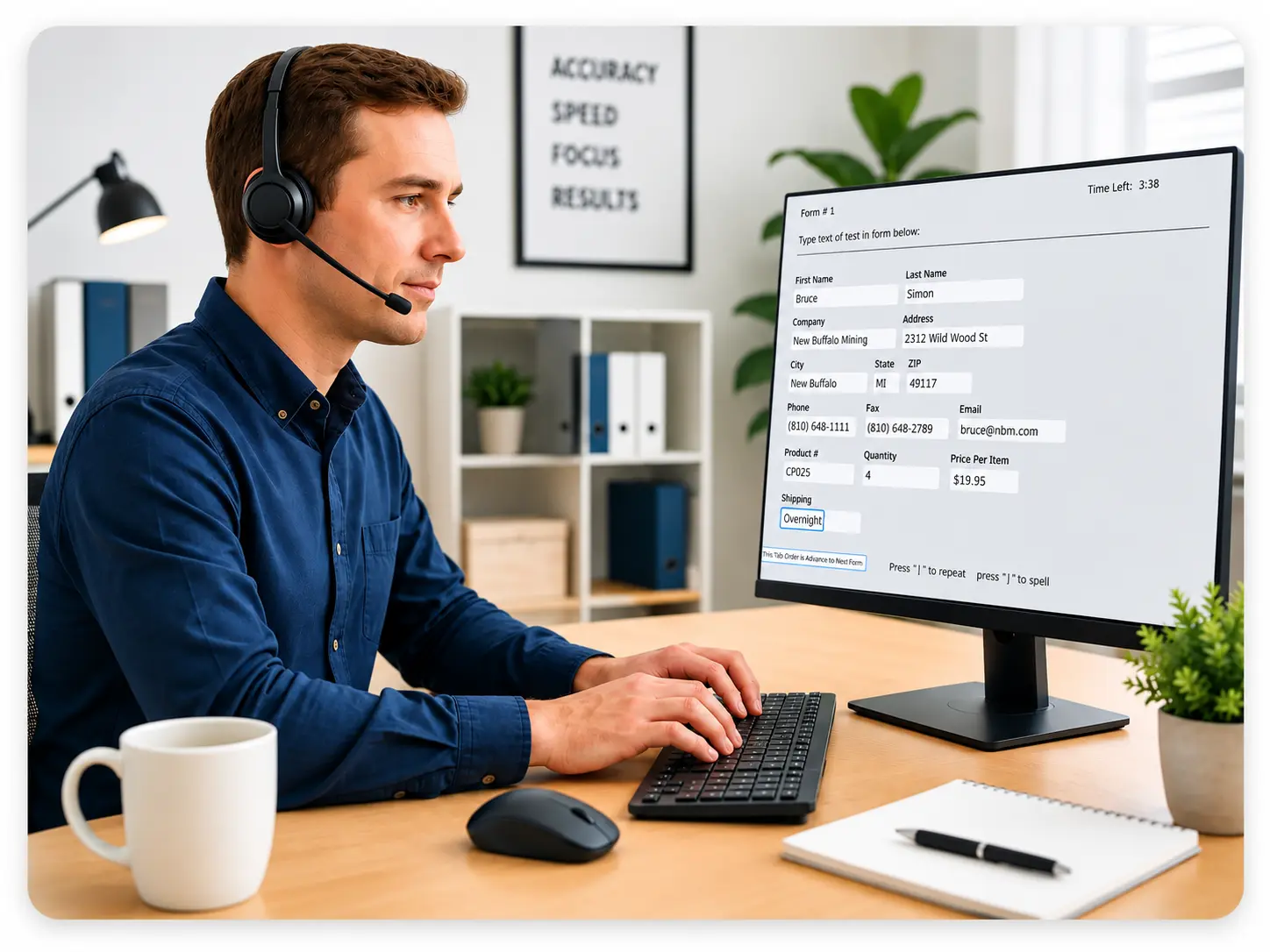
Employee listening to an audio clip while completing a data entry test

Why You Need a Pre-Employment Data Entry Test

Interviews don’t catch typing problems. A candidate can have years of call center experience and still make costly mistakes when handling real calls or orders.

The Society for Human Resource Management notes that hiring costs climb fast when a hire doesn’t work out, once you count retraining, lost productivity, and the search to replace them.

A pre-employment data entry test gives you a number instead of a guess. You see the applicant’s real speed and accuracy before hiring, not after training starts.

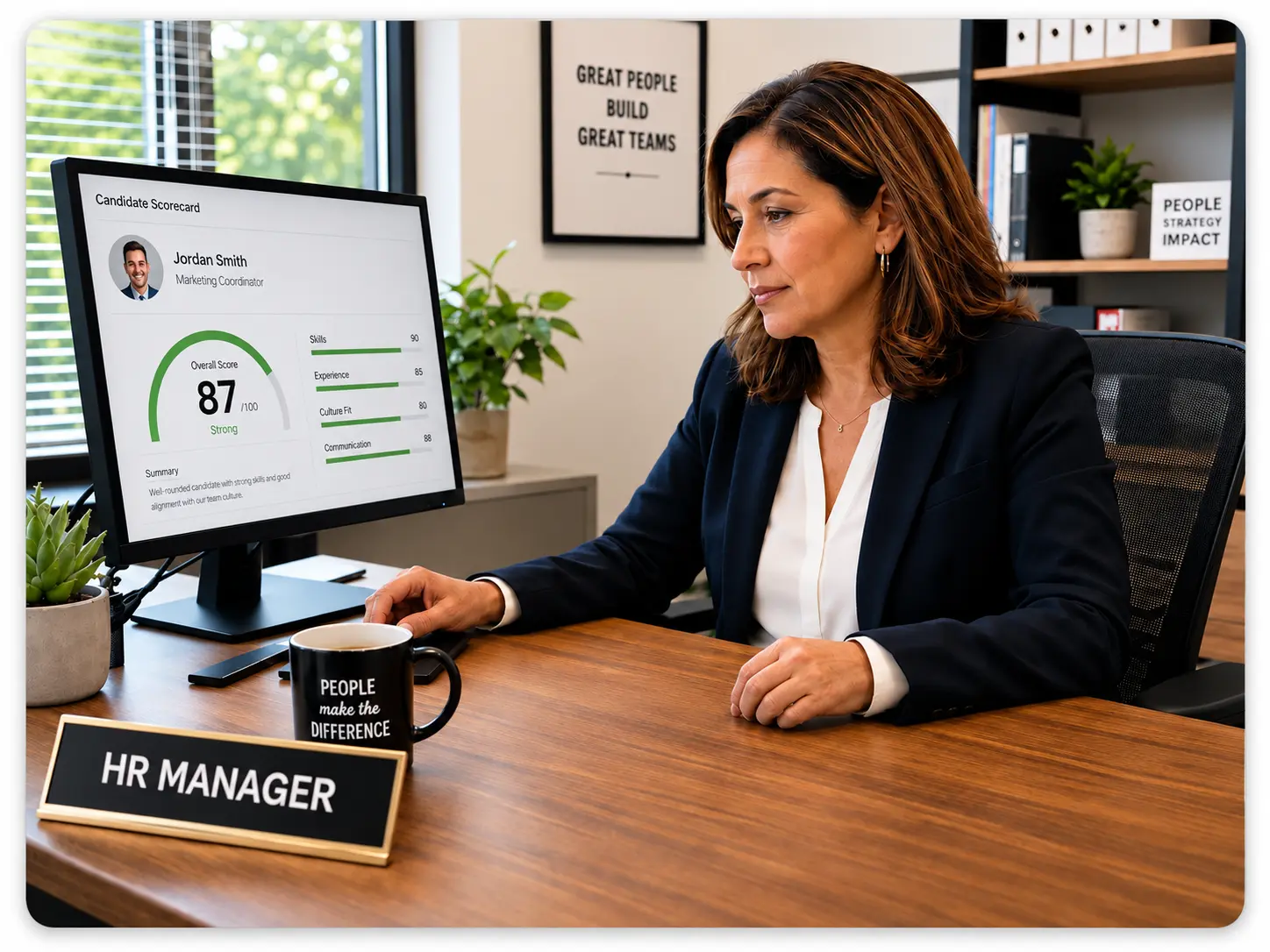
Hiring manager comparing candidate scores before making a hiring decision

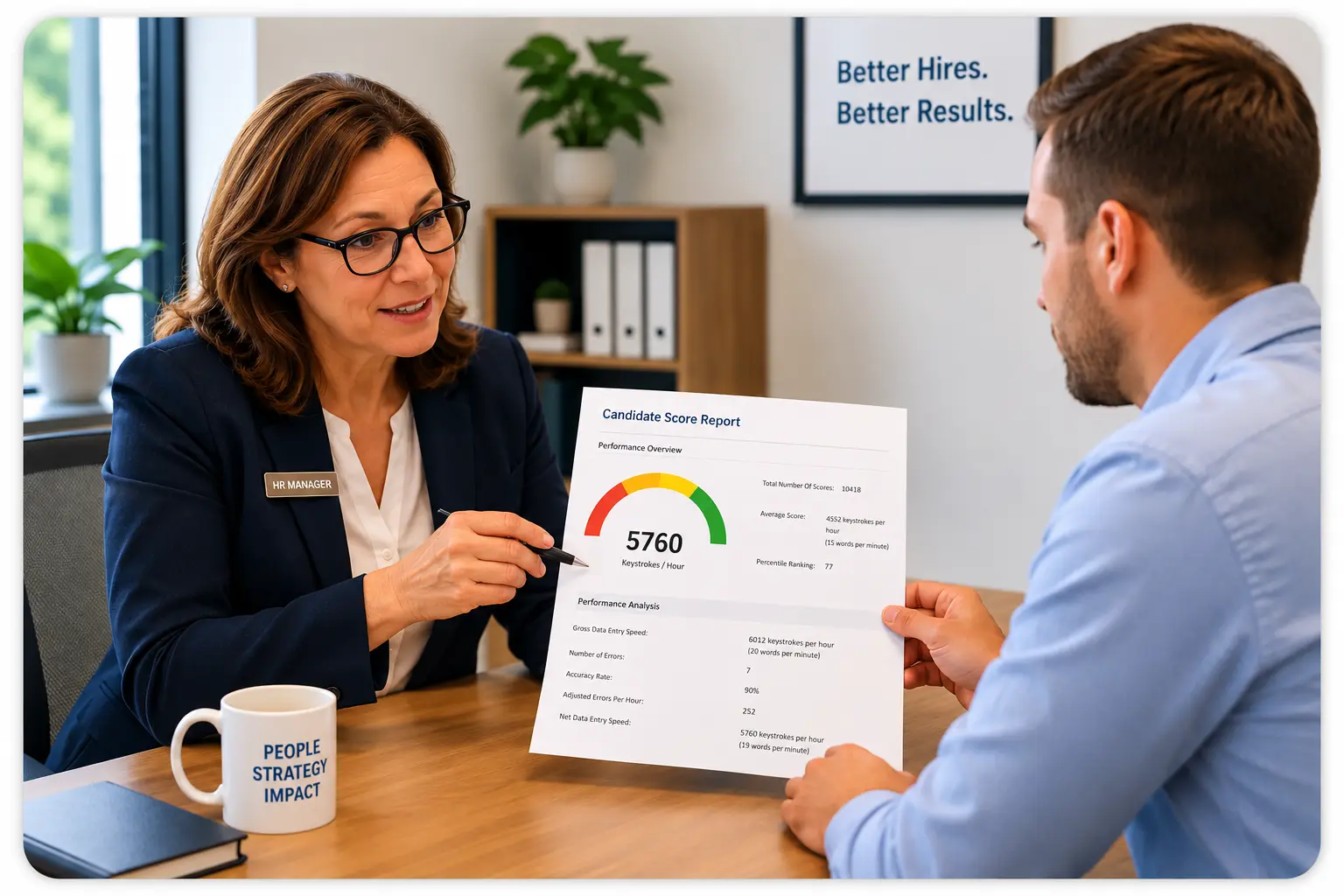
What Your Score Report Shows

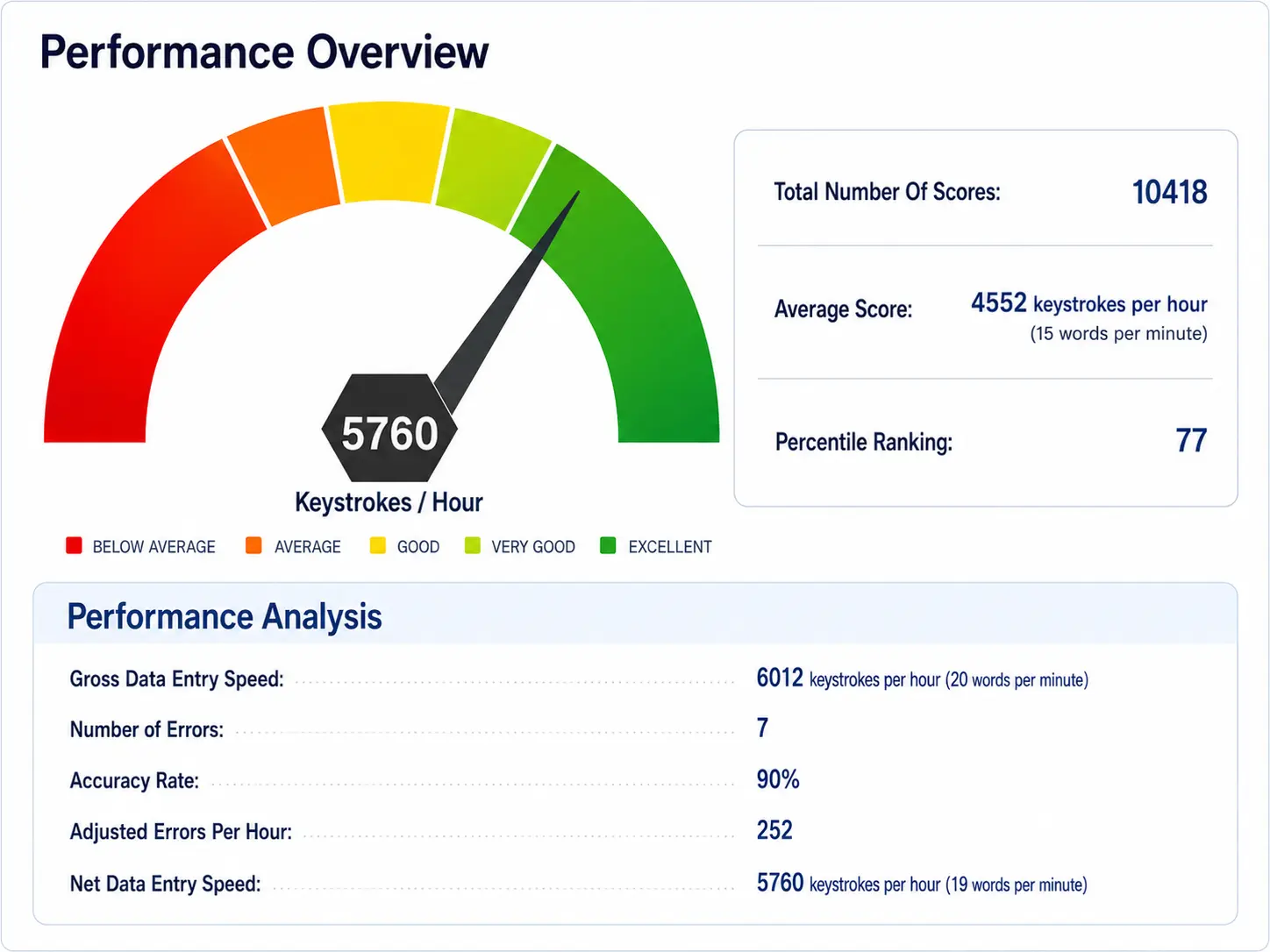
Every completed test generates a score report your team can review right away. Reports include:

  1. Gross and net data entry speed, shown in keystrokes per hour
  2. Accuracy rate and total number of errors
  3. A five-band performance bar: Below Average, Average, Good, Very Good, and Excellent
  4. Percentile ranking against other test takers

To understand which abilities matter most in data accuracy and efficiency, learn more about key data entry skills to assess.

How This Test Helps You Spot the Right Fit

The data entry audio pre-hire test supports faster hiring decisions. It:

  • Pinpoints applicants with strong listening and typing skills
  • Filters out low-accuracy scorers early
  • Cuts down the time your team spends reviewing unqualified applicants
  • Lets your interviewers focus on candidates who can already do the job

To learn more about building typing accuracy into your process, see using typing tests for hiring.

Employee transcribing audio into a data entry system at her desk

Using This Test Before Interviews

Many hiring teams run this test before scheduling interviews, not after. Only applicants who meet your speed and accuracy bar move forward to a conversation.

This saves interview time for candidates who can already do the job. It also gives interviewers something concrete to ask about, like how the candidate handled a tricky audio segment or a name they had to spell from sound alone.

Hiring manager discussing data entry test results before an interview

Good Fit Positions for This Test

This test fits any position where someone converts spoken information into written records. Good fits include:

  • Call center and customer support positions
  • Administrative and office support positions
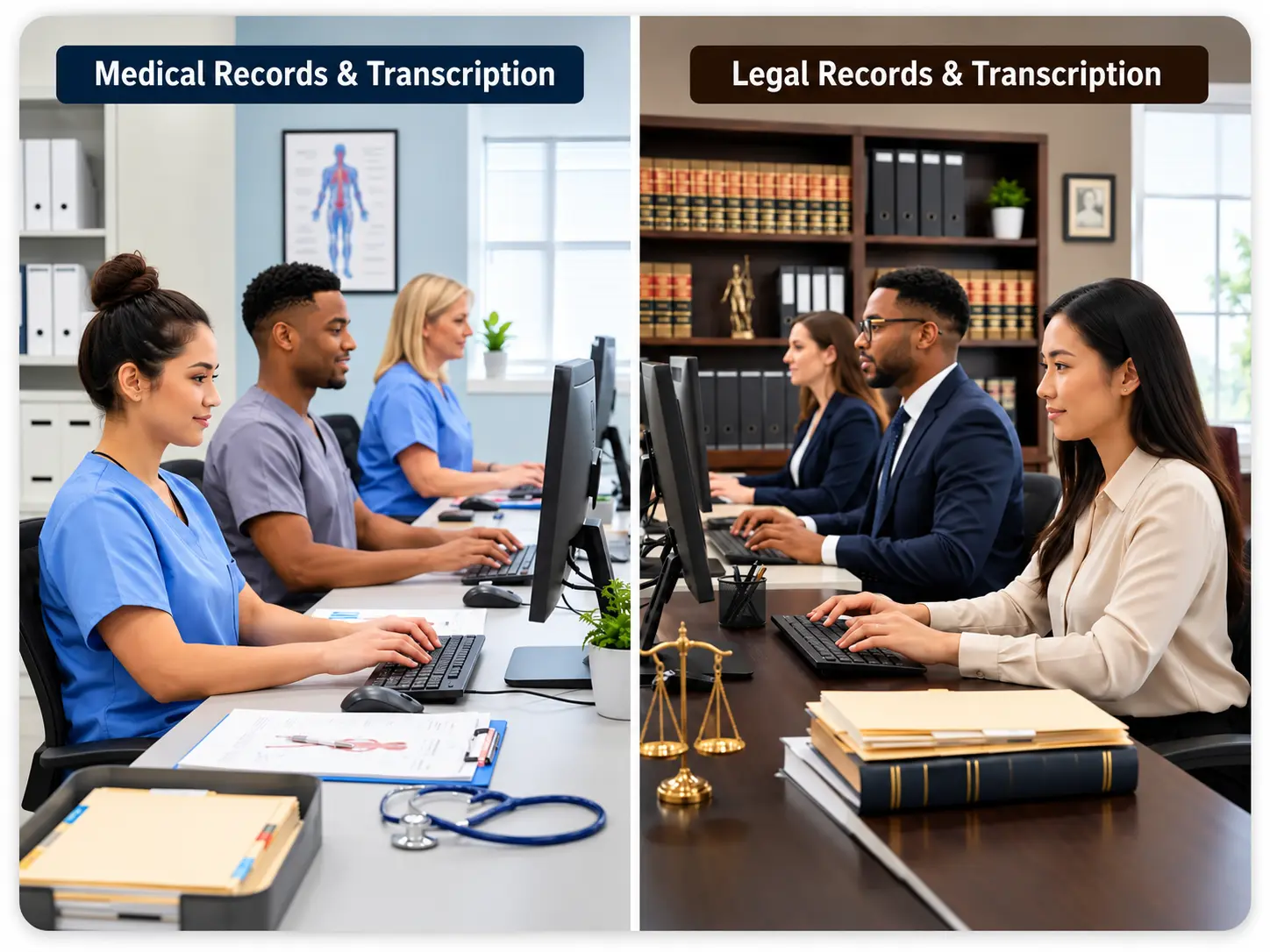
  • Transcription and medical or legal records positions
  • Order processing and logistics positions
  • Staffing agency placements for high-volume data jobs

If typing accurately while listening is part of the job, pair this test with a look at the clerical skills your team relies on day to day to confirm you’re screening for the right mix before hiring.

Call center and administrative staff working at computer stations

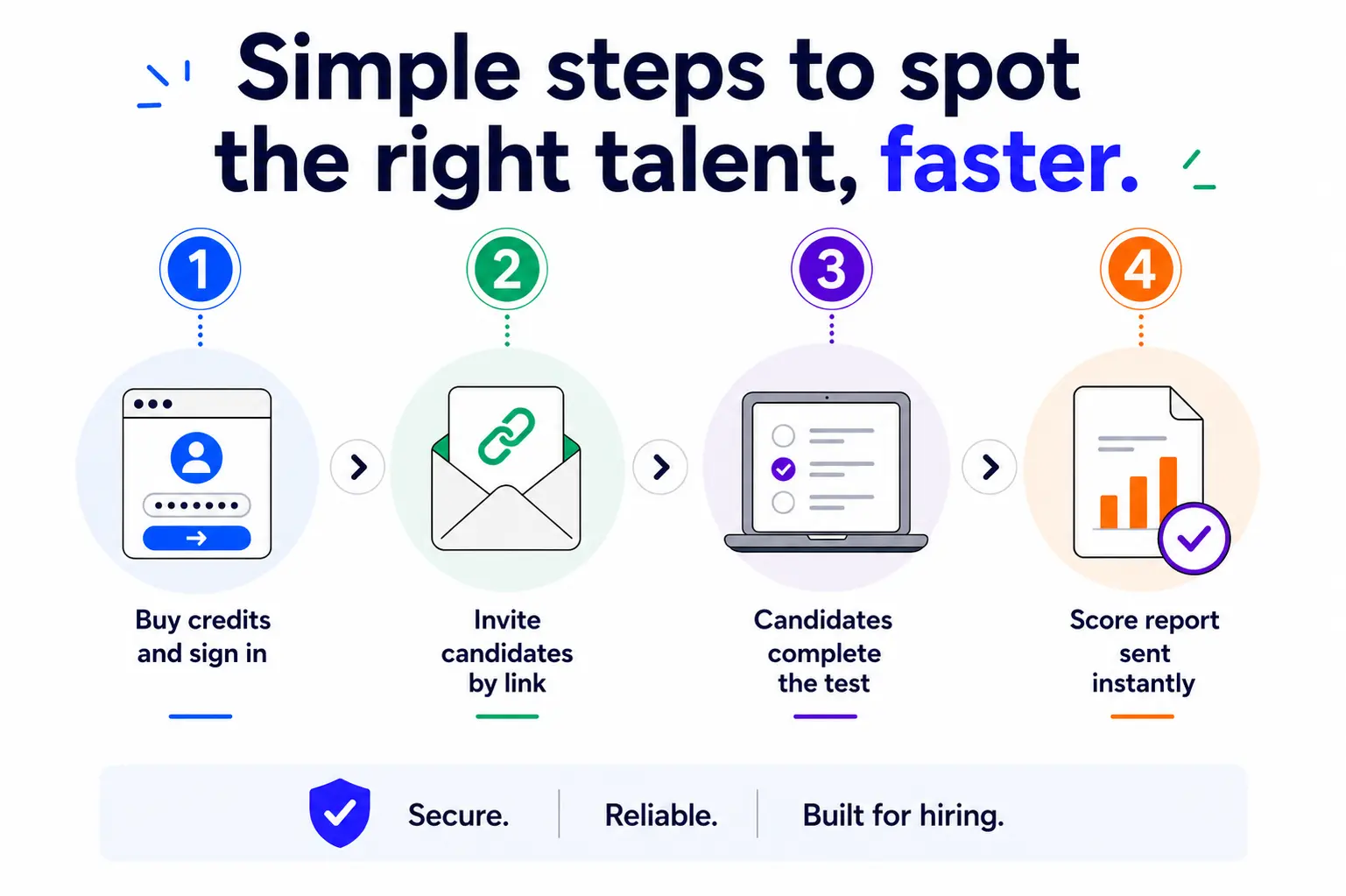
How It Works

  1. Buy test credits, sold pay-per-test in blocks
  2. Sign in to your dashboard
  3. Choose the Data Entry Audio Pre-Employment Test and any others you need
  4. Email the test session to each candidate
  5. Review score reports as candidates finish
Four step process for sending the test and receiving candidate score reports
EmployTest is a top-rated tool on Capterra B2B Software Reviews.
Capterra Badge 2026 300x276
Employtest Award Capterra Best Ease Of Use 300x280
Customer Satisfaction Guaranteed
EmployTest Reviews
What hiring teams say
4.7
★★★★★
144 reviews on Capterra
👤
"Our overall experience with EmployTest has been very good. The representatives, platform, and tests are great."
Stephanie R.
Senior HRG
👤
"The test was exceptionally good. It was what we needed, simple to administer, and the results were delivered directly to your email."
Donna A.
HR Manager
Frequently Asked Questions
What is on the Data Entry Audio Pre-Employment Test?

The test plays short audio clips that applicants listen to and type into onscreen fields. It measures gross and net typing speed, error count, and accuracy rate. Results also include a percentile ranking so you can compare each candidate against your full applicant pool. 

The format mirrors real audio-to-text tasks like taking phone orders or logging customer calls, so the score reflects how a candidate performs under real working conditions, not just how fast they type from a printed page.

What positions is this test recommended for?

It works well for any position that involves converting spoken information into written records, including call center agents, customer support reps, administrative and office support staff, transcriptionists, and order processing positions. It’s also useful for staffing agencies screening candidates for high-volume placements.

How is the score report different from a regular typing test?

A regular typing test usually measures how fast someone can copy printed text. This test adds a listening component, so it measures how well a candidate processes spoken information while typing it accurately. 

The report separates gross speed from net speed, along with an accuracy rate and error count. That distinction matters, because a fast typist with a high error rate can cost you more than a slower typist who gets it right the first time.

When should I use this test in my hiring process?

Most hiring teams run this test early, before scheduling interviews, so interview time goes to candidates who already meet your speed and accuracy bar. You can also use it as a final check before hiring, especially for high-volume positions like call centers, where even a few points of accuracy affect daily output. Running it earlier rather than later saves your team from interviewing candidates who wouldn’t pass the job’s core requirement.

Can I compare results across multiple candidates?

Yes. Every completed test includes a percentile ranking, so you can see how each candidate compares to your full pool of test takers, not just to each other. This makes it easier to shortlist objectively, especially when you’re screening a high volume of applicants for the same position.

How much does this cost?

Pricing is simple and flexible as your needs change. Each test completed uses one test credit. (See pricing for credits)

Can I get a free sample before I purchase?

Yes, just visit Try for Free to provide your information and we’ll send a free sample of the test you request.

How it Works
Wicon 1
BUY TEST CREDITS
Wicon 2
SIGN INTO DASHBOARD
Wicon 3
CHOOSE TESTS
Wicon 4
EMAIL TEST SESSIONS