The Microsoft Windows test for applicants shows you who can actually work in Windows before you hire them.
Most candidates say they know Windows. Then week two arrives and nobody can find the file they saved.
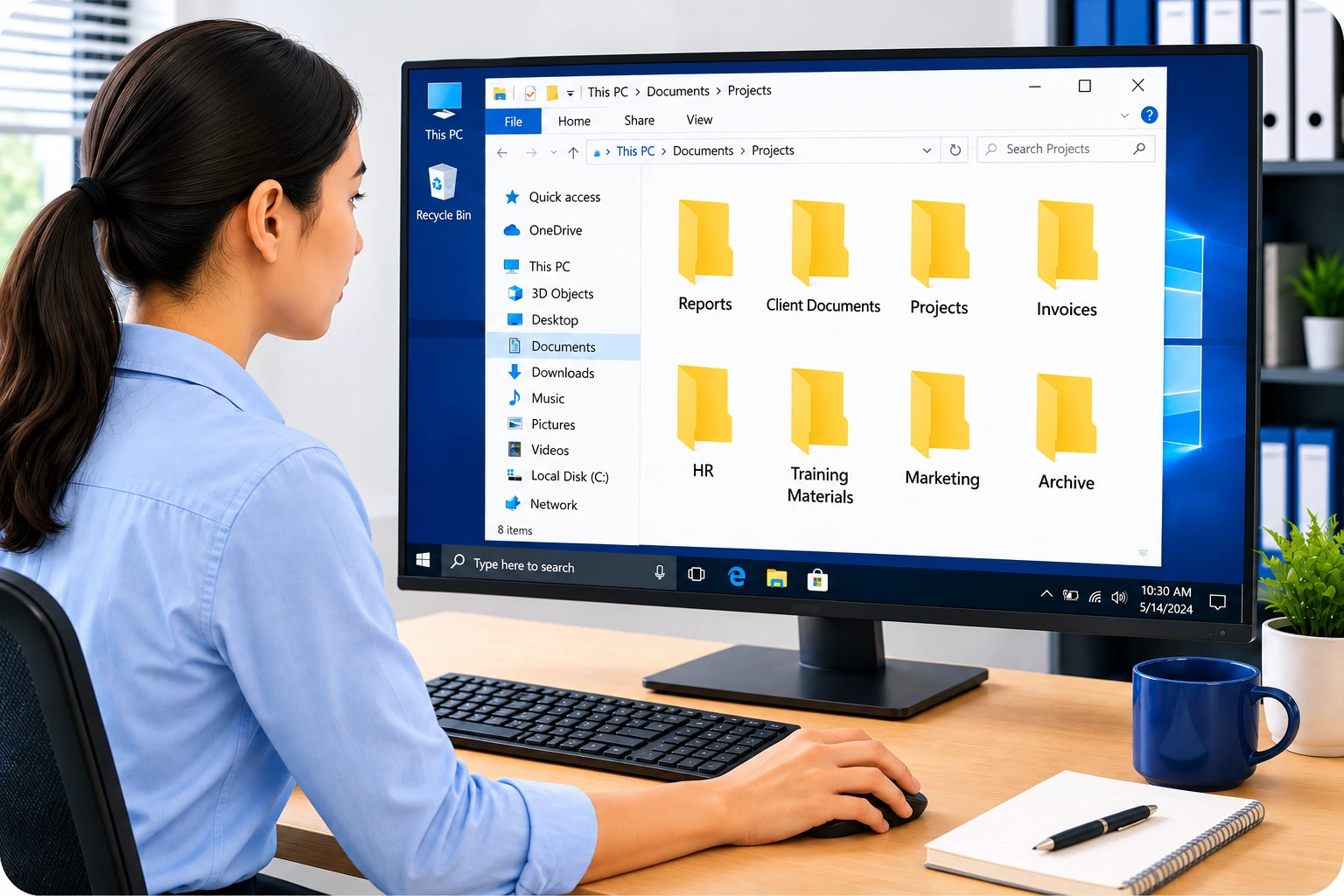
This test gives candidates 35 hands-on tasks inside a simulated Windows screen. Sorting a list of files. Pinning an app to the taskbar.
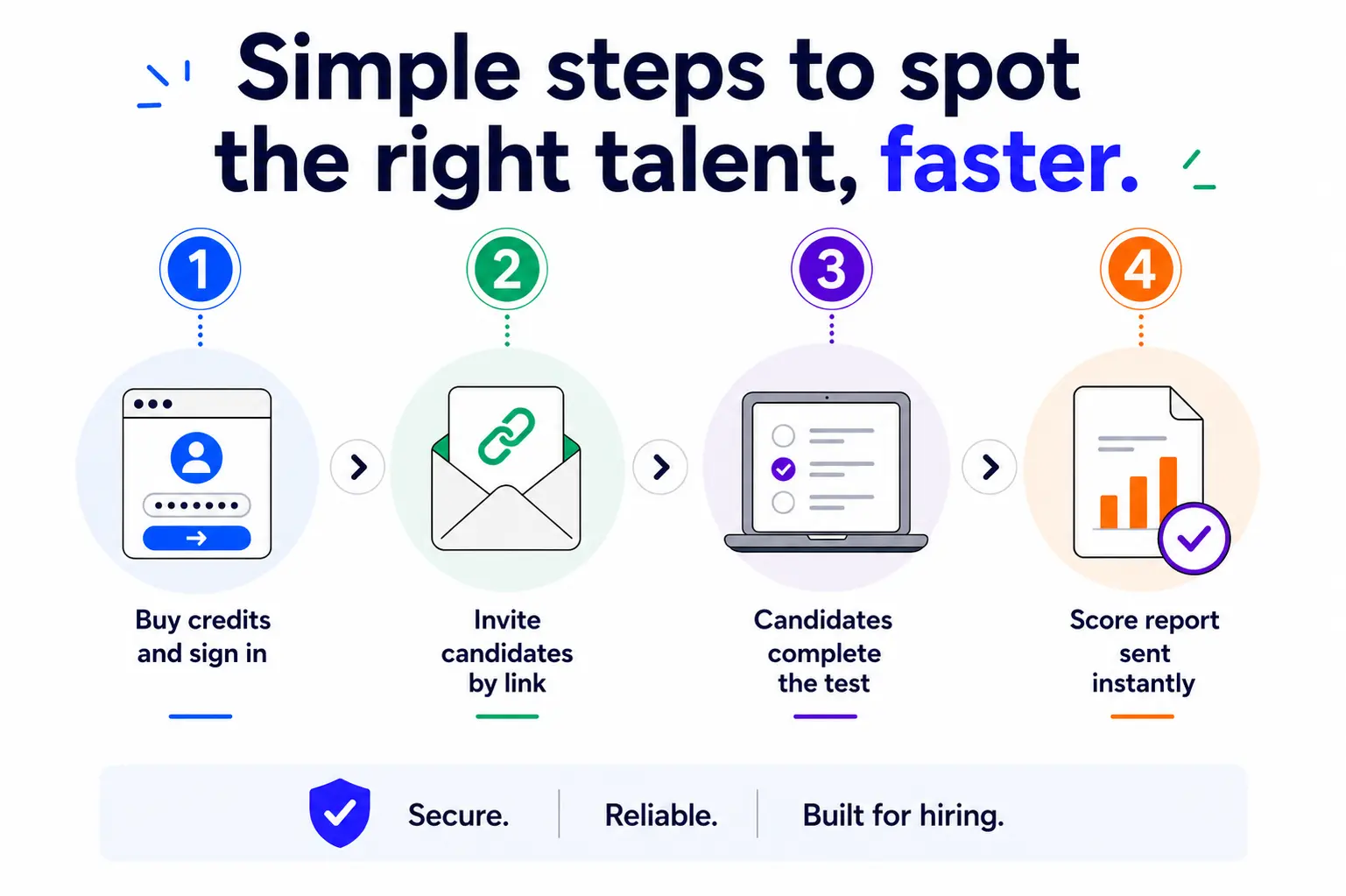
You get a scored report the moment they finish.
EmployTest is perfect for small to medium size organizations, with flexible pay-per-test block pricing and no annual licensing costs.
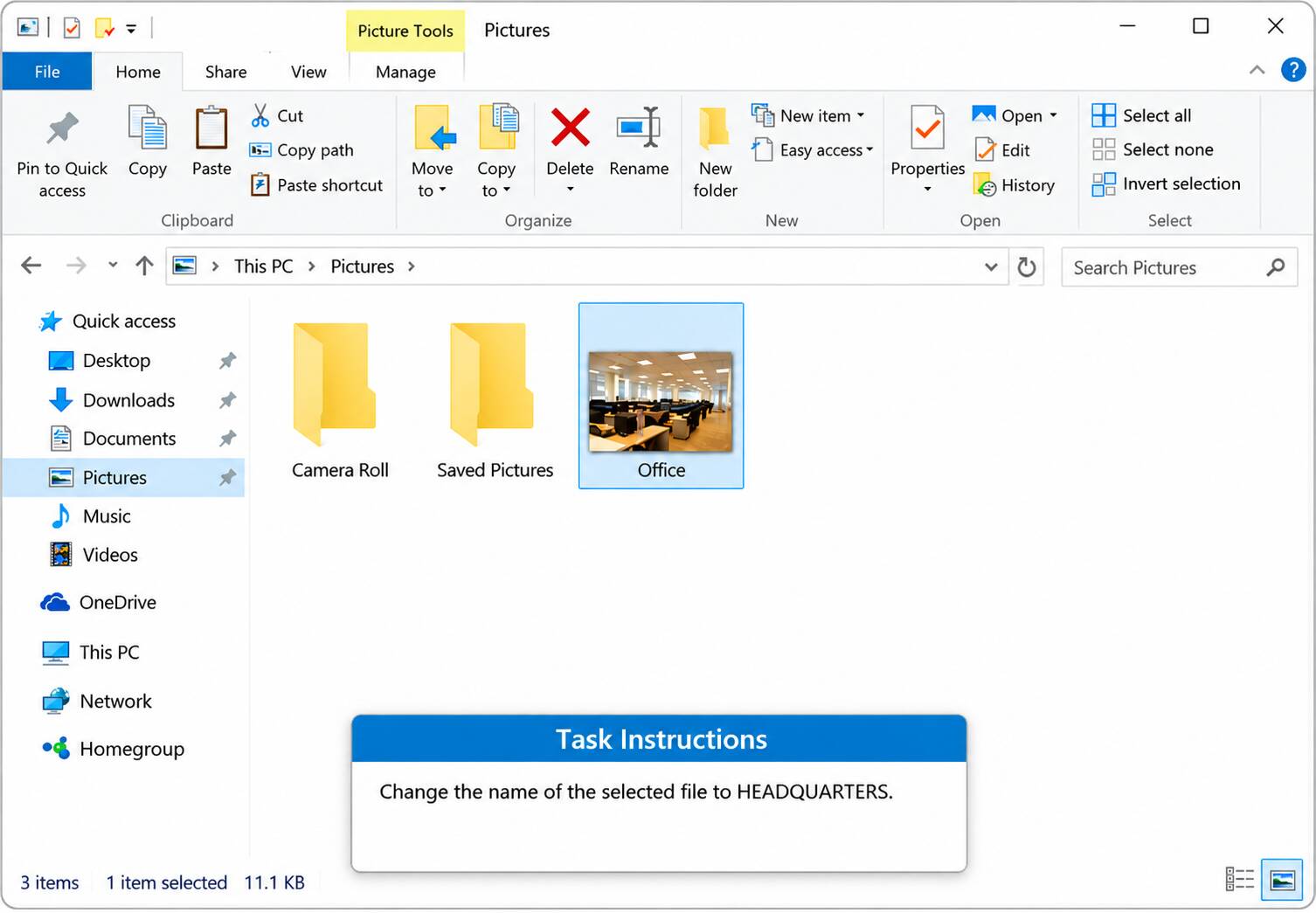








The Windows test has 35 interactive questions grouped into five topic areas.
Files and Disks carries the most weight with 19 questions. That covers searching, sorting, renaming, moving, copying, compressing, and extracting files, plus folder properties and shortcuts.
System Management adds 7 questions on items like screen resolution, the Recycle Bin, and virtual desktops.
Desktop covers 6 questions on window handling, icons, and the taskbar. Networks/Internet has 2 questions and Tools has 1.
Each topic is scored on its own, so you see where a candidate moves quickly and where they get stuck.
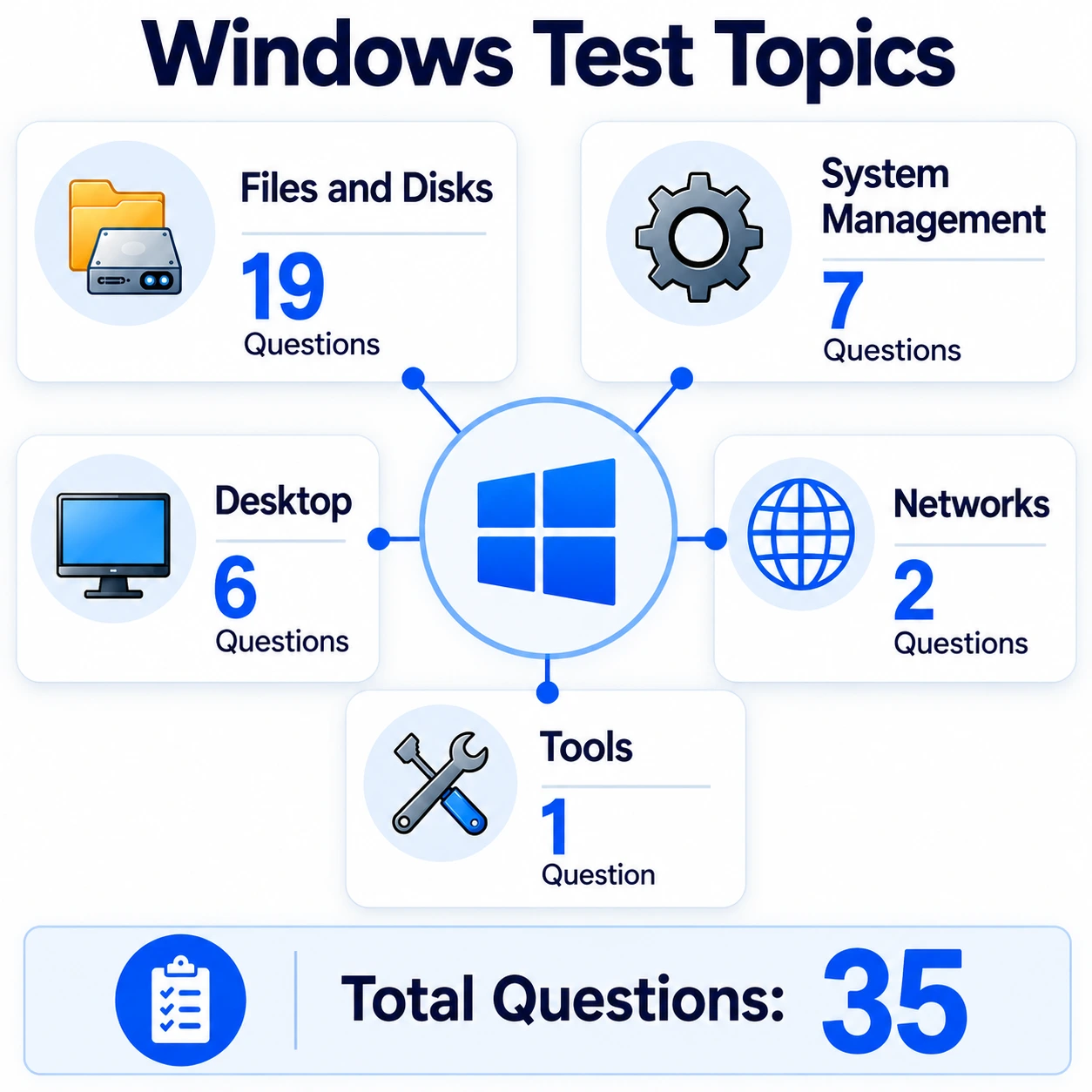
Every question on this basic Windows skill assessment carries a difficulty level. Results come back split three ways.
Of the 35 questions, 21 are Basic, 11 are Intermediate, and 3 are Advanced.
Basic questions cover daily work like starting File Explorer or emptying the Recycle Bin. Intermediate questions ask for things like sorting a file list or changing screen resolution.
Advanced questions cover compressing files and switching users.
You see each level scored separately. Someone can handle the everyday tasks well and still slow down once the work gets more layered.
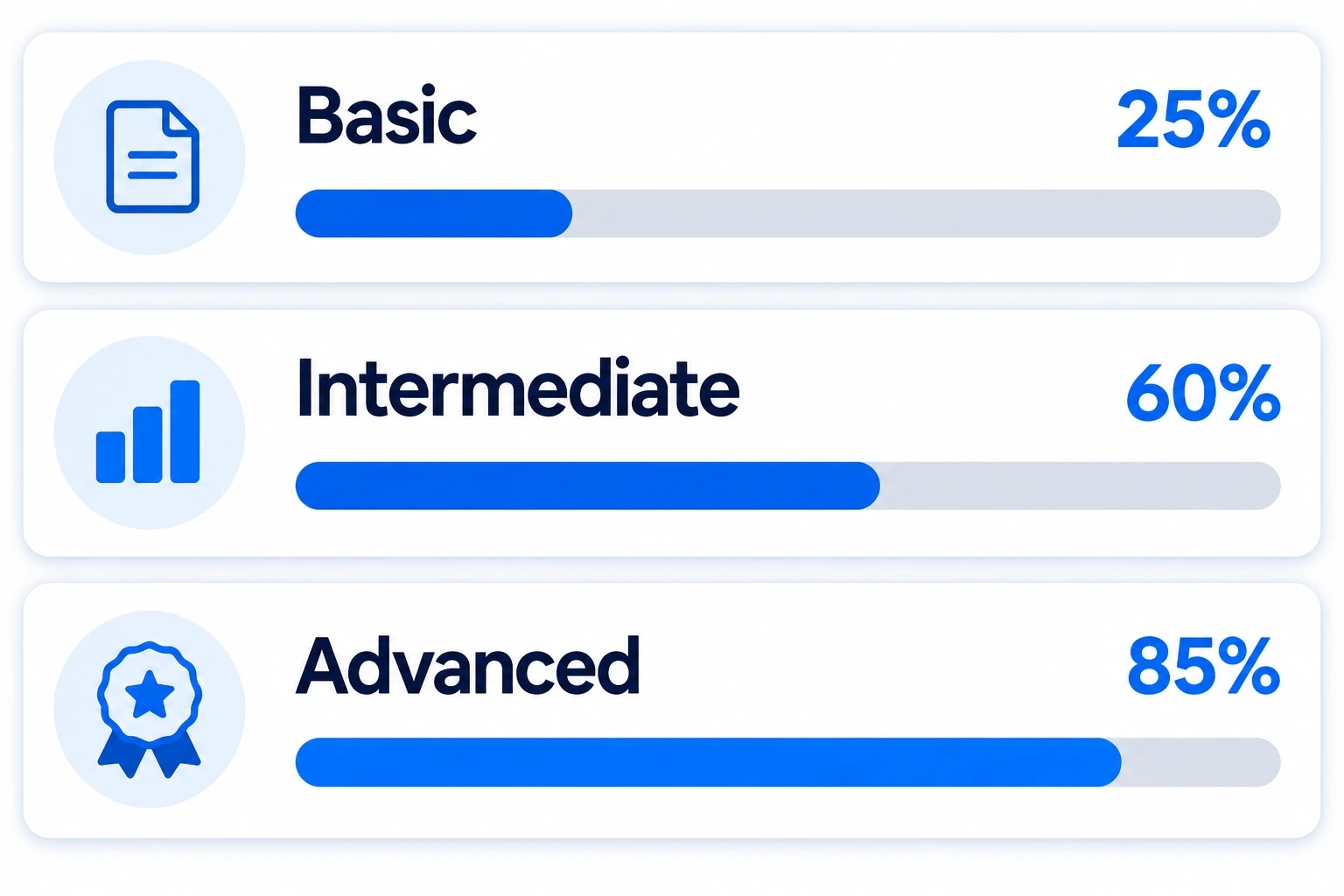
The score report is emailed to the test administrator the moment a candidate finishes. The candidate does not see it.
Each report gives you:
Candidates do not pick answers from a list. They work inside a simulated Windows screen and finish the task themselves.
If the question says rename the file, the candidate has to go rename it. There is no talking your way through this format.
The report also logs how long each task took. In the sample report, one candidate spent 104 seconds on a single desktop task while finishing most others in under 20.
That timing tells you something a resume never will.
Want to see the format first? View the sample question before you send the test to anyone.
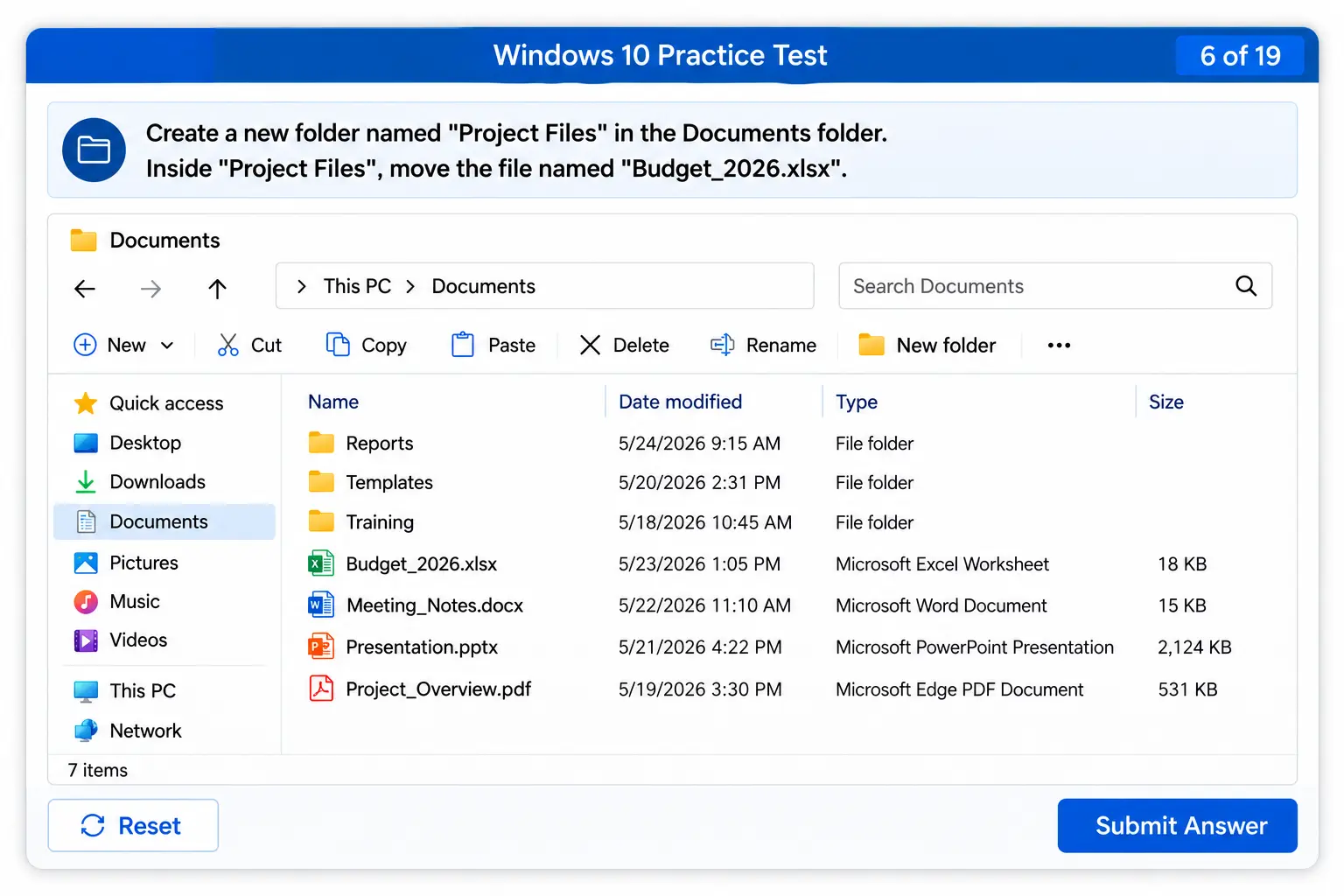
Use this Windows 10 assessment test for any position where someone lives in files and folders all day.
Good fits include:
The Bureau of Labor Statistics notes that administrative support workers maintain databases and filing systems as a core part of the job. Those tasks run on the operating system, well before anyone opens Word or Excel.
Digital skill gaps run wider than most hiring teams expect.
The National Skills Coalition found that 92% of jobs now require digital skills, while about a third of workers lack the foundational ones.
That gap costs you real time. A new hire who cannot search a drive or sort a folder pulls a coworker away from their own work several times a day.
SHRM research also found that 79% of HR professionals rate skills assessment scores as important as or more important than traditional hiring criteria. Checking Windows ability takes minutes and settles the question early.
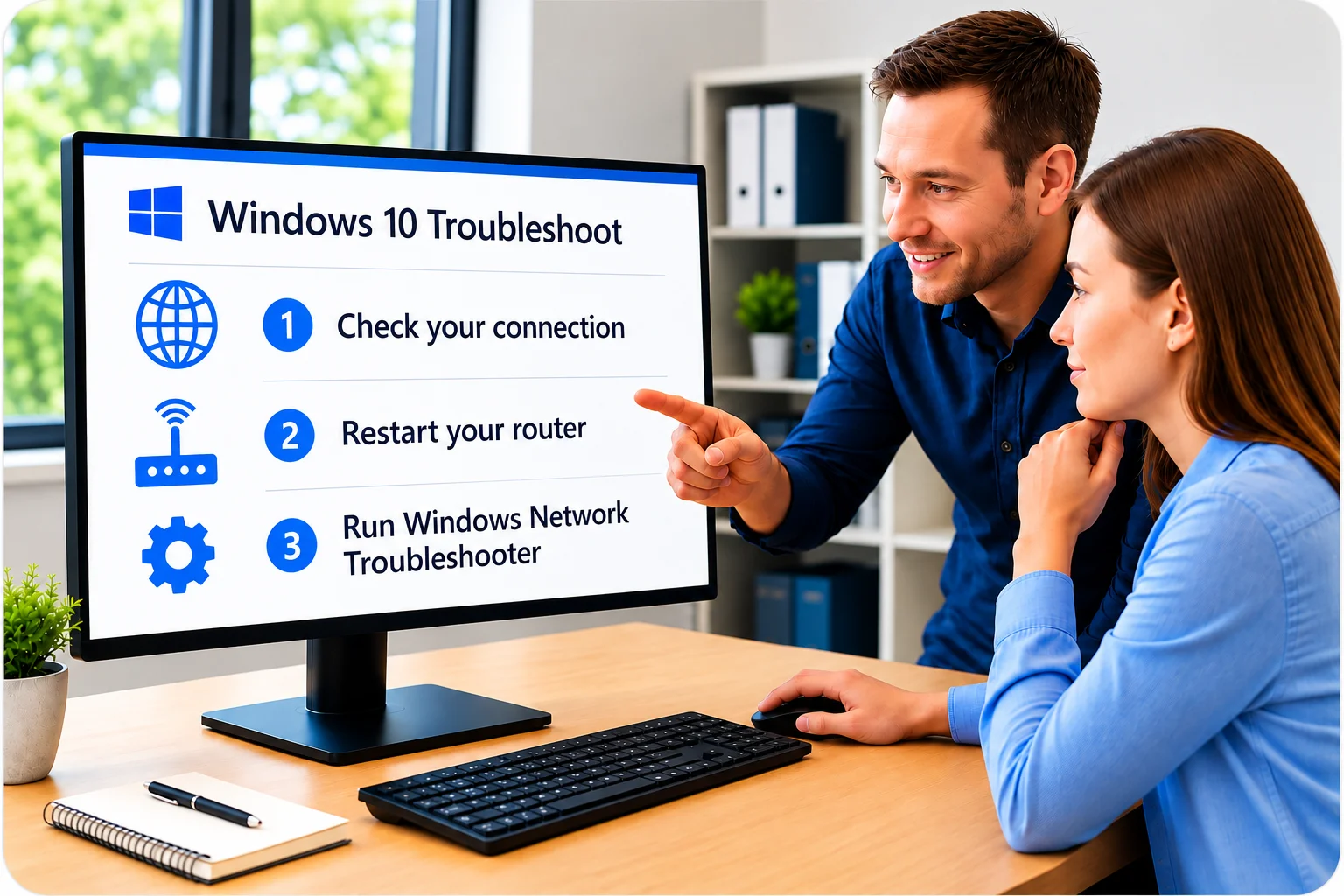
Getting started takes minutes.
This test checks the operating system. It answers one question: can this person move around Windows and manage their own files?
Microsoft Office testing asks something different. That measures what someone can build inside Word, Excel, Outlook and PowerPoint.
Run the Windows test when file handling and desktop work drive the job. Add Office testing when documents and spreadsheets are the daily output.
This breakdown of MS Office skills in the workplace covers which programs are worth testing for which positions.

Windows ability tells you one part of the story. Two tests give you a fuller picture without stretching your hiring timeline.
Common pairings:
Plenty of hiring teams assume anyone under 40 already has this covered. This piece on why not all job seekers are computer proficient explains why that assumption keeps costing people money.




It is a hands-on skills test that measures how well someone works inside the Windows operating system. Candidates complete 35 tasks in a simulated Windows screen, covering files, folders, the desktop and system settings. You get a scored report showing where they are strong and where they need support.
No. Candidates work in a simulation and complete each task the way they would on the job. A question about renaming a file requires actually renaming it. That format is much harder to guess through than a written quiz.
Five areas: Desktop, Files and Disks, Networks/Internet, System Management, and Tools. Files and Disks carries the heaviest weight with 19 of the 35 questions, covering search, sorting, renaming, moving, compressing and folder handling.
Start with the percentile ranking, which shows how the candidate compares to everyone else who has taken the test. Then look at the level breakdown for Basic, Intermediate, and Advanced, and the per-topic scores. The report also lists every question with its status, difficulty, and time in seconds.
The current test and sample score report cover Windows 10, which still runs on a large share of business computers. Get in touch if your team has moved to a different version and you want to talk through the right fit.
Pricing is simple and flexible as your needs change. Each test completed uses one test credit. (See pricing for credits)
Yes, just visit Try for Free to provide your information and we’ll send a free sample of the test you request.


