Resumes say “proficient in Excel.” This Advanced Excel Test shows you what that actually means.
Our Pre-Employment Advanced Excel Test is a hands-on Excel skills assessment test. Candidates work inside a simulated Excel environment, no multiple-choice shortcuts. They build formulas, run pivot tables, and apply data tools exactly as they would on the job.
According to Lightcast’s report, Microsoft Excel ranks as the #2 most in-demand digital skill across 15 global labor markets. Your next hire needs to use it, not just claim they can.
EmployTest offers flexible pay-per-test in blocks pricing for low to medium hiring volumes, with no annual license fees or long-term contracts.









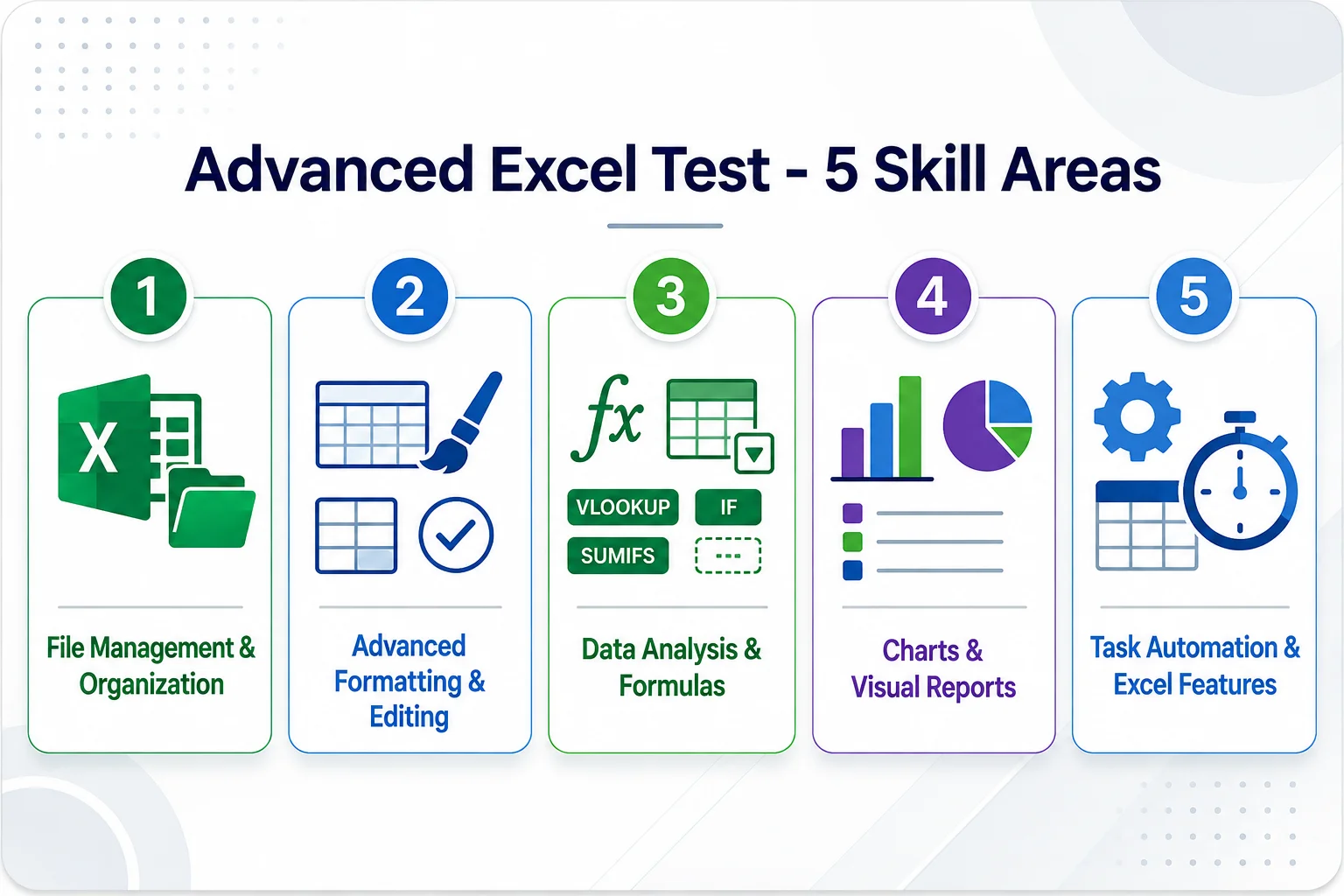
This advanced Excel test for employment puts candidates inside a simulated spreadsheet. Every question reflects real tasks from admin, finance, operations, and analyst roles. The test covers five skill areas:
File Management & Document Organization: Setting up workbooks, managing sheets, and saving files for team use.
Advanced Formatting & Editing: Conditional formatting, cell styles, and data validation for clean reports.
Data Analysis & Formulas: Pivot table- create, add timeline, change report layout, and move fields.
Charts, Graphs & Visual Reports: Building and formatting charts that present data clearly to stakeholders.
Task Automation & Excel Features: Applying Excel tools to reduce manual work and speed up routine tasks.
Not sure whether your open role needs this level? Read our guide on Intermediate Excel vs. Advanced Excel to pick the right assessment.
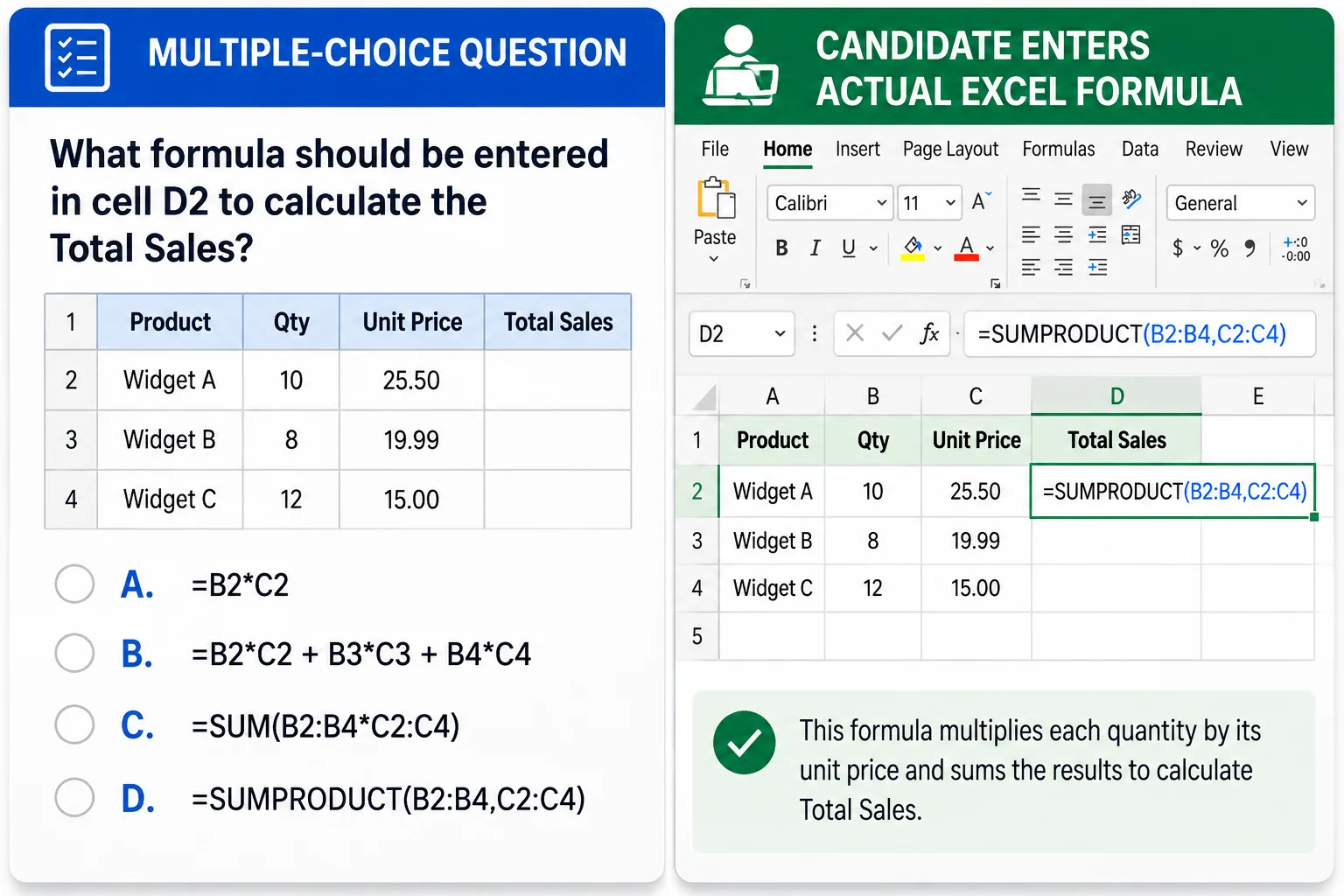
Multiple-choice tests are easy to guess. A candidate can pick the right answer without ever touching a spreadsheet.
Our Excel proficiency test for hiring places candidates inside an interactive simulation of a spreadsheet, no need to have Excel installed. They apply the correct formula and complete the task just like week one on the job. You see what they can actually do.
Research from Burning Glass Technologies found that spreadsheet skills are required for 78% of middle-skill job postings. Work-sample tests like this one are among the strongest predictors of on-the-job performance.
Want to understand how Excel fits into a complete hiring checklist? Read our guide on the Excel assessment test for hiring.
Every completed test generates a full report delivered to the admin at the moment the candidate finishes. No waiting. No manual review. Your report includes:
Overall Score (Percentage): A raw score showing how many questions the candidate answered correctly.
Percentile Ranking: Shows how this candidate compares to everyone else in the EmployTest database.
Skill Level Breakdown (Basic / Intermediate / Advanced): See exactly which level of Excel task the candidate can handle.
Topic-Level Accuracy: Know where the candidate is strong and where they need support, by skill area.
Question-by-Question Detail: Right/wrong status and time spent on each question. Useful for structured interview follow-up.
Reports are saved to your dashboard automatically. Compare candidates side by side using percentile data, no guesswork, no bias.
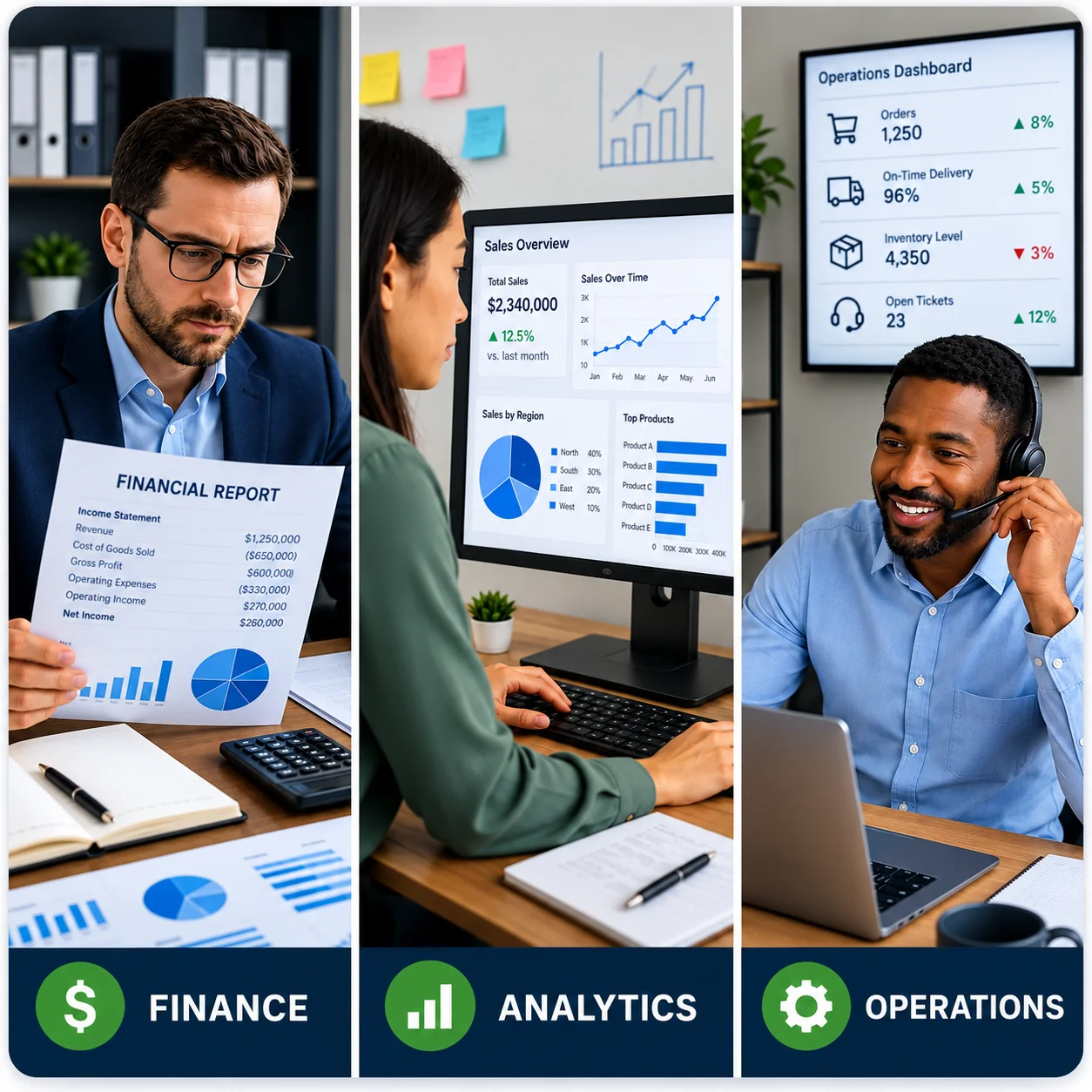
Use this test when Excel is a daily tool, not just a checkbox on the resume. It works best for roles where errors in spreadsheets cost money or slow the team down.
This test fits these positions well:
According to GoSkills, 29% of learning and development decision-makers identified Excel as the most in-demand skill for employees. Your candidates should prove it before they start.
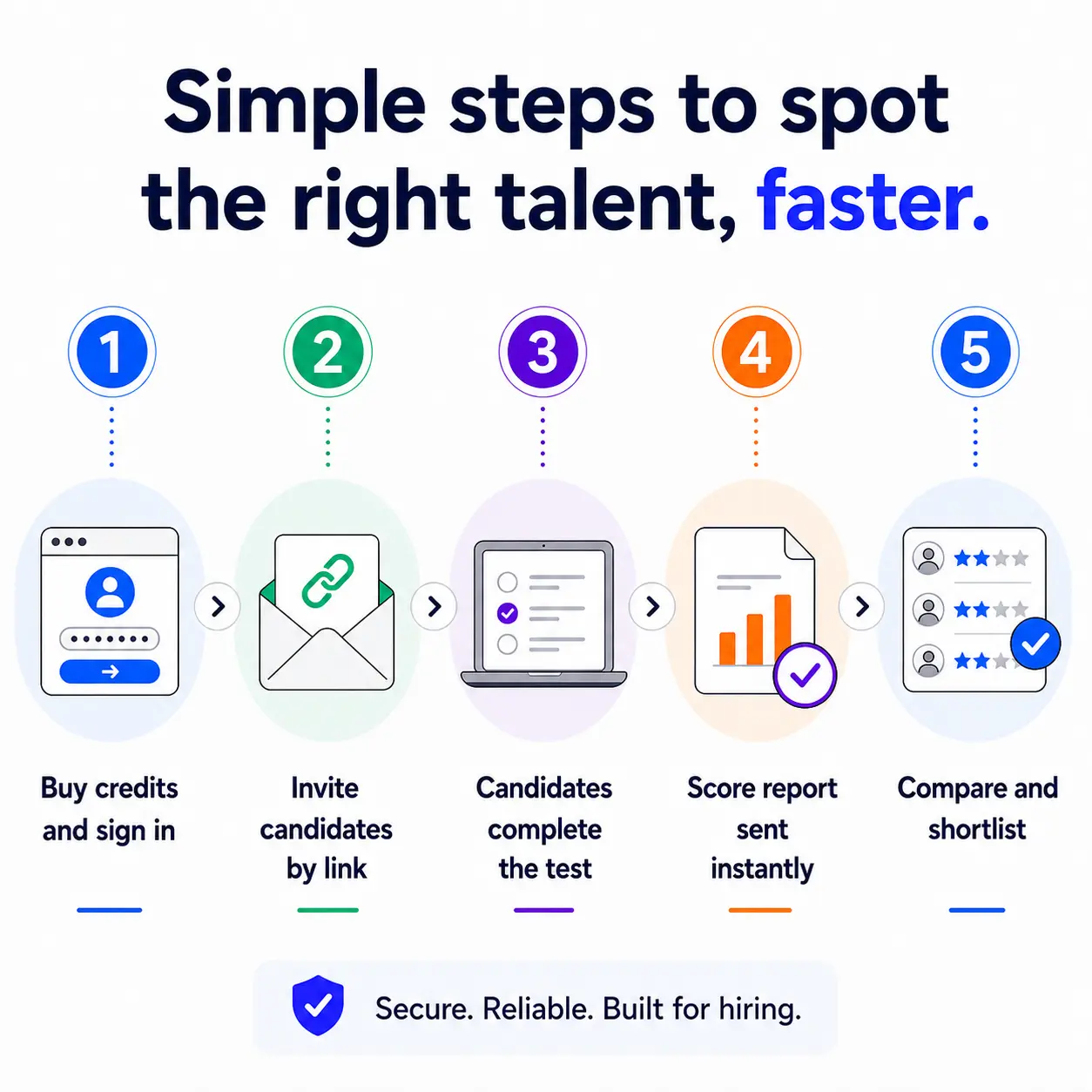
Getting started takes minutes. The process is the same whether you test one candidate or fifty.
Test credits are available pay-per-test in blocks, starting at $229 per 5 tests for the starter pack. No subscriptions and no auto-renewals.



It measures five real-work skill areas: file management, advanced formatting, data analysis and formulas, chart creation, and task automation. Candidates complete tasks inside a simulated Excel environment, the same way they would handle advanced spreadsheet skills pre-employment. Questions align with Excel 365.
The basic test checks entry-level tasks: formatting, simple formulas, and file navigation. This advanced version requires data validation, pivot tables, recording macros, and chart building. Read our breakdown of Intermediate Excel vs. Advanced Excel to find the right fit for your role.
Most candidates finish in 20 to 30 minutes. The test is timed. Candidates work through 30 questions covering all five skill areas. Time-per-question data appears in the score report.
You receive a full report with overall percentage score, percentile ranking against the EmployTest database, topic-level accuracy broken down by skill area, and a question-by-question breakdown with right/wrong status and time spent. The report is saved to your dashboard and ready for team review.
Finance and accounting staff, data analysts, operations coordinators, executive assistants, and project managers. Any role where candidates manage large data sets, build reports, or run formulas regularly. This is a strong Excel test for finance and accounting roles in particular.
Simulation. Candidates work inside a real spreadsheet, not a quiz. They enter formulas, sort data, create charts, and complete tasks directly in the file. This reflects actual on-the-job work and is harder to game than a knowledge quiz.
Pricing is simple and flexible as your needs change. Each test completed uses one test credit. (See pricing for credits)
Yes, just visit Try for Free to provide your information and we’ll send a free sample of the test you request.


