Our Excel assessment test for applicants shows their skill level, before you hire. 81% of companies use Excel and new hires can’t do the job if they are clueless about the program.
Here are the pre-employment Excel tests:








There are 100+ Excel tools, including 475+ formulas and functions, multiple charts and graphs, plus editing and formatting tools.
Some are easy (Print, Bold), but most tools require prior experience. You must know who has those skills, and who does not. Our Excel tests will provide that insight.
For tips on interpreting results for leadership potential, see why Excel assessments matter.
The score report is instantly emailed when the test is finished (test taker doesn’t get results). The reports are highly detailed, including:
Our Excel exam for employment covers everything from Excel basics to advanced skills and you select the level needed, based on the job.
The Excel questions ask the user to perform a task in the simulated Excel worksheet. The user answers questions using the toolbars, shortcut keys or menus, whichever method they know best, where applicable.
The tests are available in Excel 365 and earlier versions. The test taker doesn’t need Excel installed on their computer (no downloads). Our tests work in a regular web browser (Chrome, Edge, Safari, Firefox).
We also have dozens of other pre-employment tests, including attention to detail tests, cognitive tests and other Microsoft Office tests (Word test, Outlook test) and basic skills tests. For more on evaluating Excel proficiency, see importance of Excel assessment tests.

Choosing the right test starts with knowing what each level actually assesses.
Beginner
Covers core formatting tasks, basic data entry, and simple formulas like SUM, COUNT, and AVERAGE. The right level for roles where Excel is used occasionally for standard record-keeping or basic reporting.
Intermediate
Covers data sorting and filtering, chart creation, spreadsheet protection, and working with cell references across multiple sheets. This is the most commonly used level because it reflects day-to-day Excel use in most office roles.
Advanced
Covers Pivot Tables, VLOOKUP and XLOOKUP, conditional formatting, and macros. Designed for analyst, finance, and operations roles where Excel drives decisions, not just documentation.

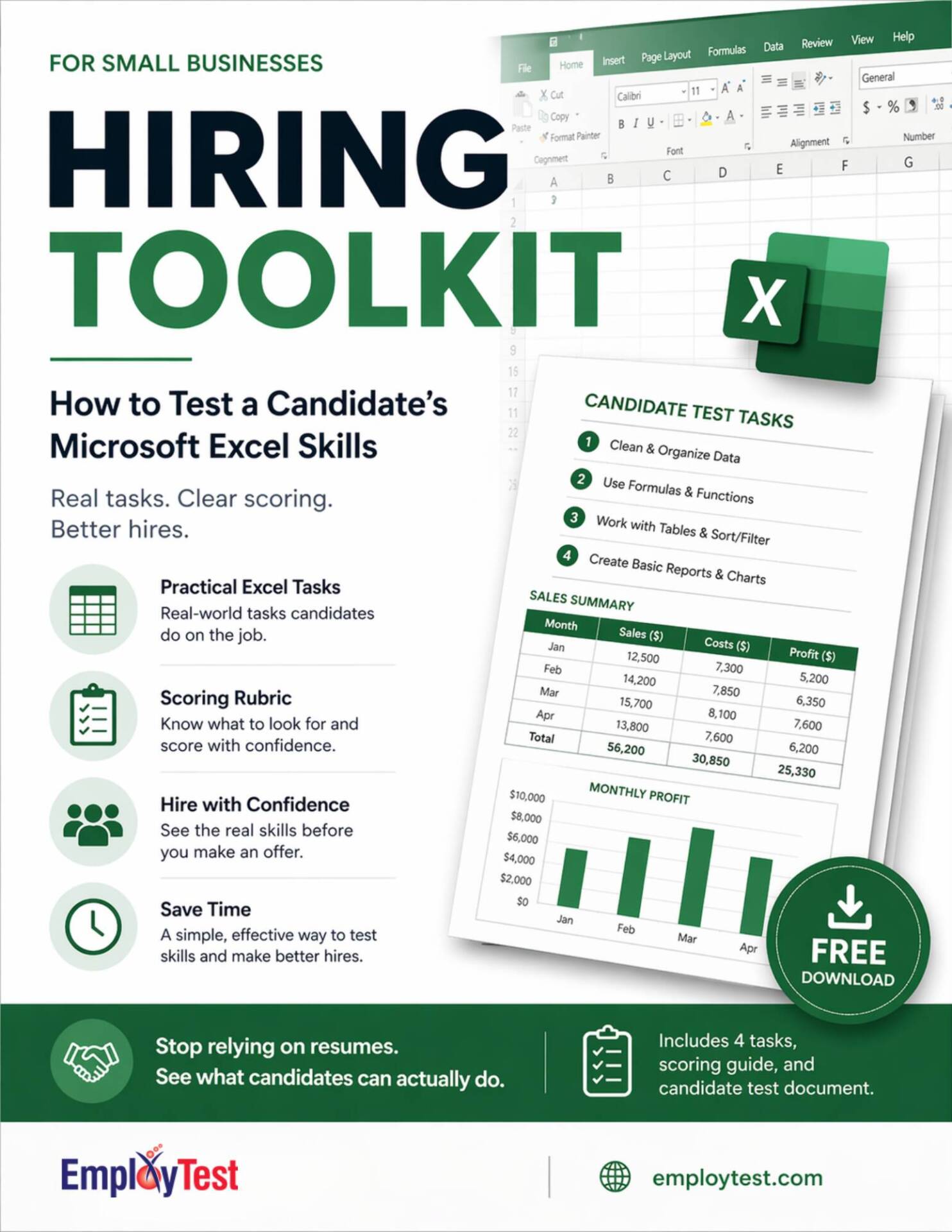
Guess what? We made a free toolkit for you.
Excel is the skill candidates overstate the most. “Proficient” on a resume can mean anything from basic data entry to writing formulas across multiple sheets.
This test helps you find out what you are actually getting before day one.
Download the toolkit, set up the spreadsheet in five minutes, and hand it to the candidate.
The guide walks you through four hands-on tasks covering data cleanup and formula building, plus a scoring rubric that tells you what good actually looks like.
A candidate who knows Excel will spot the problems fast and fix them the right way. One who doesn’t will either miss them or fix them one painfully slow cell at a time. You’ll know the difference quickly.
No software. No account. No setup.
Not trying to do it manually? That’s what we’re here for. Try EmployTest Free!
“It was very useful for our organization to help identify strong candidates vs. ones who claimed they were strong during interviews.” — James M, Human Resources Business Partner
“We were mainly focused on testing technical proficiency, and the tests for Microsoft Office and Windows were especially well done.” — Lauren Y, Business Analyst




The Excel exam for employment includes questions on formatting, functions, managing data with pivot tables, generating charts, and using advanced features. These questions assess both basic and advanced Excel skills relevant to the job.
Businesses should prioritize Microsoft Excel skills such as proficiency with formatting, formulas and functions, data analysis, and pivot tables. Job candidates should also be skilled at creating and formatting charts, managing large datasets, and using advanced features like VLOOKUP, INDEX-MATCH, and conditional formatting. These skills ensure that employees can efficiently analyze data, generate reports, and make informed business decisions.
A pre-employment Excel test evaluates job candidates’ proficiency with Microsoft Excel, focusing on their ability to use its features for formatting, analysis, and reporting. This Excel assessment test for job applicants helps employers determine if the job candidates have the skills to perform tasks efficiently and accurately in a workplace setting.
Pre-employment tests assess candidates’ Microsoft Excel skills through practical simulation based questions. Practical tasks simulate real-world scenarios, using an interactive Excel test, which requires knowledge of formatting data analysis, formula use, and chart creation. This provides a thorough summary of Excel skills.
Our pre-employment tests cover essential Excel skills, including formatting, formulas, data analysis with pivot tables, and generating charts. These tests ensure that job candidates possess a broad and deep understanding of Excel functionalities that are relevant to your company’s needs.
Microsoft Excel skills are essential for data management, analysis, and reporting, which are key to making correct business decisions and operating efficiently. By prioritizing these skills in pre-employment tests, businesses can ensure that new hires are capable of handling complex data tasks, leading to improved productivity and reduced training time.
Pricing is simple and flexible as your needs change. Each test completed uses one test credit. (See pricing for credits)
Yes, just visit Try for Free to provide your information and we’ll send a free sample of the test you request.


