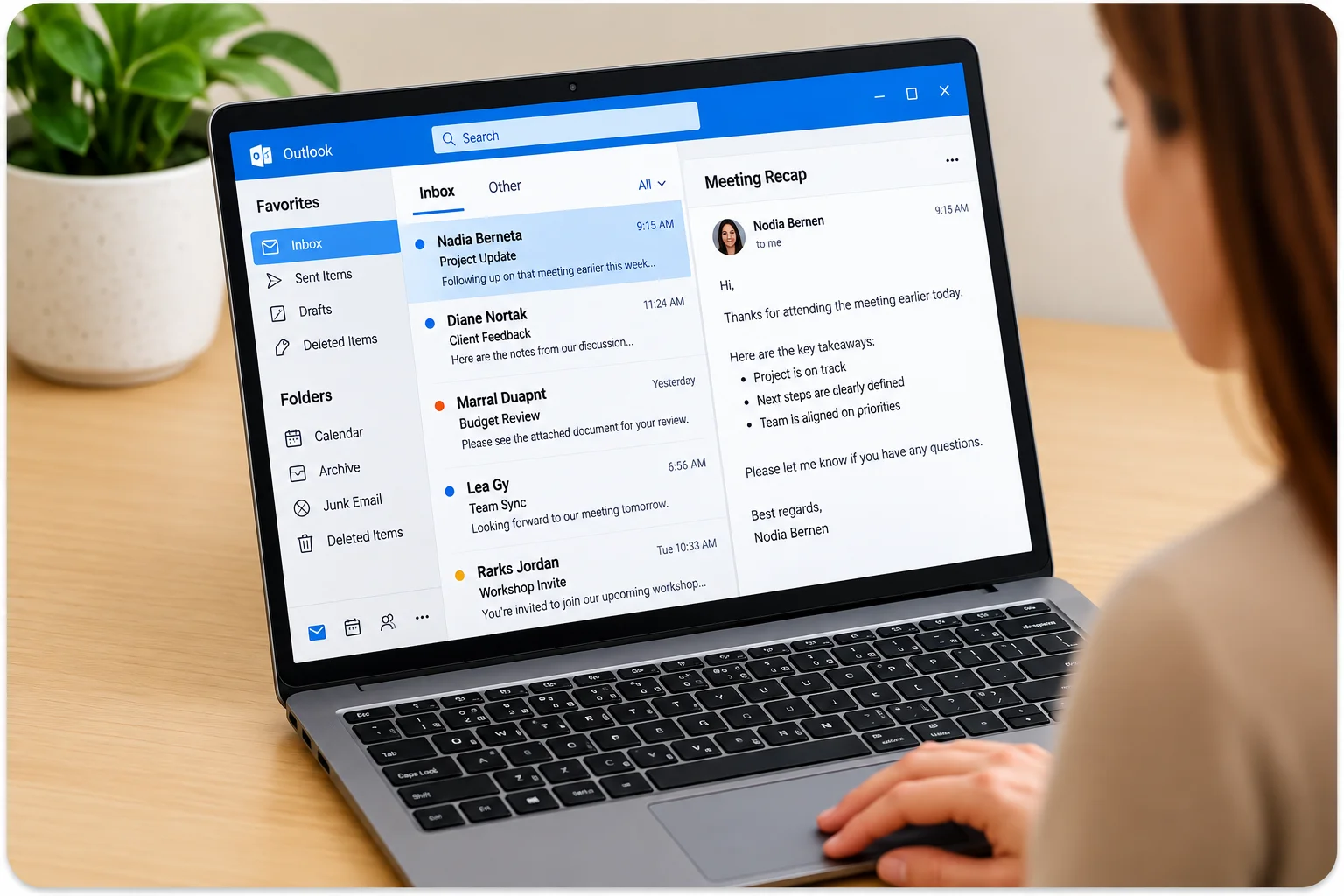
A Microsoft Outlook test for job applicants shows you exactly how a candidate handles email, calendar scheduling, contact management, and task tracking, before they start the job.
Anyone can write ‘proficient in Outlook’ on a resume. Our Outlook simulation test puts them inside the program, so you see what they can really do.
No downloads or multiple choice. Candidates complete real Outlook tasks covering email, calendar, contacts, and task management, with instant score reports sent when they finish.
With EmployTest, you only pay for the tests you need, with flexible pricing and no annual commitments or costly contracts.









Outlook is the center of daily work for most office and admin roles. Email threads, meeting invites, shared calendars, follow-up tasks; it all runs through it.
When someone can’t manage a busy inbox, misses a meeting invite, or can’t find a contact, the whole team feels the pain. Remote and hybrid work made this even worse. There’s no quick check-in anymore.
According to SHRM, a single bad hire costs an average of $4,700, not counting lost productivity. A quick Outlook email test tells you who can keep up before you hire, not on week two when the problems show up.
When it really matters:
|
Not sure how Outlook testing fits into a broader hiring process? Read our guide on everything you should know about Microsoft Outlook tests for more.

This Microsoft Outlook test doesn’t ask candidates what they know; it shows you what they can actually do. Each task mirrors real-day-one work: managing emails, organizing inboxes, scheduling meetings, and tracking tasks.
Candidates handle attachments, calendars, contacts, and follow-ups in realistic scenarios. The test gives you a clear read on the applicant’s true skill level.
One assessment works across roles, from entry-level admin to experienced executive assistants, giving you confidence before the hire, not after problems show up.
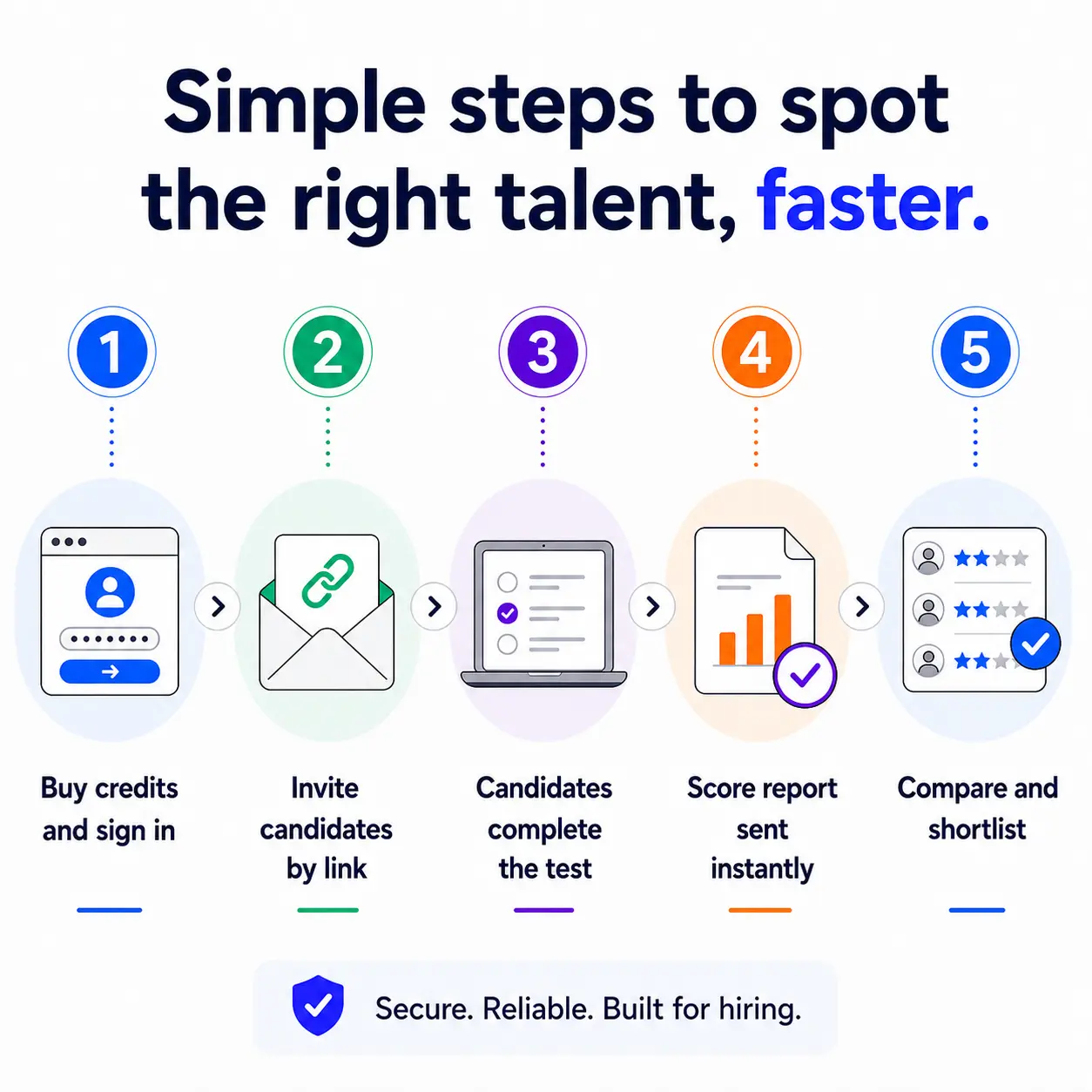
You get a full score report by email the moment the candidate finishes. It’s also saved in your dashboard.
Overall Score — percentage correct across all task areas
Skill Level — Beginning, Intermediate, or Advanced
Per-Question Breakdown — correct/incorrect and time spent on each task
Percentile Ranking — how this candidate compares to others in the EmployTest pool
Topic-Level Detail — separate accuracy scores by email, calendar, contacts, and tasks
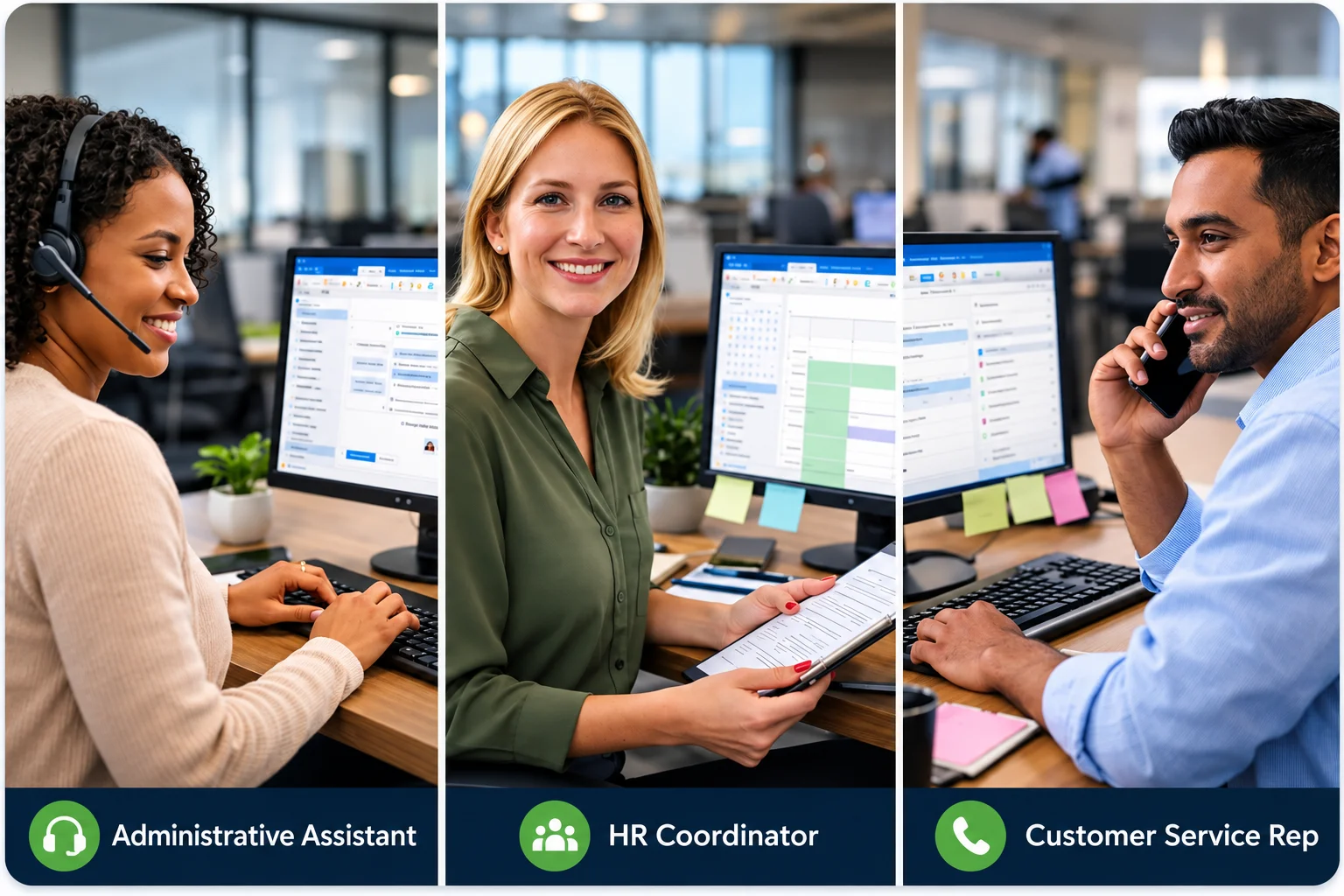
The Microsoft Outlook test for job applicants works for any role where email and scheduling matter. HR teams use it most when hiring for:
Need to match the right Office test to a specific role? Read how to match Microsoft Office tests to job roles to see which test fits each position best.
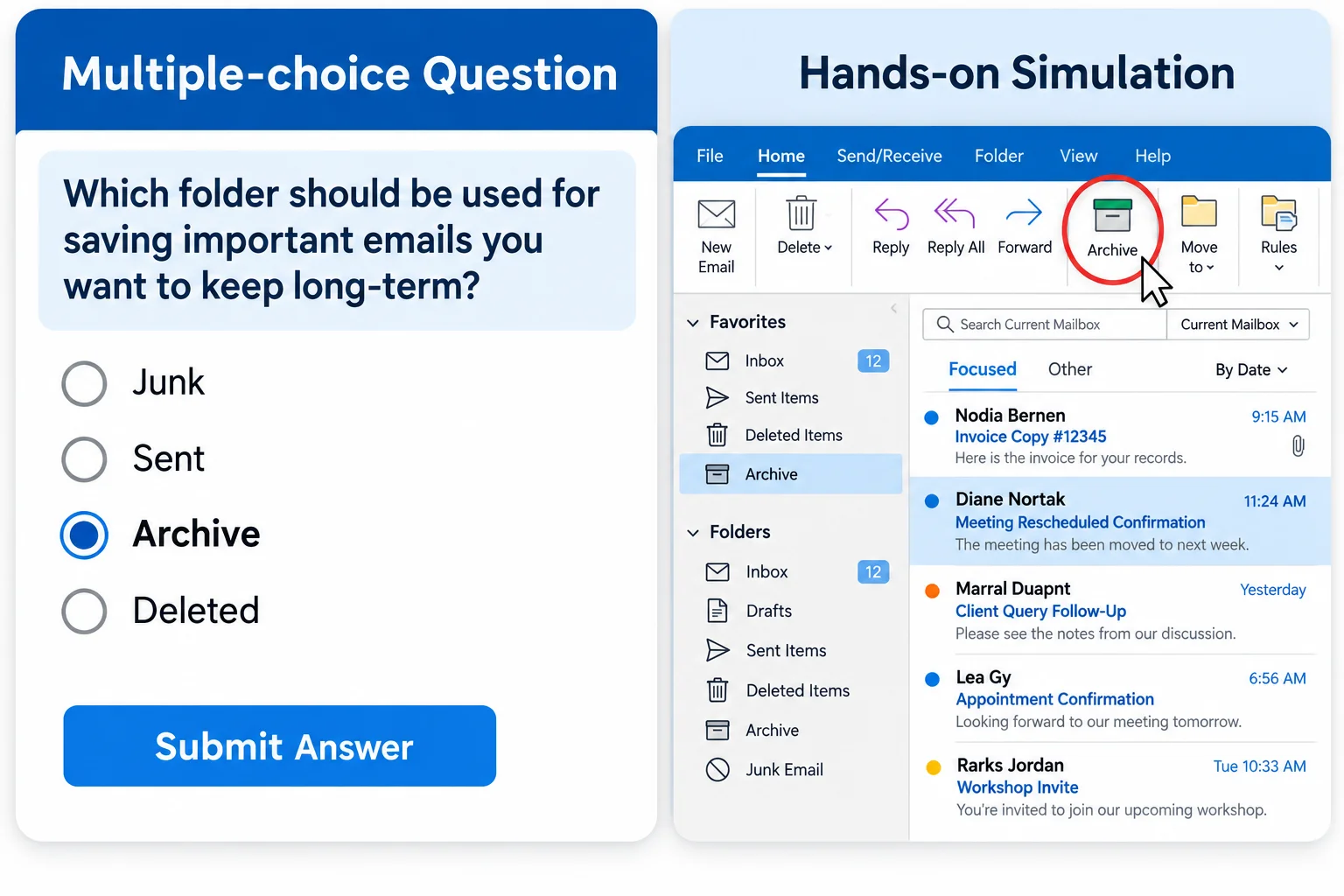
Multiple choice tests are easy to game. A candidate can guess the right answer without ever knowing Outlook. Our Microsoft Mail and Calendar proficiency test puts candidates inside real Outlook simulations.
They open files, compose emails, schedule meetings, and manage contacts, exactly as they would on the job. You see what they can actually do, not what they can guess.
Research confirms work-sample tests are among the strongest predictors of job performance, outperforming interviews and personality tests alone.
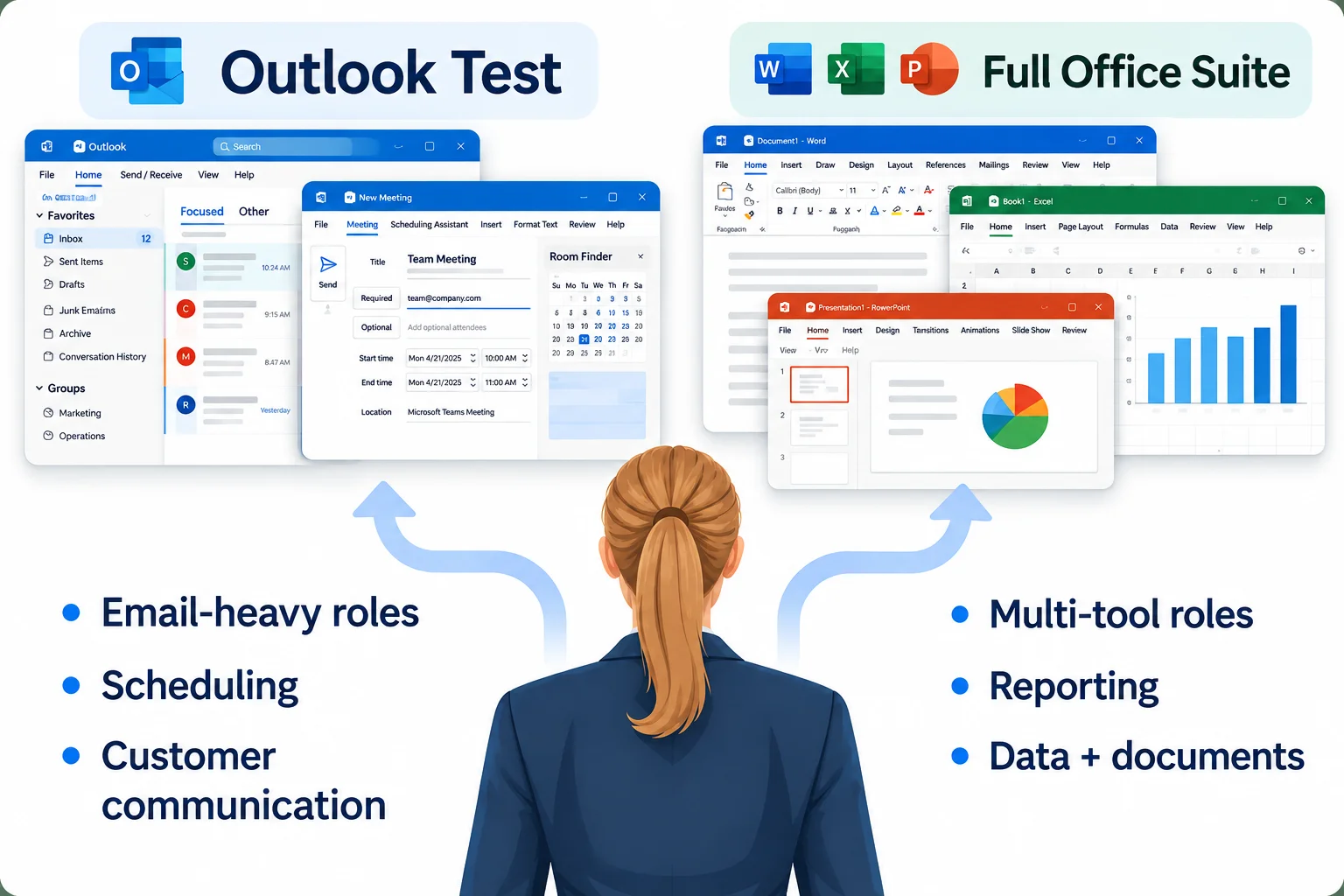
If the job runs mostly on email and calendar, the standalone Outlook test is the right call. It’s faster and more focused. But if you’re hiring for a role that uses all of Microsoft Office, our full Microsoft Office Skills Test covers Outlook, Word, Excel, and PowerPoint in one session.
Match the test to the job:
Outlook Test — Best for admin, coordinator, and customer-facing roles that live in email
Microsoft Office Skills Test — Best for roles that use Word, Excel, PowerPoint, and Outlook daily
Excel Assessment Test — Best for finance, accounting, and data-heavy roles
Word Skills Test — Best for roles that involve heavy document creation or editing
497 taken| 4.7/5 | 136 reviews on Capterra
“I’ve used EmployTest now with 3 different companies that I’ve done recruiting for, and they have all loved it. It provides an extra level of assurance before making a hire.”
— Alex W., People Professional
“The system is incredibly easy to use. The library of tests is fairly extensive. Our team felt confident using these, and it saved a lot of time for HR and the hiring manager. Great customer support.”
— Patricia A., Human Resources Director



It measures how well a candidate can do real Outlook tasks: composing emails, scheduling meetings, managing contacts, setting up folders, and tracking tasks. You get proof of skill, not just a self-reported level.
It’s a simulation. Candidates work inside a replica of Outlook and complete real tasks. There’s no multiple choice guessing. No downloads or installs needed.
About 20 minutes for the full test. Candidates get a short tutorial at the start so they know what to expect.
No. Results go straight to you the moment they finish. Candidates never see their own scores, which keeps the process fair and objective.
Yes. The test adjusts to each person’s skill level as they go. It works just as well for a junior admin as it does for a senior executive assistant.
Pricing is simple and flexible as your needs change. Each test completed uses one test credit. (See pricing for credits)
Yes, just visit Try for Free to provide your information and we’ll send a free sample of the test you request.


