The Proofreading Test for Employment (Error Detection) shows you which applicants can catch spelling, word choice, and punctuation mistakes in real business writing.
Candidates read a document on screen and mark every error they find. You get a scored report the moment they finish.
Use it before hiring for any job where a typo can reach a customer or end up inside a contract.
Flexible per-test pricing fits low to medium hiring volume, without an annual license or an expensive contract.
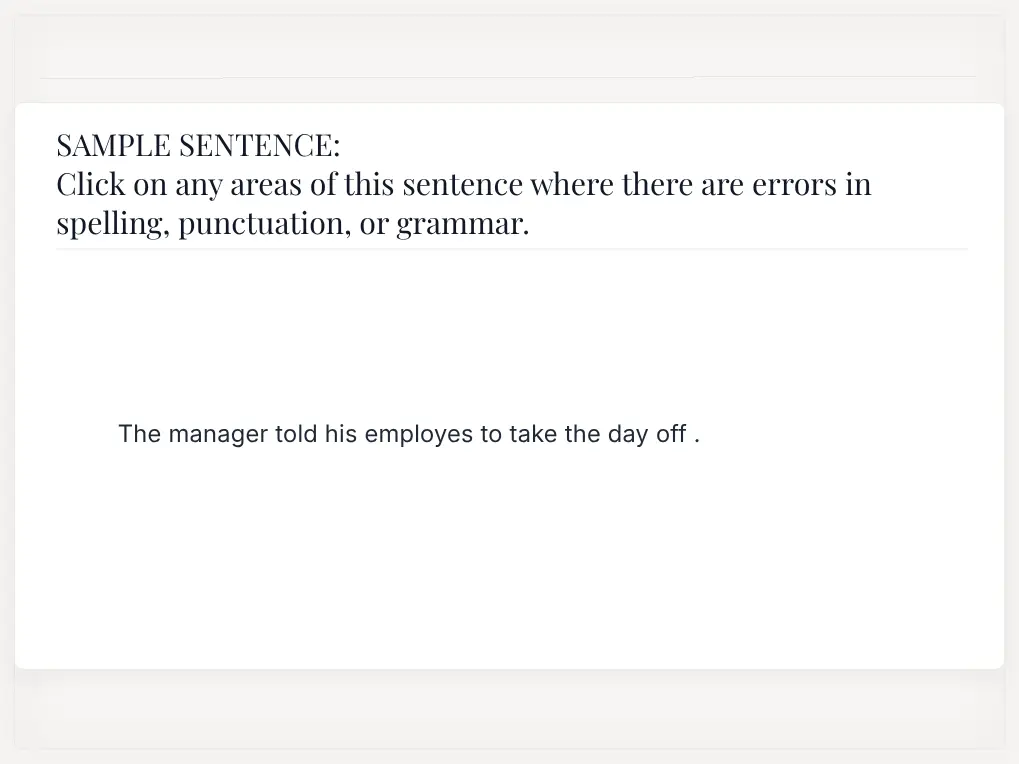







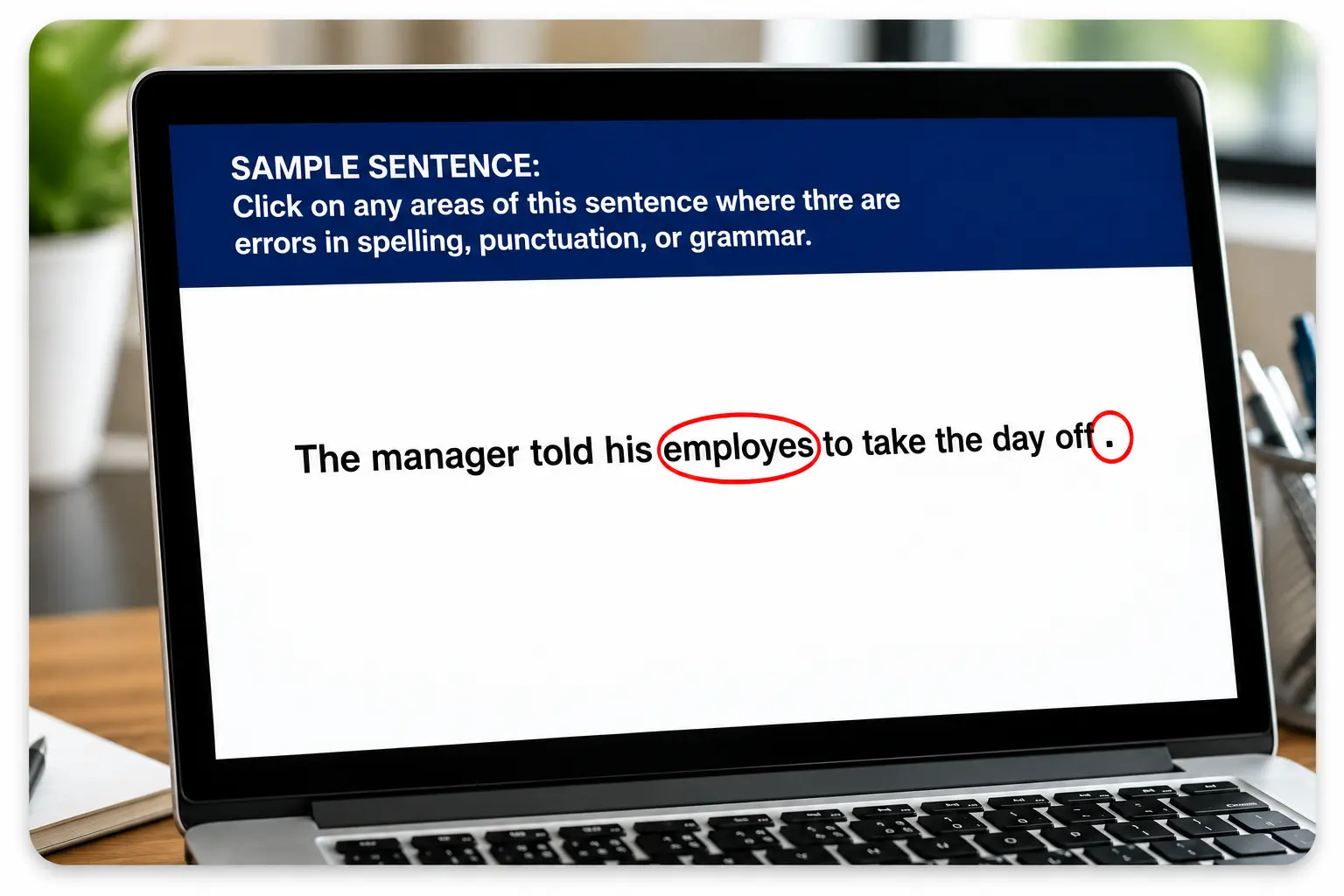
The test hides 20 real errors inside a business document. Applicants mark each one they find.
Scoring splits into two areas. Word Choice/Spelling Items cover the words themselves. Punctuation/Syntax Items cover commas, periods, and sentence structure.
Both matter at work. A candidate can have a good ear for spelling and still miss a misplaced comma that changes what a sentence means.
Points come off for errors left unmarked and for correct text marked as wrong. Guessing does not help anyone here.
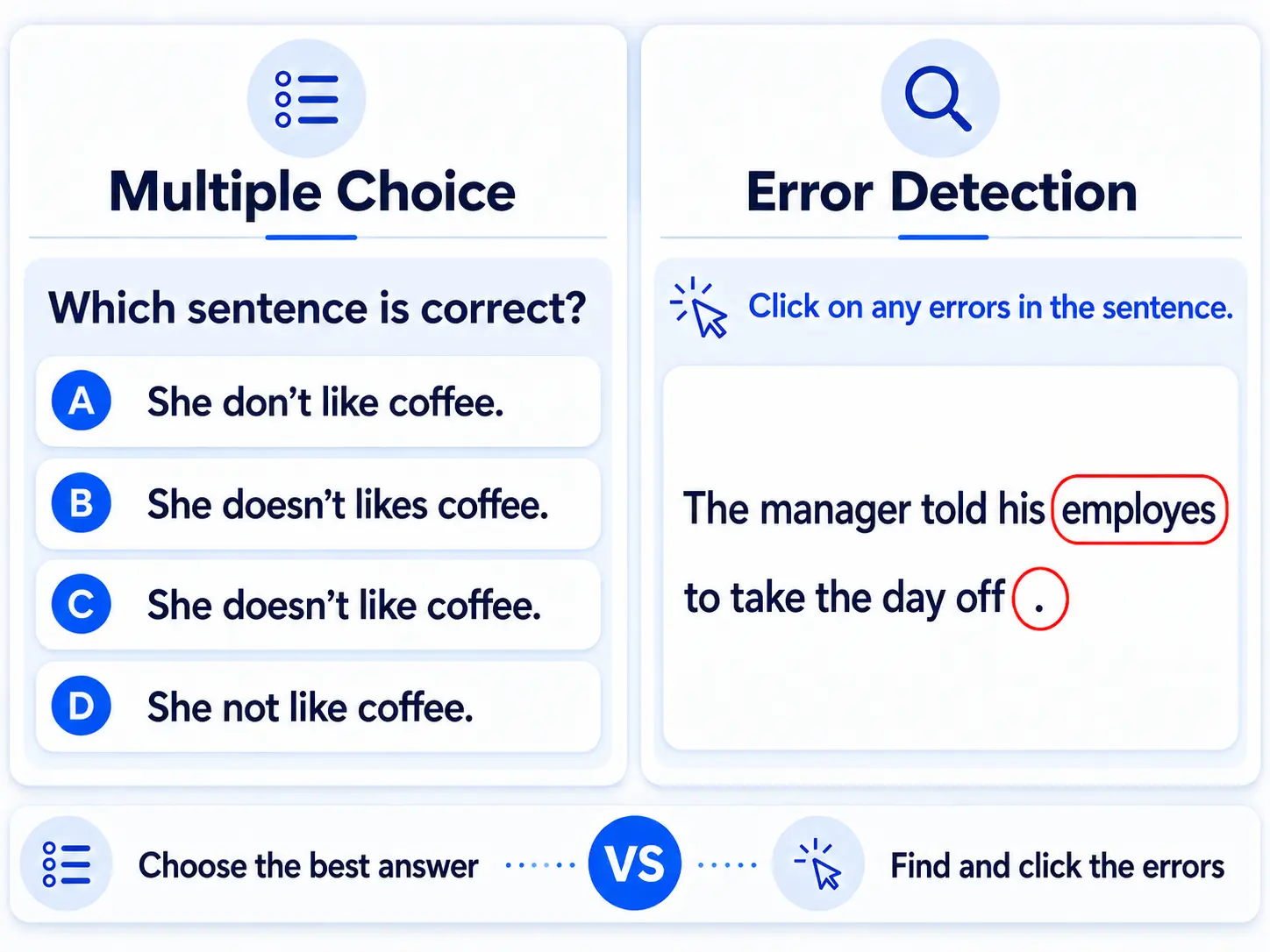
This proofreading assessment test uses an error detection format. Applicants find the mistakes on their own, with no answer choices to pick from.
That changes what you learn about them. Choosing the right answer from four options is a different task than catching a problem nobody flagged.
The text reads like a document your team would actually send. Errors sit inside normal sentences, where they are easy to walk right past.
Look at the sample question on this page to see the format before you send a test out.
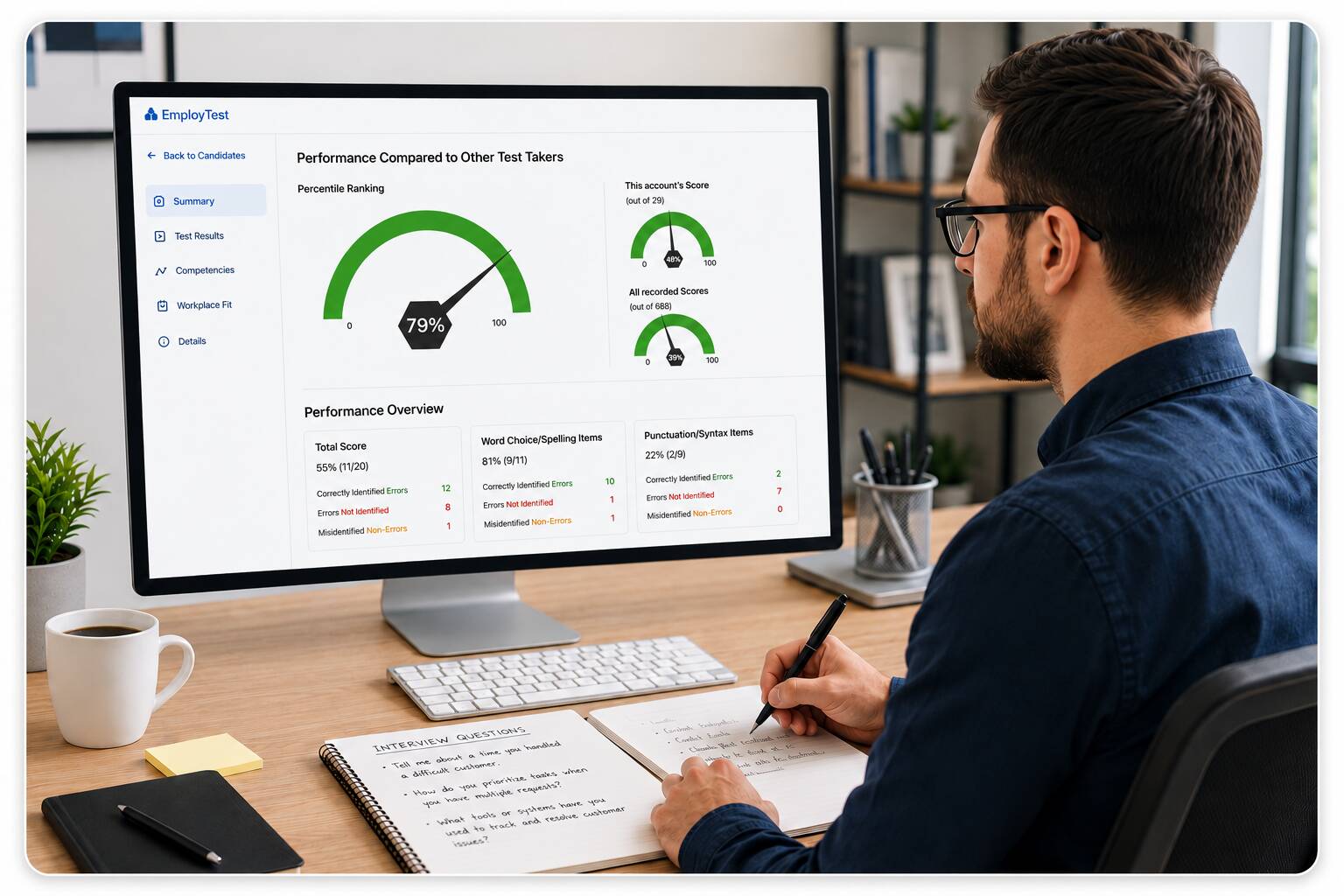
Every finished test creates a report in your account. Each report includes:
The split is the part hiring managers use most. A candidate at 81% on word choice and 22% on punctuation needs a different kind of support than one who scores evenly across both.
Use a proofreading skills test for any job where written accuracy shows up every day:
O*NET lists Attention to Detail as a top work style for proofreaders and copy markers. The same holds for office jobs where proofreading is one task among many.
If someone reviews documents before they go out the door, this test tells you something a resume cannot.

Send the proofreading test online after the resume screen and before the interview. That order keeps you from spending interview time on people who cannot do the core task.
Two applicants can both claim strong writing. One marks 18 of 20 errors. The other marks 9. You learn that in minutes.
Then bring the report into the interview. Ask about the specific items they missed and listen to how they explain the fix. Many teams also run a grammar test in job interviews for a fuller read on written skills.
Employers already say they want it. NACE’s Job Outlook 2025 survey found written communication skills matter to at least 70% of responding employers.
The cost of missing it stays quiet until it does not. A wrong figure in a client quote creates rework and an apology email nobody planned for.
SHRM’s guidance on pre-employment testing points teams toward test methods that match the actual work. A proofreading test does that plainly. What the applicant does on the screen is what they will do at their desk.
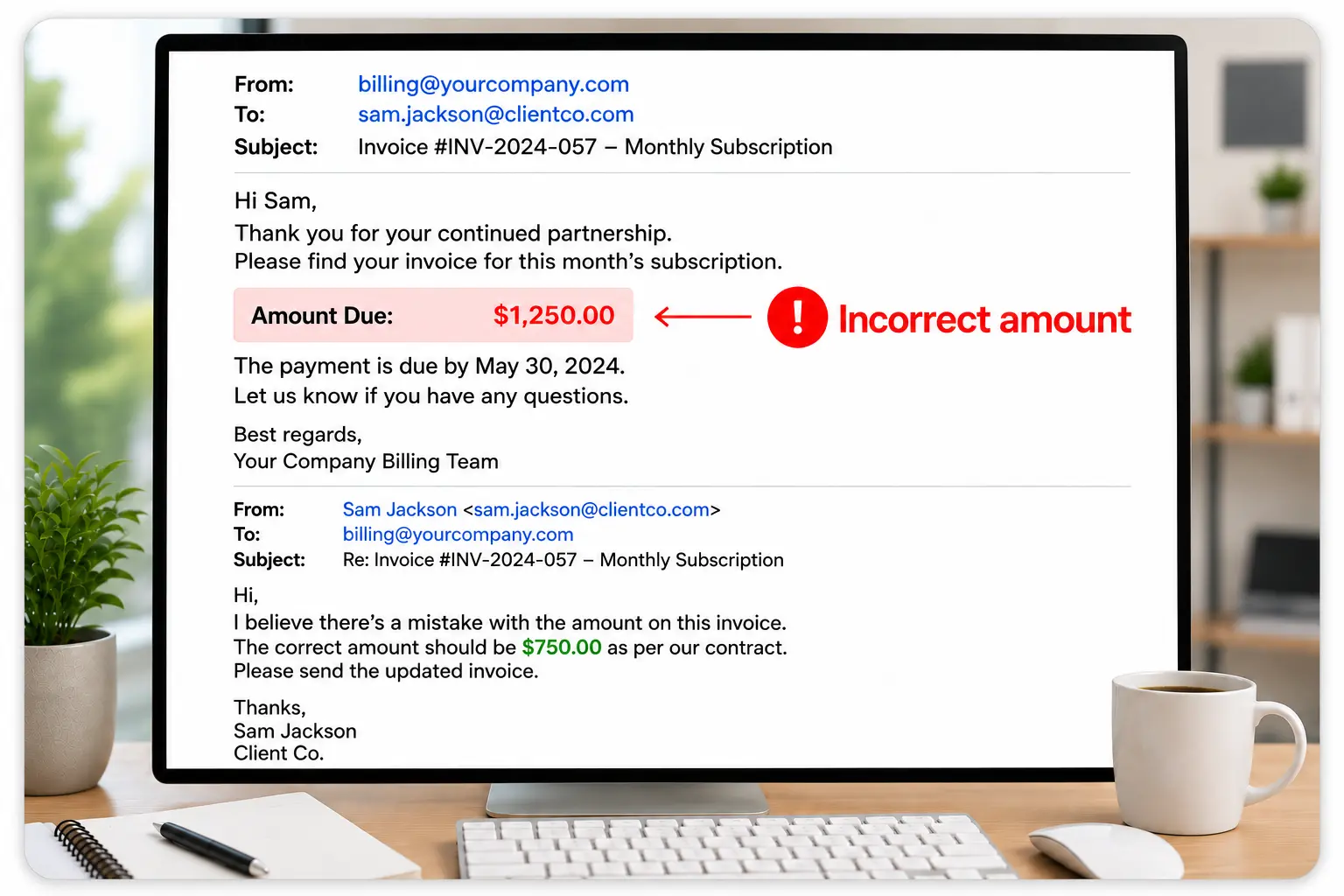
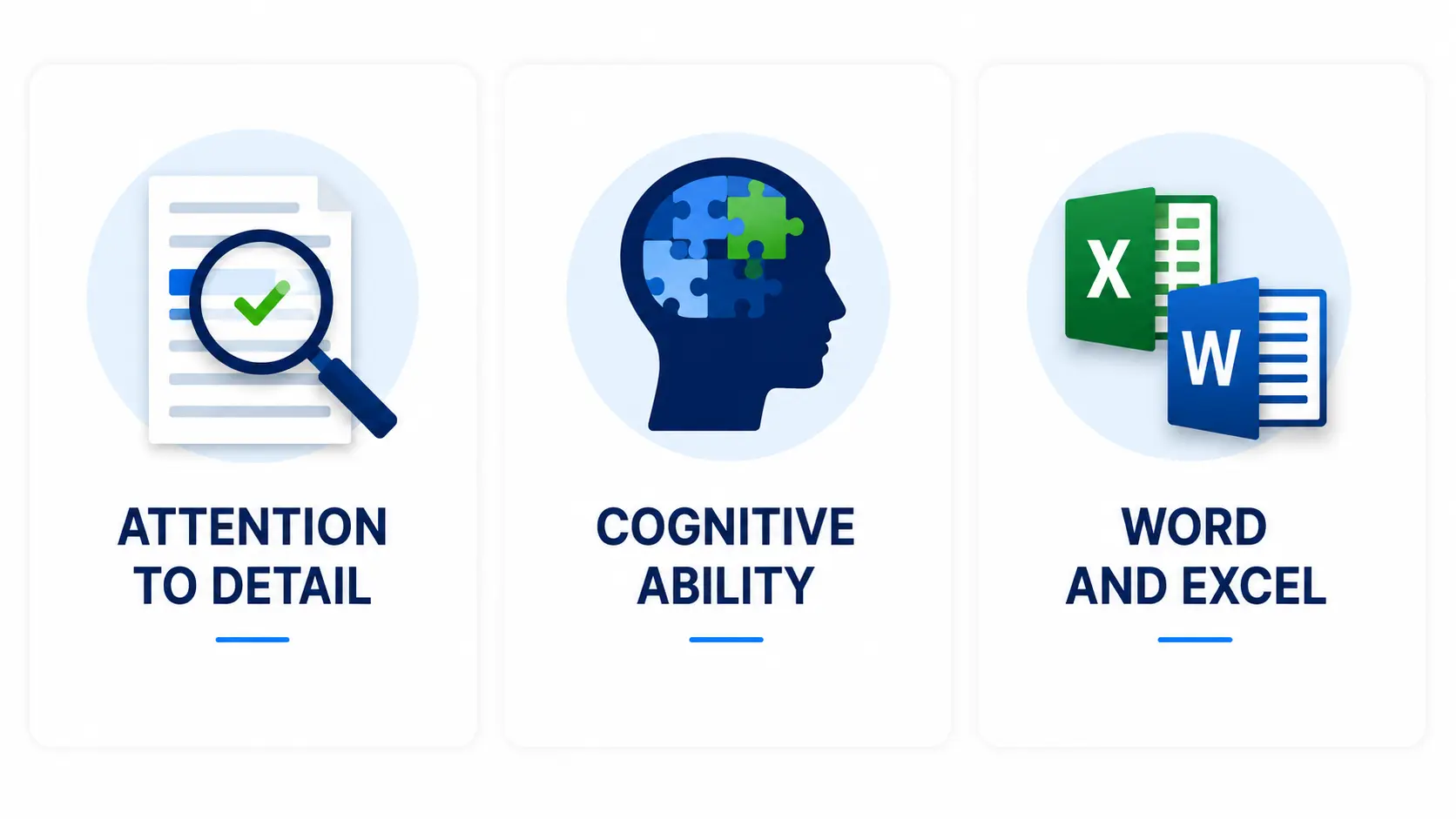
Proofreading shows accuracy with words. An Attention to Detail Test shows accuracy with numbers and dates.
A Cognitive Ability Test adds how quickly someone learns a process and works through steps. For document and spreadsheet heavy jobs, add a Word and Excel Test.
Two or three tests give you a rounded view without stretching your hiring timeline. Our post on why attention to detail tests belong in hiring covers how these work together.
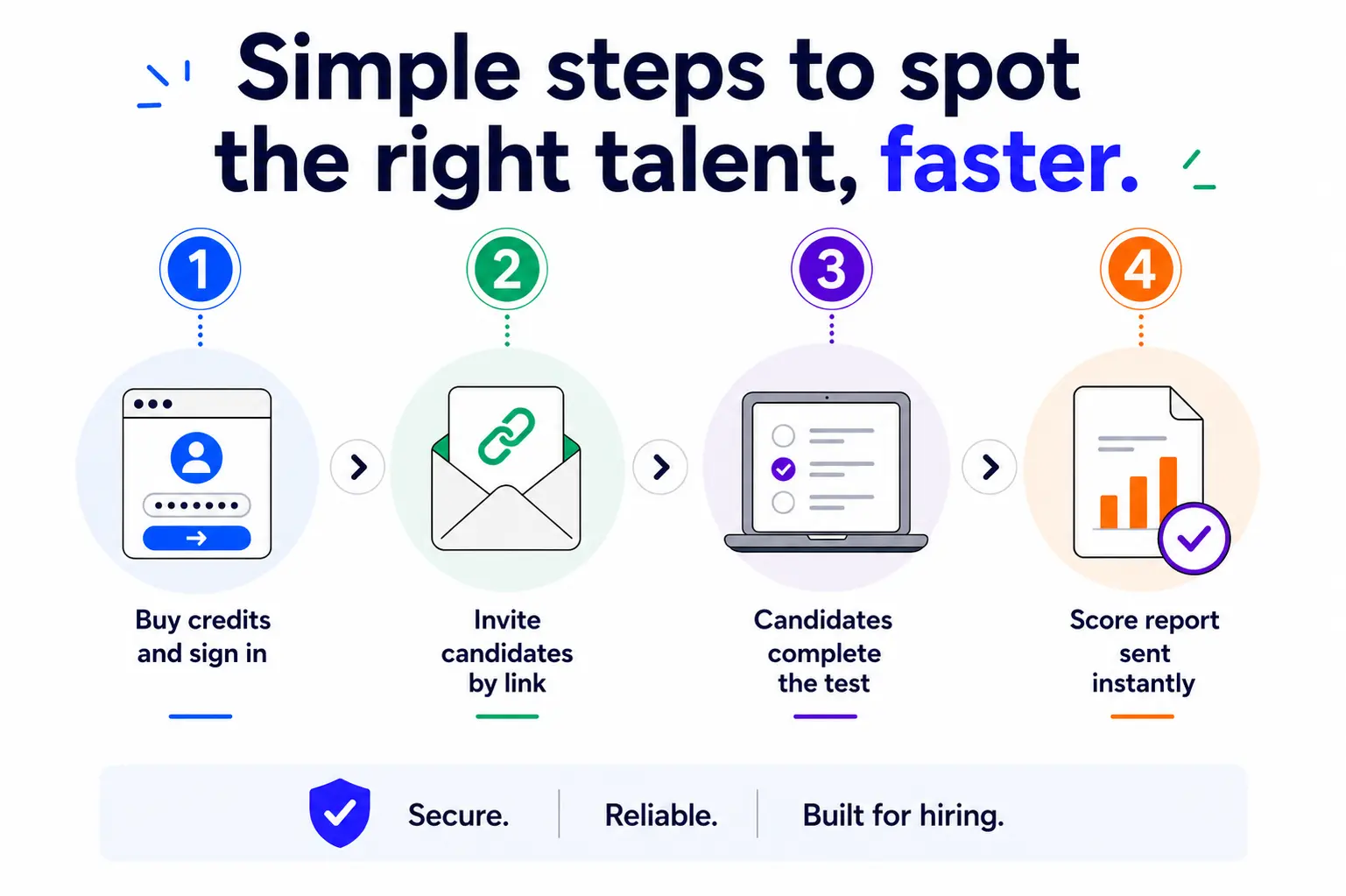




The test presents a business document with 20 errors inside it. Applicants mark every error they can find. The mistakes fall into two groups, word choice and spelling, then punctuation and syntax. Your report scores each group on its own, so you can see which one gave the candidate trouble.
Scoring starts with the 20 errors in the document. Each error a candidate misses costs a point. Marking clean text as an error costs a point too. A candidate who correctly finds 15 errors and marks 2 non-errors ends at 13 out of 20, or 65%. The report shows that total, both category scores, and a percentile ranking.
A grammar test checks whether someone knows the rules. This one checks whether they can catch a broken rule sitting inside real text that nobody flagged for them. Both help. Teams hiring for writing-heavy work often run the proofreading test first, then use the report to shape their interview questions.
Yes. Every report includes a percentile ranking. You see how the candidate compares to other test takers in your own account and against all recorded scores in the database. That gives you a benchmark to work from instead of a number sitting on its own.
No preparation is needed. The test asks applicants to do the same thing the job asks, which is read carefully and mark what looks wrong. Some candidates go looking for a practice proofreading test first, and that is fine. Careful reading is what shows up in the score either way.
Pricing is simple and flexible as your needs change. Each test completed uses one test credit. (See pricing for credits)
Yes, just visit Try for Free to provide your information and we’ll send a free sample of the test you request.


