


Who should take the Word and Excel test?
This test is for any applicant expected to use Word and Excel on the job. It’s especially helpful for admin, office support, data entry, and assistant roles.
Our Word and Excel test for employment shows you exactly what they can do, before day one.
No more résumé claims. No more surprises after you hire.
According to research, Microsoft Office proficiency is the #1 most important technical skill for workplace success, above data management, project management, and AI tools.
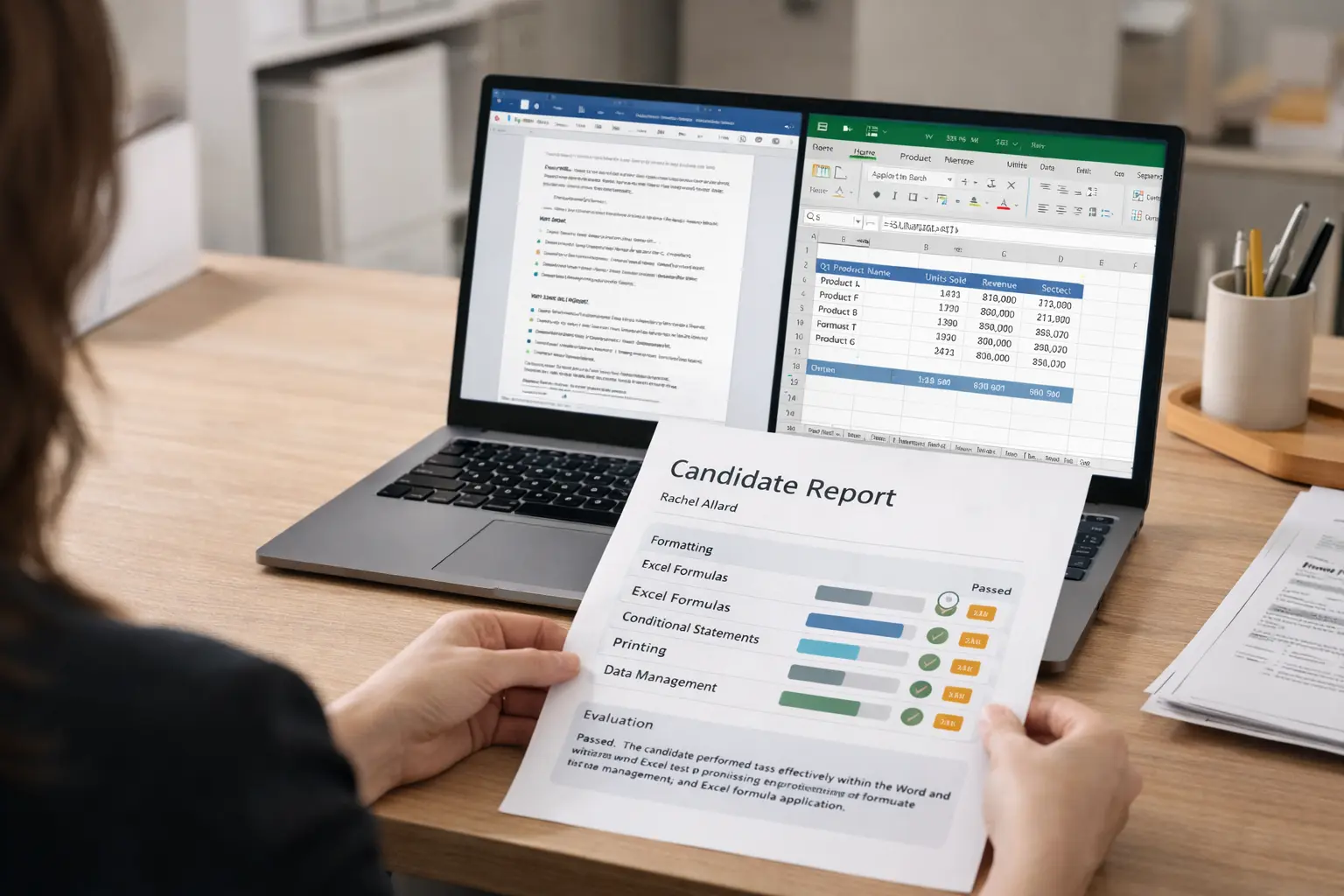
Your applicants finish the Word and Excel assessment test and you get a full score report in your inbox, no login needed. Every report includes:
See the candidate’s percentage score, how it compares to others in your account, and where they rank against all test takers in the database. A percentile ranking tells you exactly how competitive they are.
Scores split by difficulty (Basic and Intermediate) and by skill area: Editing, Formatting, File Management, Analysis, Graphics, Printing, Tables, and Tools. You see exactly where they’re strong and where they’ll need support.
Every task listed with correct/incorrect status and time spent. Slow on a basic formula? Fast but wrong on formatting? The data is all there.
This Word and Excel skills assessment test uses real hands-on tasks, not multiple choice. Candidates work inside actual Office simulations and show whether they can:
Lightcast Report showed that Microsoft Office is the most in-demand digital skill across 15 countries. Your next hire needs to use it, not just claim they can.
The Word and Excel test for employment works for any role that relies on Microsoft Office. It’s most commonly used for:
Not sure how much Office skills a role really needs? Read: MS Office Skills in the Workplace to see which positions benefit most and how to set the right benchmark.

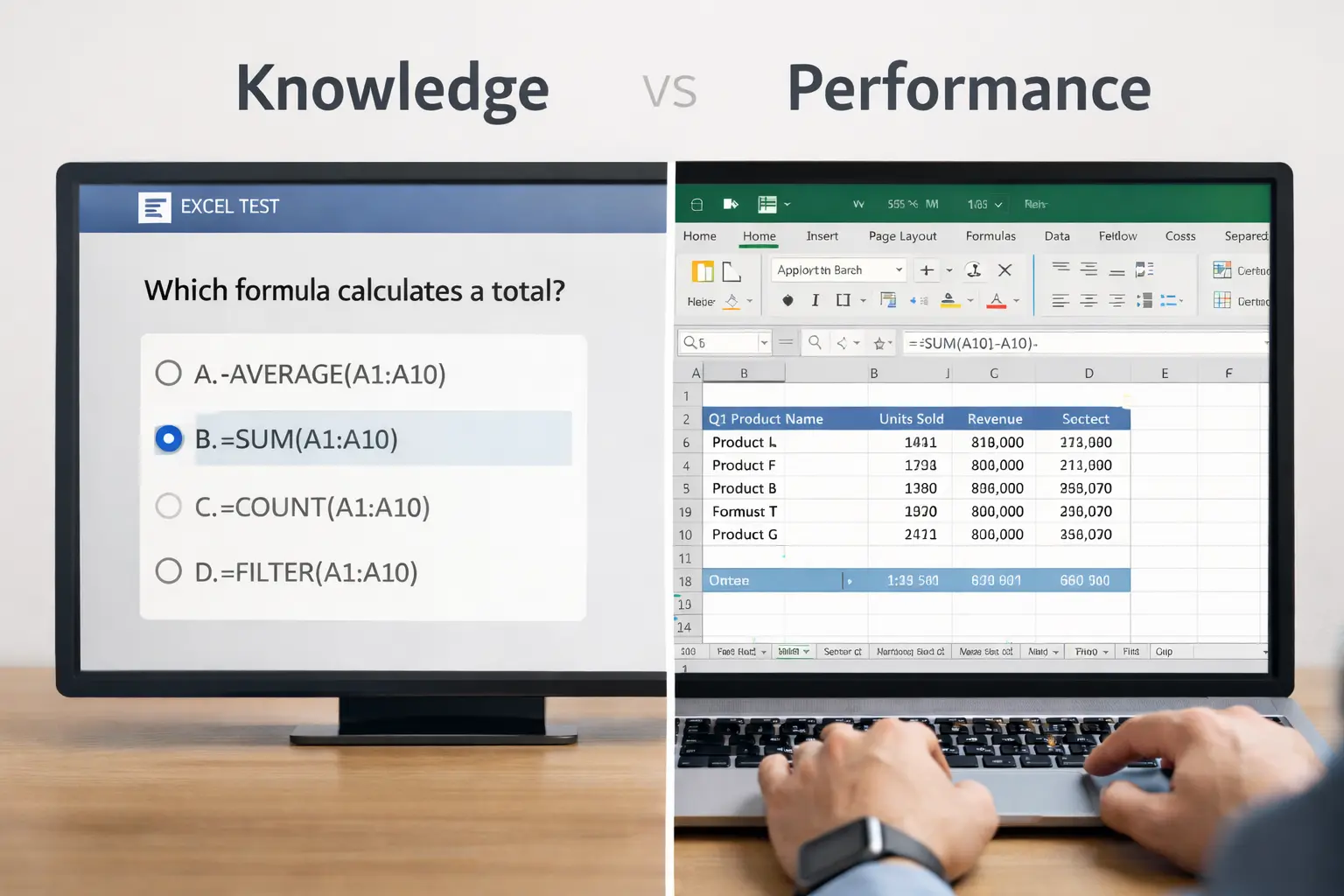
Multiple choice tests are easy to game. A candidate can guess the right answer without ever touching Excel.
Our Word and Excel assessment test puts candidates inside real Office simulations, they open files, enter formulas, apply formatting, and fix errors, exactly as they would on the job.
Research confirms work-sample tests are among the strongest predictors of job performance, outperforming interviews and personality tests.
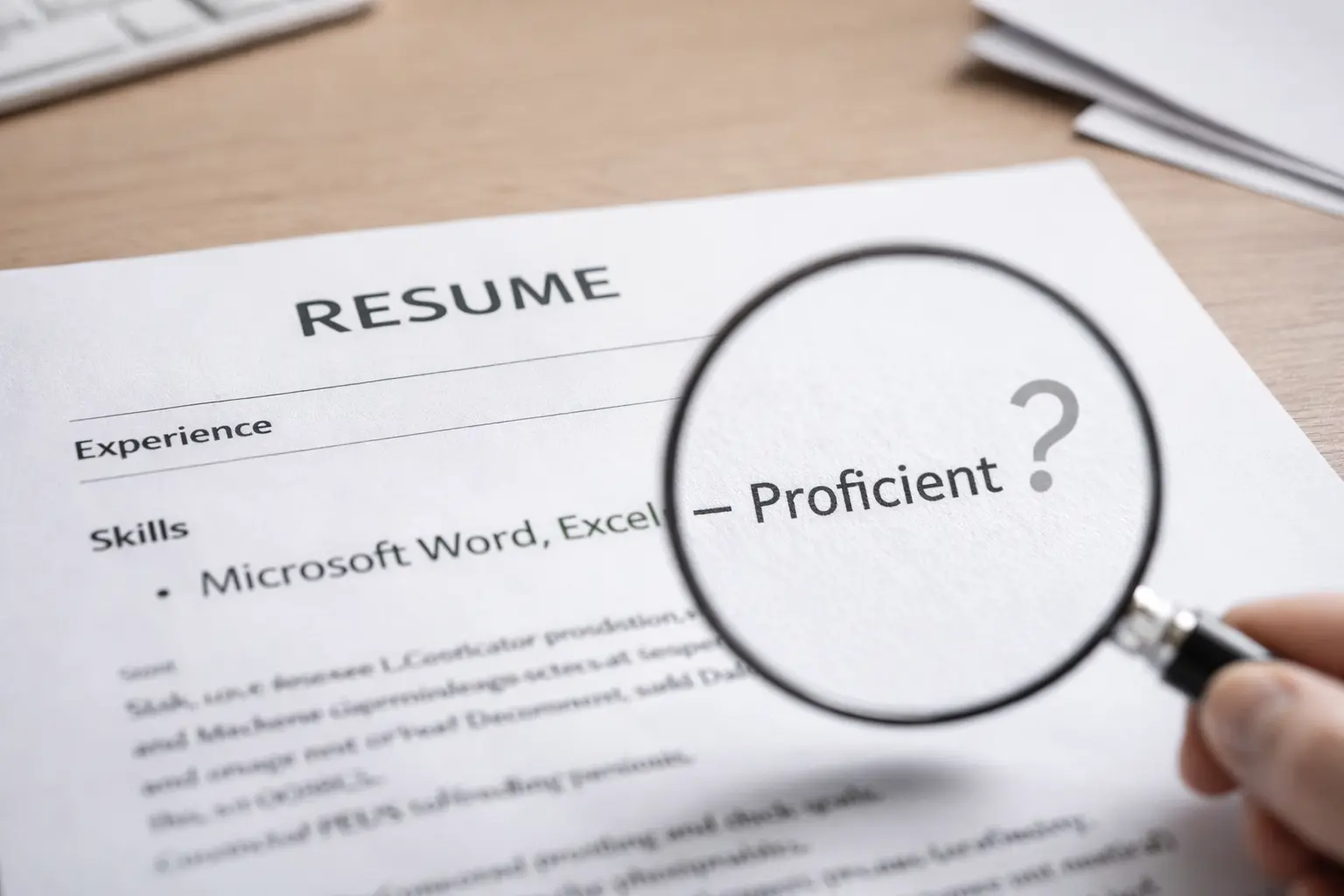
Almost every applicant claims to know Microsoft Word and Excel. But “proficient” means something different to everyone.
Studies found Office skills appear in over 80% of middle-skill job postings, yet employers still report that new hires lack the specific skills the role demands.
A standardized Word and Excel test puts every candidate on equal footing. Same tasks, same conditions, objective results.
Read: Why an Excel Assessment Test for Employment Is Important to know why standardized testing is becoming the default for smart hiring teams.
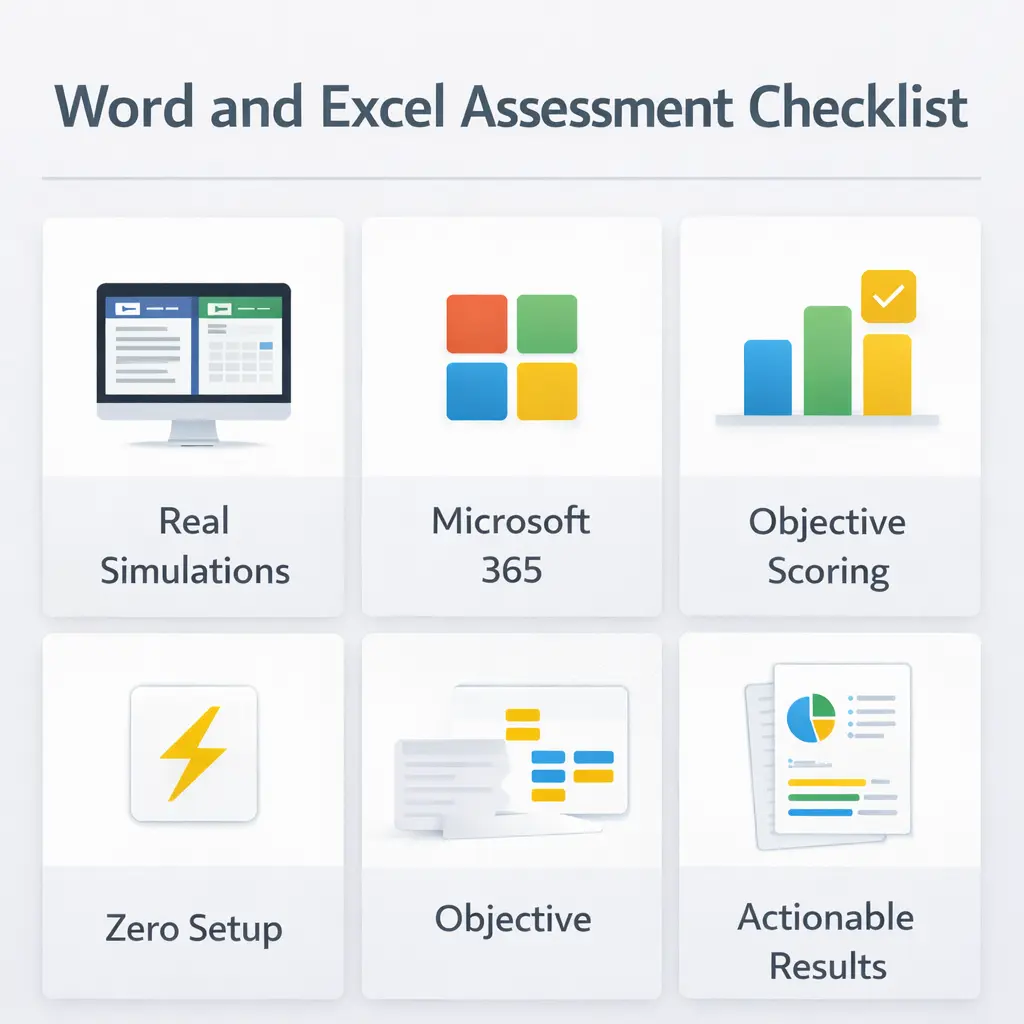
Not all Word and Excel tests are built the same. Look for these when choosing an assessment:
Real Simulations, Not Questions. Candidates should perform tasks inside actual Office files, not describe what they’d do.
Current Software. The test should cover Microsoft 365 / Office 2016 or later, not outdated features.
Objective Scoring. Results should be data-driven, not based on a manager’s judgment. EmployTest assessments are professionally validated.
Zero Setup. Send in minutes. Candidates start in seconds. No IT, no installs.
Actionable Results. More than a score, topic breakdowns, skill levels, and time-per-task, so you know exactly what you’re hiring.
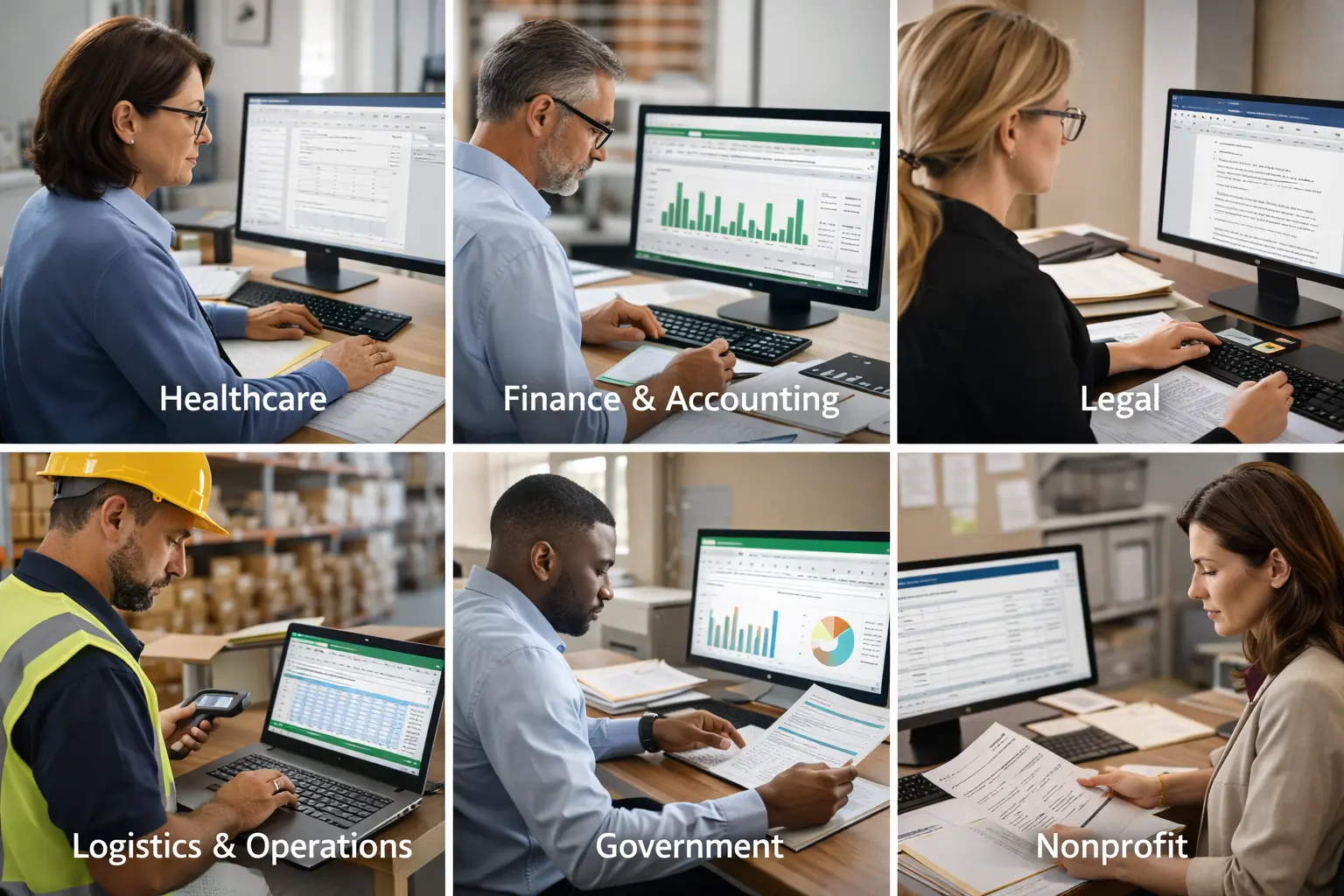
The Word and Excel test for employment is used across industries where document and data skills are non-negotiable:
Healthcare: Billing staff and medical office admins manage records, insurance tables, and reports in Excel daily.
Finance & Accounting: Bookkeepers and AP/AR clerks need Excel fluency — formulas, formatting, and data management.
Legal: Paralegals format complex documents, manage discovery logs, and build case timelines.
Logistics & Operations: Inventory and shipping data lives in Excel. Errors cost money.
Government & Nonprofits: Grant reporting and program tracking require solid Word and Excel at the intermediate level.

Who should take the Word and Excel test?
This test is for any applicant expected to use Word and Excel on the job. It’s especially helpful for admin, office support, data entry, and assistant roles.
What questions are included on the Word and Excel Test?
Questions are based on modern Microsoft Office features in Word and Excel 2016 or later, including formulas in Microsoft Excel and functions in Microsoft Word.
How much does this cost?
Pricing is simple and flexible as your needs change. Each test completed uses one test credit. (See pricing for credits)
Can I get a free sample before I purchase?
Yes, just visit Try for Free to provide your information and we’ll send a free sample of the test you request.


