EmployTest Logo

Basic Computer Skills Test for Job Applicants

This basic computer skills test for job applicants is intentionally designed to be very simple. It measures baseline computer awareness, not Office productivity, software proficiency, or technical skill.

The test focuses on whether a candidate can handle fundamental, low-complexity computer tasks, such as basic navigation, recognizing common computer functions, file handling, and general digital familiarity (not Word, Excel, Outlook)

Basic Computer Literacy and Skill Coverage

Basic computer literacy refers to a candidate’s ability to understand and perform computer actions that require minimal instruction.

This test evaluates fundamental skills such as:

  • Basic screen and window navigation
  • Mouse use, clicking, and selection
  • Simple typing and keyboard awareness
  • Recognizing common system actions and prompts
  • Understanding basic navigation and controls

This test helps employers quickly identify candidates who may need additional support or who are not ready for computer-assisted roles, without over-interpreting performance as productivity or technical skill.

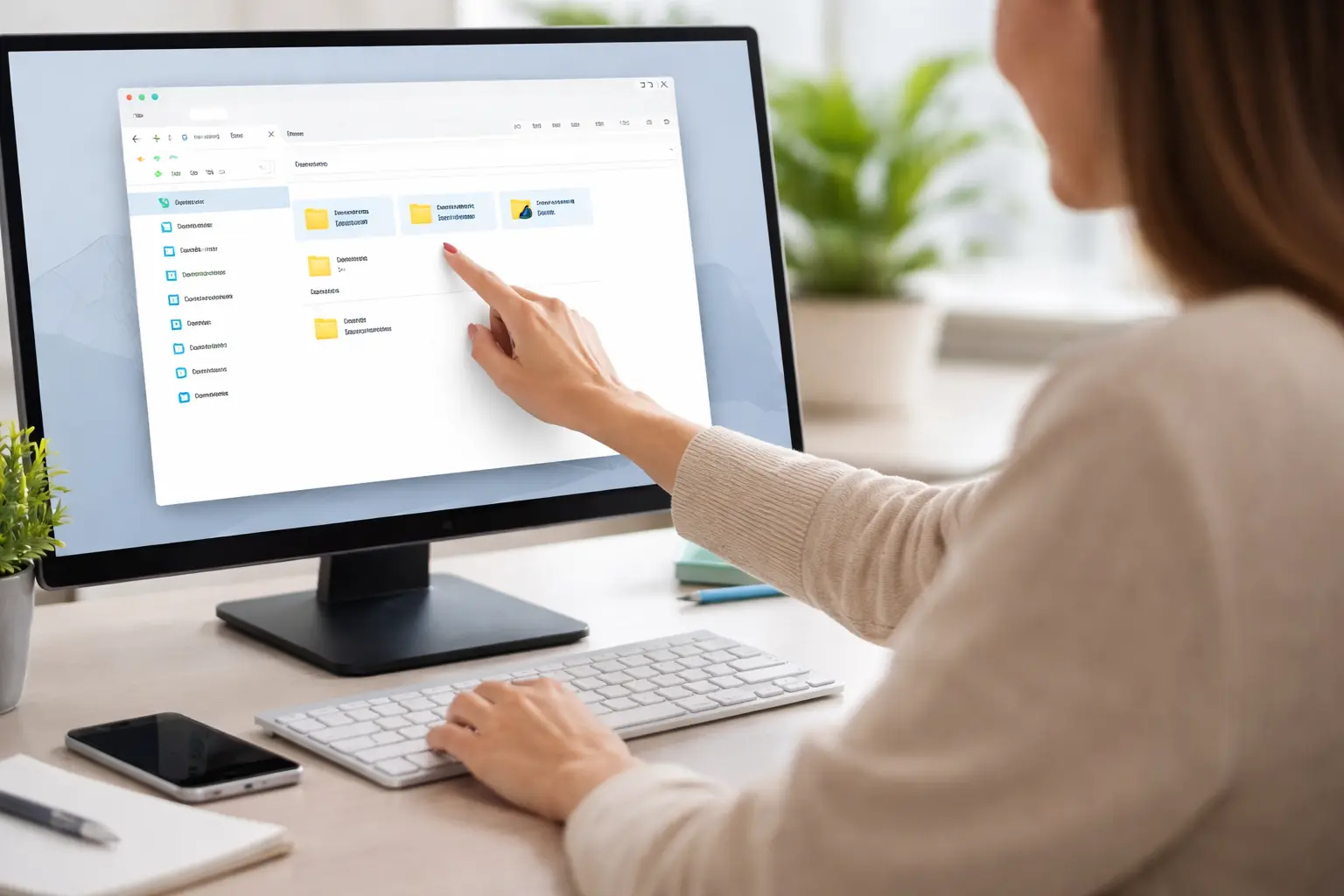
A Person Using A Computer Performing Basic Actions

When to Use a Basic Computer Skills Test

This assessment is best used for roles where computers are present but not the core of the job, including:

  • Call center and contact center roles
  • Customer support and help desk positions
  • Field technicians or technicians using basic systems
  • Roles requiring minimal on-screen interaction

For hiring situations where candidates are expected to demonstrate broader computer proficiency or practical software use, a general computer skills test or Microsoft Office–focused assessment is more appropriate.

Score Reports and Result Interpretation

Score reports from the basic computer skills test provide a clear snapshot of a candidate’s baseline digital familiarity.

Use the breakdown to:

  1. Identify candidates who may need extra support or training
  2. Flag applicants who struggle with basic navigation or mouse control
  3. Confidently move digitally ready candidates forward in the hiring process

This test is not intended to rank advanced users. If the role requires daily document or spreadsheet work, skip this test and use a software-specific assessment instead.

Basic Computer Skills Test vs Broader Computer Assessments

This test confirms baseline familiarity and answers a single question:

Can this candidate comfortably interact with a computer at a very basic level?

Broader computer assessments evaluate higher expectations, such as productivity, efficiency, and software confidence. Office-focused tests measure skills like document creation, spreadsheet use, email management, and workflow accuracy.

This page is best used as a quick screen before role-specific tests.

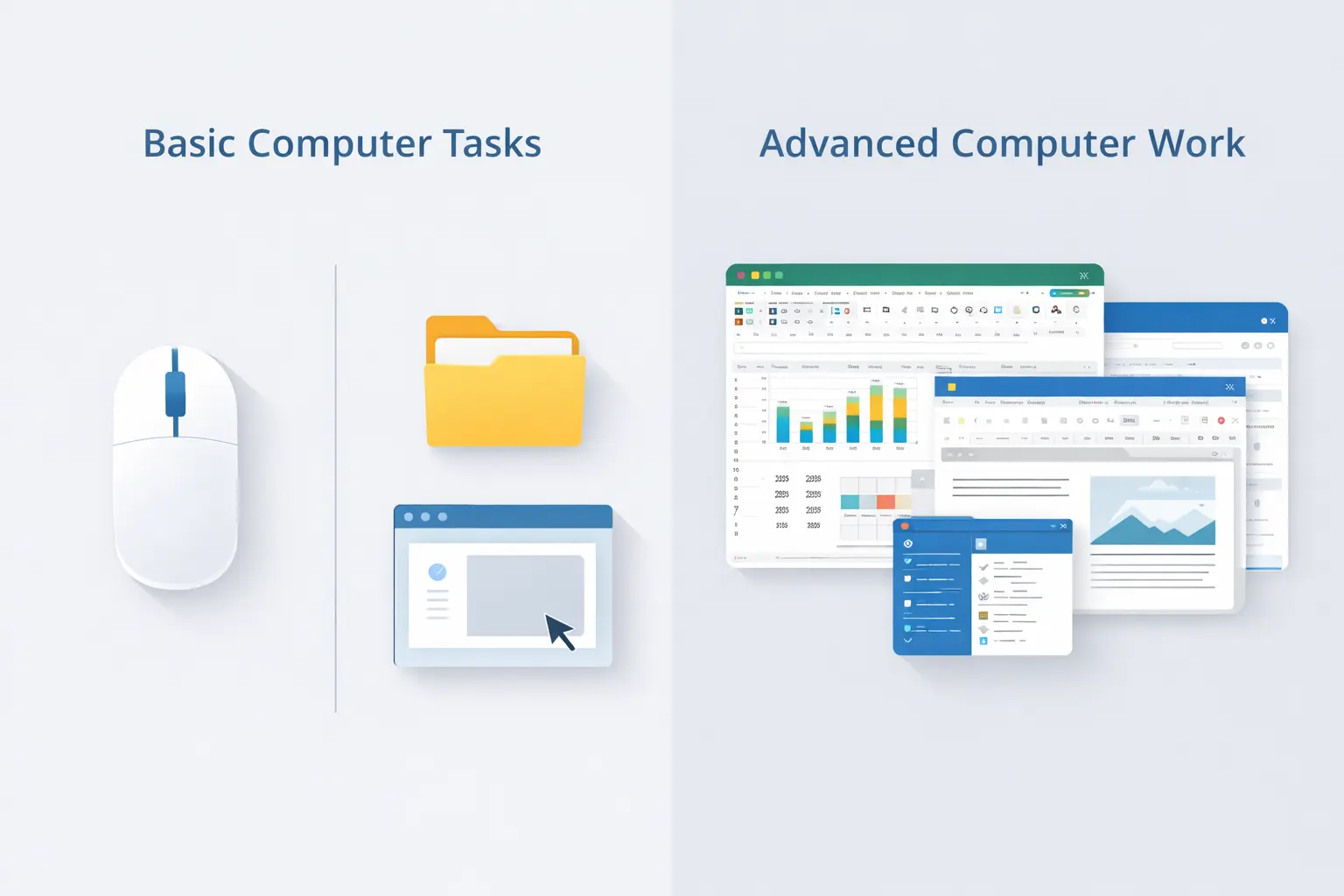
Basic Vs Advanced Computer Tasks

Related Skill Tests for Further Evaluation

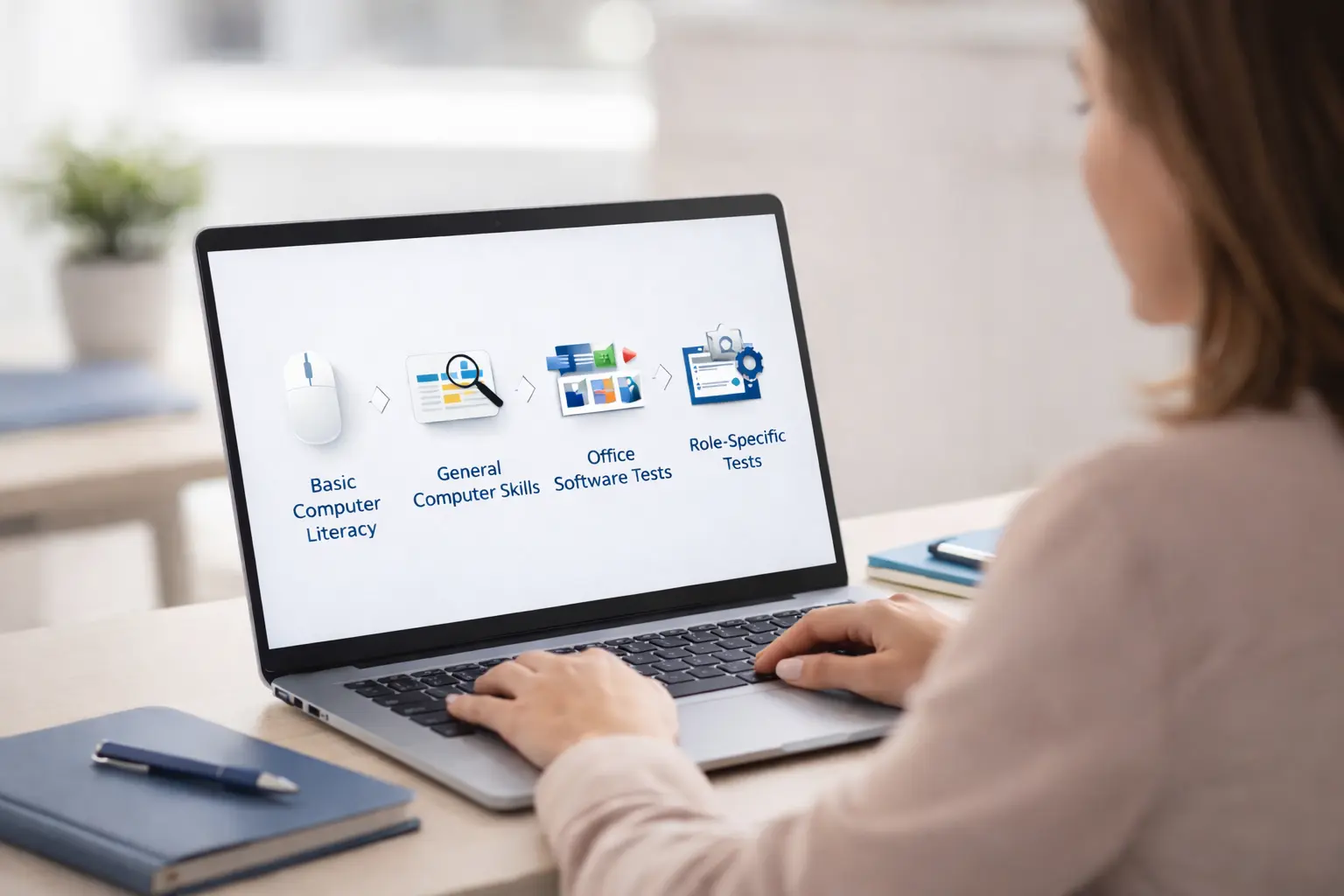
Depending on the role, employers may follow up with:

  1. General computer skills tests – for broader on-the-job computer use
  2. Microsoft Office assessments – for document, spreadsheet, or email work
  3. Typing or data entry tests – for speed and accuracy requirements
  4. Role-specific software evaluations – for job-dependent tools or systems

Using assessments in sequence helps hiring teams apply the right level of testing at the right stage, without over-screening early candidates.

Hiring Manager Reviewing Skill Assessments

4.7/5 | 137 reviews on Capterra

“The online tests delivered by EmployTest allow us to ensure that our pre-hire testing process is non-discriminatory while providing a wide range of topics to meet the needs of an organization with over 30 varied departments.”

Brenda H., Sr. HR Analyst/Training Coordinator
EmployTest Capterra award badge and customer review.
Employtest Comparison

Frequently Asked Questions

What kind of questions are on the basic computer skills test?

Questions on this test focus on basic computer ability, not productivity or software proficiency, including:

  • Recognizing basic computer functions
  • Navigating simple menus or screens
  • Understanding common system actions
  • General familiarity with digital environments

The test does not assess document creation, spreadsheets, or office software work.

Is this test suitable for office or administrative positions?

No. Office and administrative roles typically require regular use of productivity software, such as Microsoft Word, Excel, and email systems.

For those positions, a computer skills test focused on software use or office productivity is more appropriate than a basic computer skills test.

Why should employers assess basic computer literacy before hiring?

Assessing basic computer literacy helps employers:

  • Avoid onboarding issues caused by digital confusion
  • Reduce early training friction
  • Improve job readiness in computer-assisted roles
  • Screen efficiently in high-volume hiring environments

It ensures candidates meet minimum digital expectations before moving forward.

How much does this cost?

Pricing is simple and flexible as your needs change. Each test completed uses one test credit. (See pricing for credits)

Can I get a free sample before I purchase?

Yes, just visit Try for Free to provide your information and we’ll send a free sample of the test you request.

How it Works

Wicon 1
BUY TEST CREDITS
Wicon 2
SIGN INTO DASHBOARD
Wicon 3
CHOOSE TESTS
Wicon 4
EMAIL TEST SESSIONS