EmployTest Logo

Basic Computer Skills Test for Job Applicants

Our Basic Computer Skills Test for job applicants screens candidates for real-world computer proficiency in minutes, not days. Know exactly who can handle the job before you make an offer.

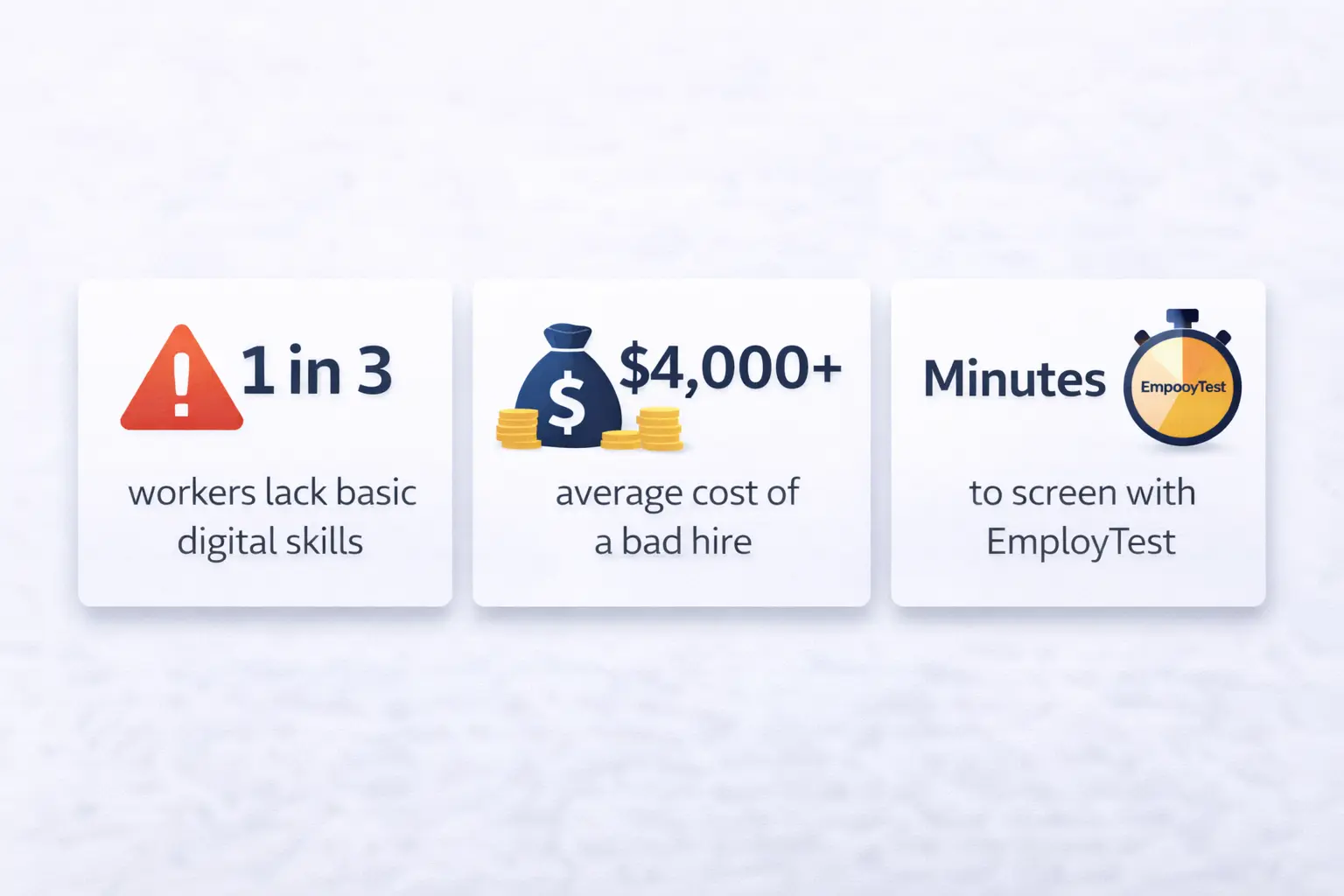
Research shows the average cost of a bad hire can reach up to $4,700, and poor job fit, including skill gaps, is one of the top reasons.

The test flags candidates who are not ready without slowing down your hiring process or requiring any technical knowledge to interpret results.

Basic Computer Literacy and Skill Coverage

Basic computer literacy means a person can understand and perform everyday computer tasks without extra help. 

This basic computer skills test checks the fundamentals: screen navigation, clicking and selecting, keyboard awareness, and how a candidate handles common system prompts.

The test flags candidates who are not ready without slowing down your hiring process or requiring any technical knowledge to interpret results.

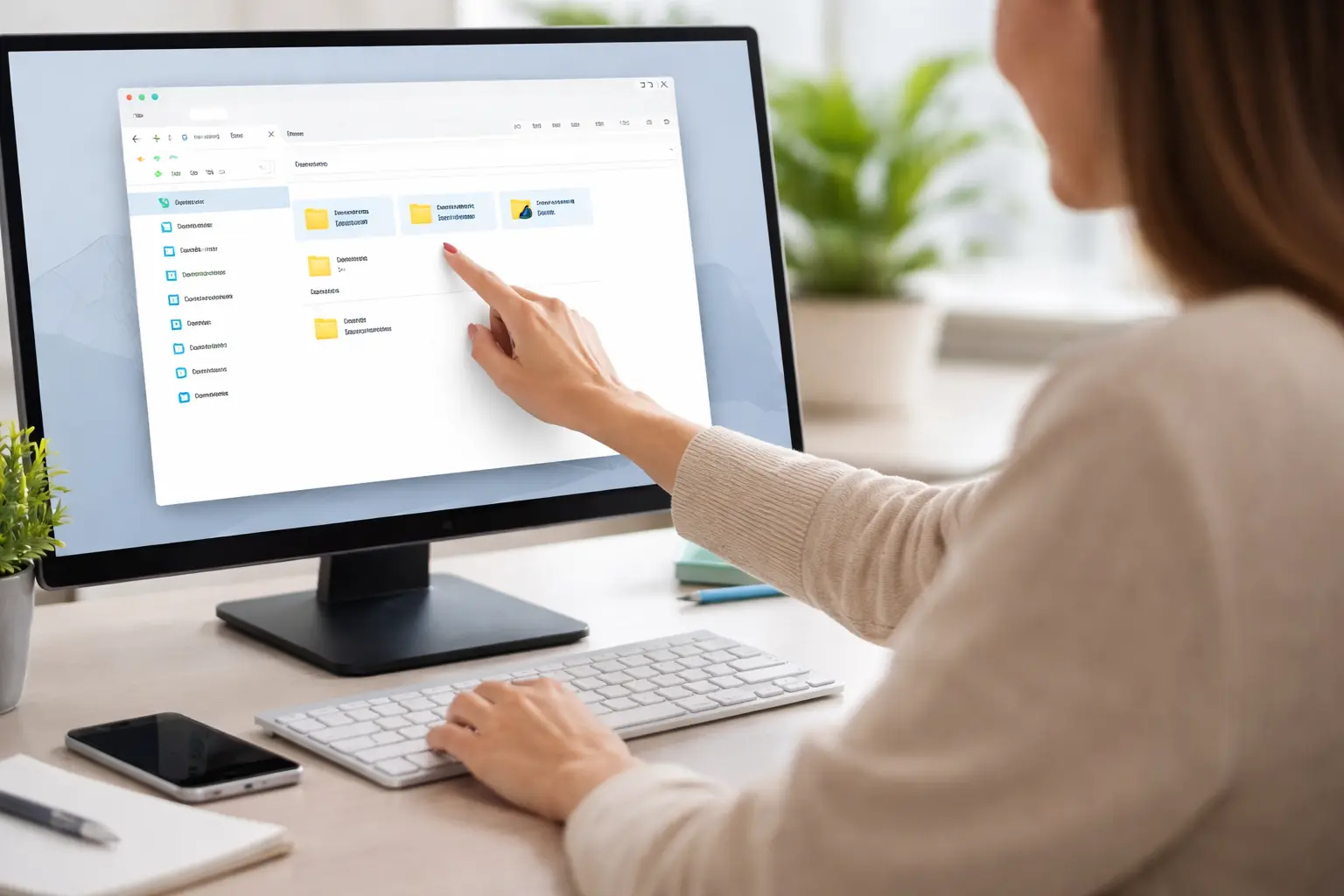
A Person Using A Computer Performing Basic Actions

The Gap Is Bigger Than You Think

Research confirms that digital skill gaps are widespread, even among candidates who look perfectly qualified on paper.

A study found that 1 in 3 working-age adults lack the basic digital skills needed for an office environment. That means a significant portion of your applicant pool may be struggling with tasks your team does every day.

Screening for computer literacy before hire is one of the lowest-cost, highest-impact moves an HR manager can make. Do not let poor computer skills slow down your team after Day 1.

Infographic showing three statistics: 1 in 3 workers lack digital skills, $4,000 average bad hire cost, and minutes to screen with EmployTest

When to Use a Basic Computer Skills Test

This test works best when computers are part of the daily job. That includes call center and contact center roles, customer support and help desk positions, and administrative staff. 

If you want to make sure candidates can also handle spreadsheets, correspondence, and filing systems, check out this guide on the must-have clerical skills your employees should have before Day 1.

GREAT FOR THESE ROLES

  • Call center and customer service
  • Administrative and office coordinator
  • Receptionist and front desk staff
  • Data entry and records management
  • Retail and in-store computer systems
  • Remote work, any role

Score Reports and Result Interpretation

Score reports give you a clear snapshot of each candidate’s basic digital literacy. They show you who needs extra support, flag candidates who might struggle with basic computer tasks, and help you move forward faster with candidates who are digitally ready. 

You do not need to be a tech expert to read the results. They are built for busy HR managers who need a fast and reliable answer. No guesswork, no surprises, no wasted onboarding time.

Research from SHRM shows that structured pre-employment assessments consistently reduce bad hire rates across industries.

That is exactly what makes a basic computer skills test worth running before any in-person interview.

Basic Computer Skills Test vs Broader Computer Assessments

This test answers one simple question: Does the candidate have basic computer literacy?

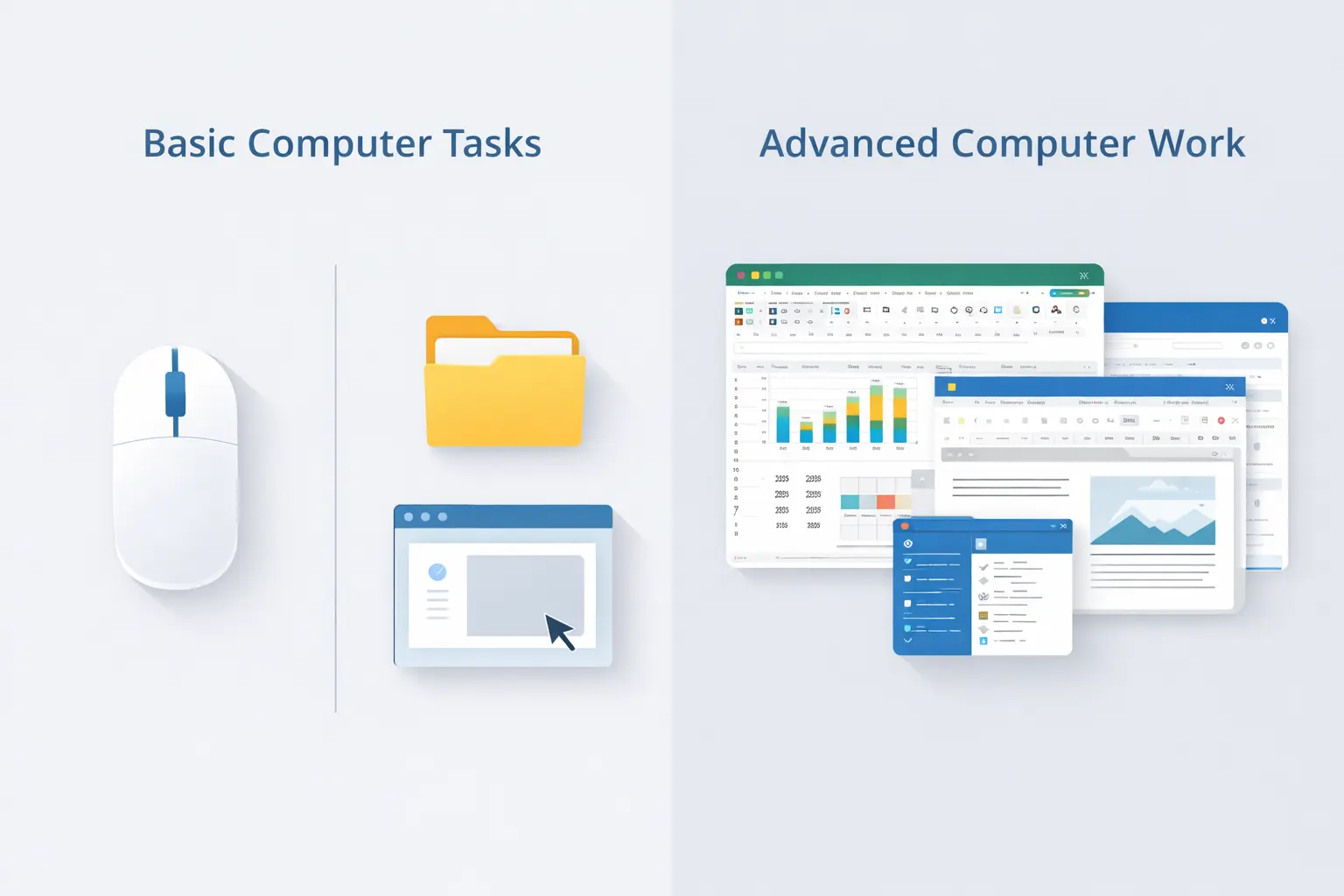
Broader computer assessments are designed for higher expectations. They measure things like document creation, spreadsheet efficiency, and software confidence. 

Many hiring teams do not realize that not all job seekers are computer proficient even when they claim to be on a resume. Use this test as your first screen before running any deeper role-specific tests. If a candidate cannot pass the basics, there is no need to keep testing further down the funnel.

Basic Vs Advanced Computer Tasks

Related Skill Tests for Further Evaluation

Depending on the role, employers may follow up with:

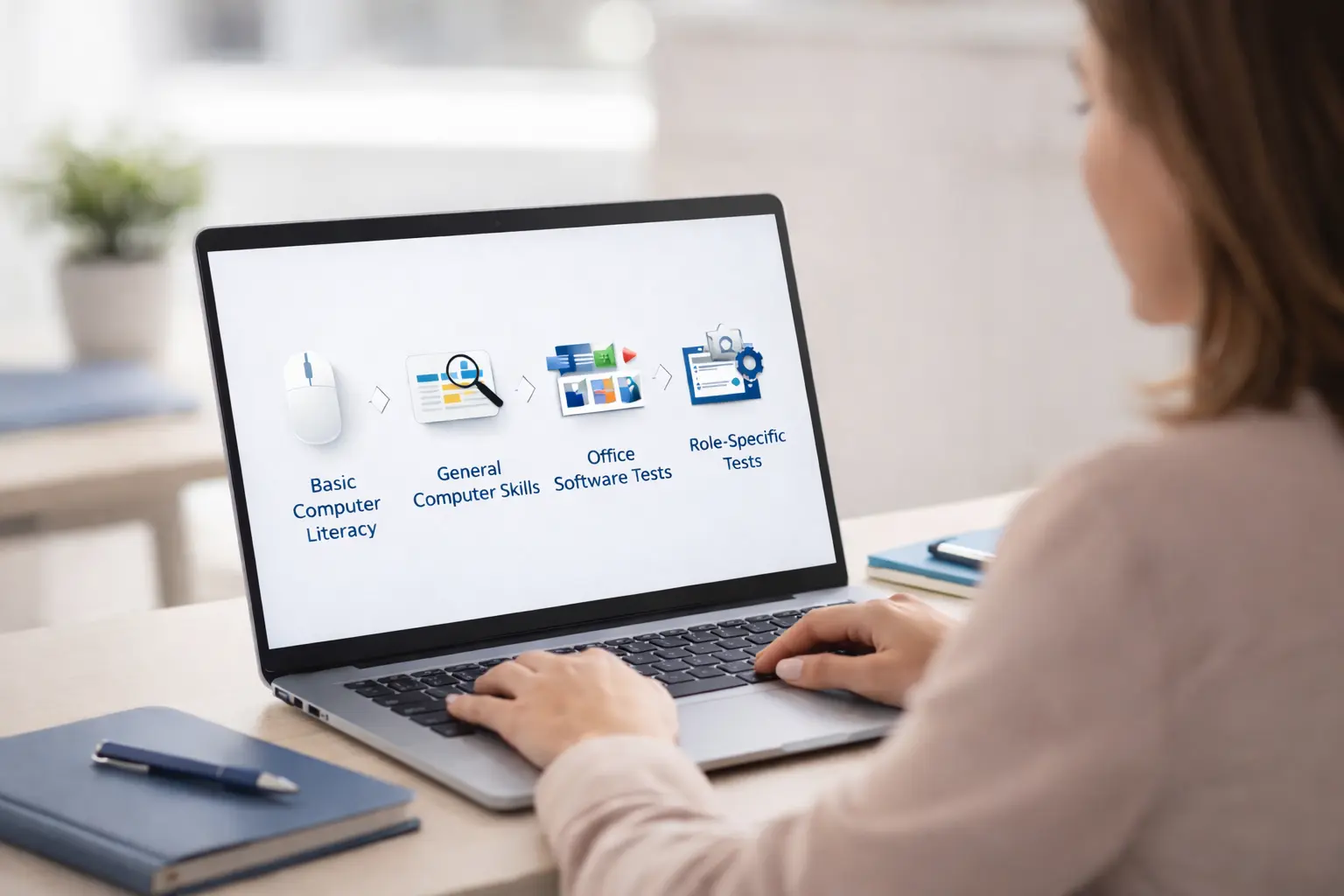
  1. General computer skills tests – for broader on-the-job computer use
  2. Microsoft Office assessments – for document, spreadsheet, or email work
  3. Typing or data entry tests – for speed and accuracy requirements
  4. Role-specific software evaluations – for job-dependent tools or systems

Using assessments in sequence helps hiring teams apply the right level of testing at the right stage, without over-screening early candidates.

Hiring Manager Reviewing Skill Assessments

4.7/5 | 137 reviews on Capterra

“The online tests delivered by EmployTest allow us to ensure that our pre-hire testing process is non-discriminatory while providing a wide range of topics to meet the needs of an organization with over 30 varied departments.”

Brenda H., Sr. HR Analyst/Training Coordinator
EmployTest Capterra award badge and customer review.
Employtest Comparison

Frequently Asked Questions

What kind of questions are on the basic computer skills test?

Questions on this test focus on basic computer ability, not productivity or software proficiency, including:

  • Recognizing basic computer functions
  • Navigating simple menus or screens
  • Understanding common system actions
  • General familiarity with digital environments

The test does not assess document creation, spreadsheets, or office software work.

Is this test suitable for office or administrative positions?

No. Office and administrative roles typically require regular use of productivity software, such as Microsoft Word, Excel, and email systems.

For those positions, a computer skills test focused on software use or office productivity is more appropriate than a basic computer skills test.

This test covers foundational basics and works best as a first screen. Our guide on must-have clerical skills can help you decide which tests to stack together for those roles.

Why should employers assess basic computer literacy before hiring?

Assessing basic computer literacy helps employers:

  • Avoid onboarding issues caused by digital confusion
  • Reduce early training friction
  • Improve job readiness in computer-assisted roles
  • Screen efficiently in high-volume hiring environments

It ensures candidates meet minimum digital expectations before moving forward.

How much does this cost?

Pricing is simple and flexible as your needs change. Each test completed uses one test credit. (See pricing for credits)

Can I get a free sample before I purchase?

Yes, just visit Try for Free to provide your information and we’ll send a free sample of the test you request.

How it Works

Wicon 1
BUY TEST CREDITS
Wicon 2
SIGN INTO DASHBOARD
Wicon 3
CHOOSE TESTS
Wicon 4
EMAIL TEST SESSIONS