Any candidate can say they know PowerPoint. This test shows if they actually do.
The Microsoft PowerPoint test for applicants puts candidates inside a real Office environment. They perform tasks, not answer trivia. You see exactly what they can do before day one.
For a full picture of what PowerPoint proficiency looks like across job roles, read MS Office skills in the workplace.
EmployTest offers flexible pricing for low to medium hiring volumes, with no annual license fees or long-term contracts.









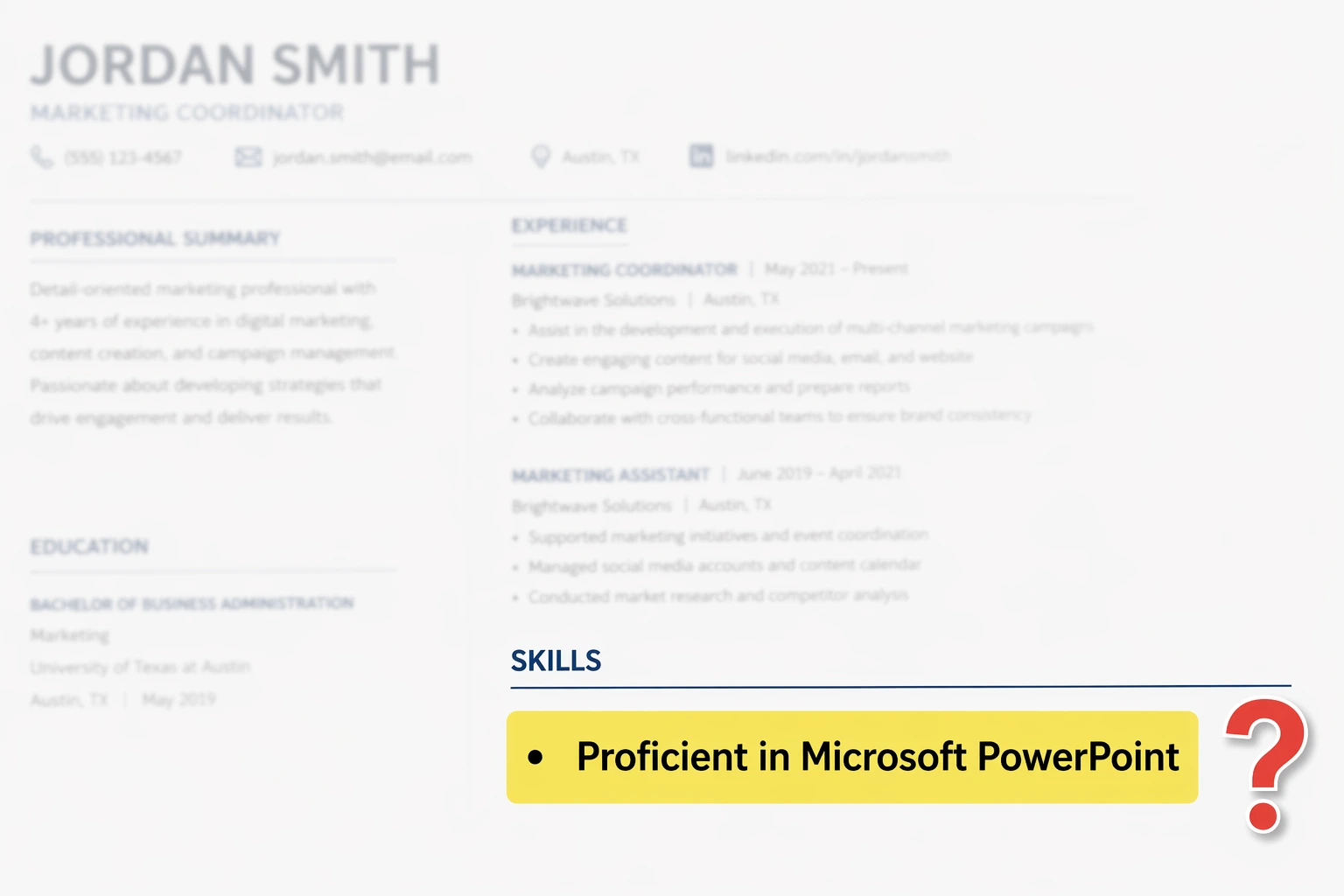
“Proficient in PowerPoint” shows up on almost every resume. But proficiency means different things to different people.
A pre-employment PowerPoint skills assessment removes the guesswork. It gives every candidate the same tasks under the same conditions. You get an objective score, not a self-reported claim.
Lightcast reports that Microsoft Office is the #1 most in-demand digital skill across 15 global labor markets. PowerPoint is a core part of that package, and your next hire needs to use it, not just claim they can.

This pre-employment PowerPoint test evaluates the skills candidates actually use on the job. Questions mirror real tasks across five skill areas:
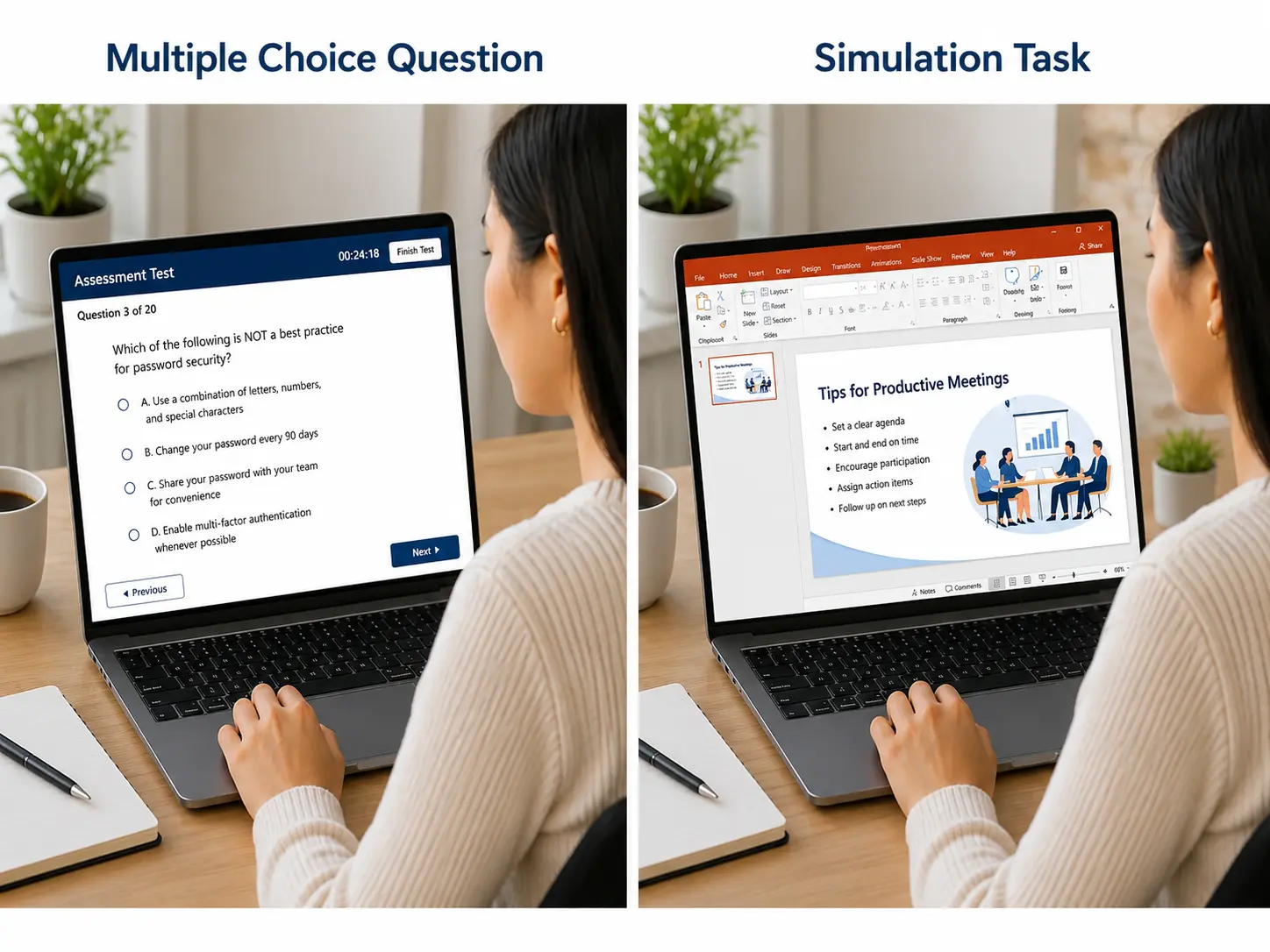
Candidates work inside a simulated PowerPoint environment. There are no multiple-choice options. Every question requires them to actually perform the task.

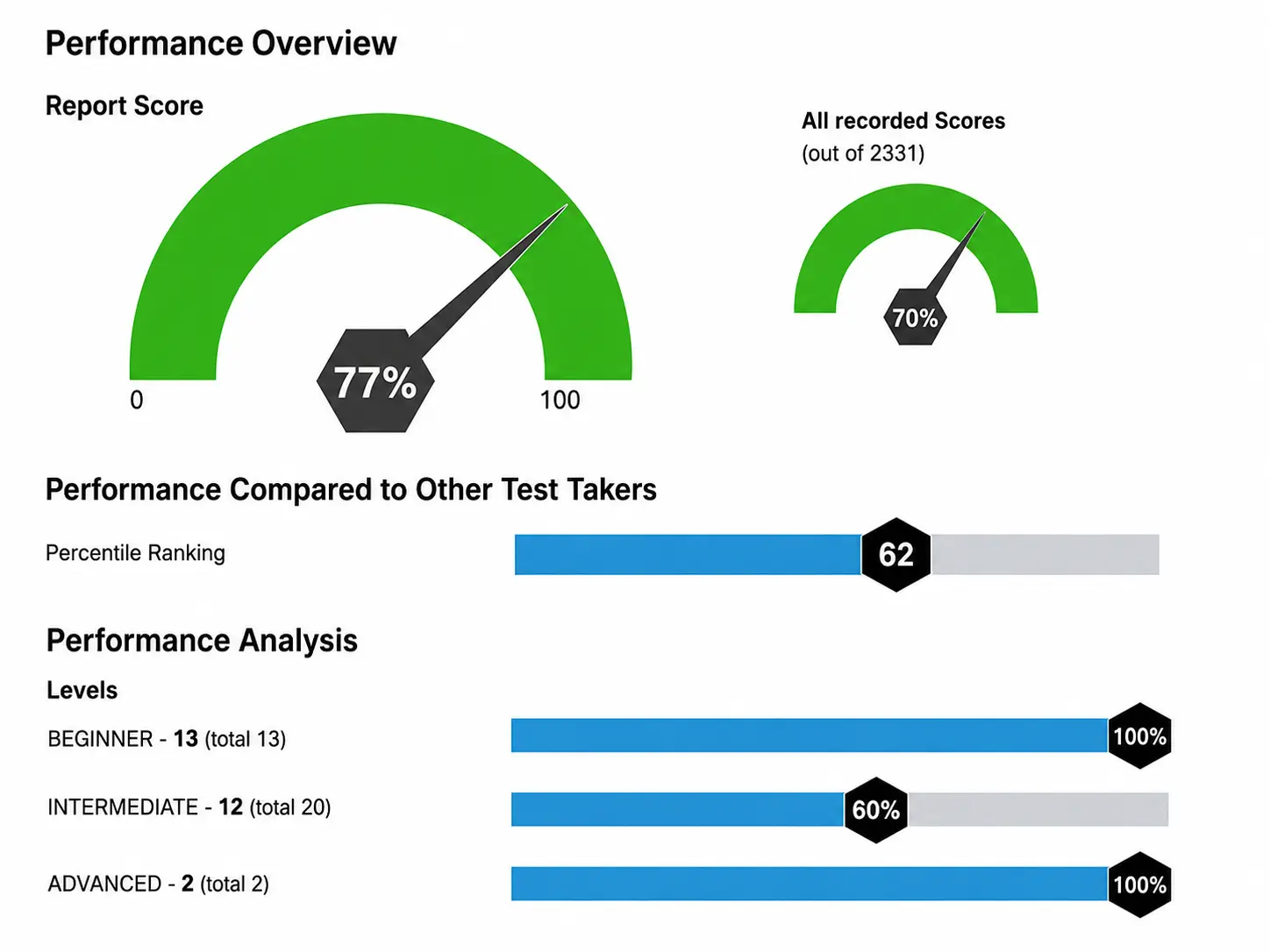
The score report is instantly emailed when the test is finished (test taker doesn’t get results).
The reports are highly detailed, including:
To see how Microsoft Office tests align with different job roles and skill needs, check out this blog on matching Office tests to job positions.
This Microsoft Office presentation skills test works for any role where slides are part of the job. It’s most commonly used for:
If someone will create or edit slides regularly, this test belongs in your hiring process. If you’re not sure how much PowerPoint a role actually needs, this guide on matching Office tests to job positions shows which tests fit which roles.

Multiple-choice tests are easy to game. A candidate can guess the right answer without being able to perform the task.
EmployTest puts candidates inside a real PowerPoint simulation. They open files, apply formatting, insert graphics, and set up animations exactly as they would on the job.
Research confirms work-sample tests are among the strongest predictors of job performance, outperforming interviews and personality tests alone. SHRM recommends structured, evidence-based assessments as the most reliable path to better hires.
Almost every applicant lists PowerPoint as a skill. Very few can build a clean, professional presentation from scratch.
Burning Glass research found that 82% of middle-skill jobs require Microsoft Office proficiency, yet employers consistently report that new hires lack the specific skills the role demands. Requiring a “PowerPoint test for employment” before the interview closes this gap.
A standardized test puts every candidate on equal footing. Same tasks, same conditions, objective results. No surprises after you hire.
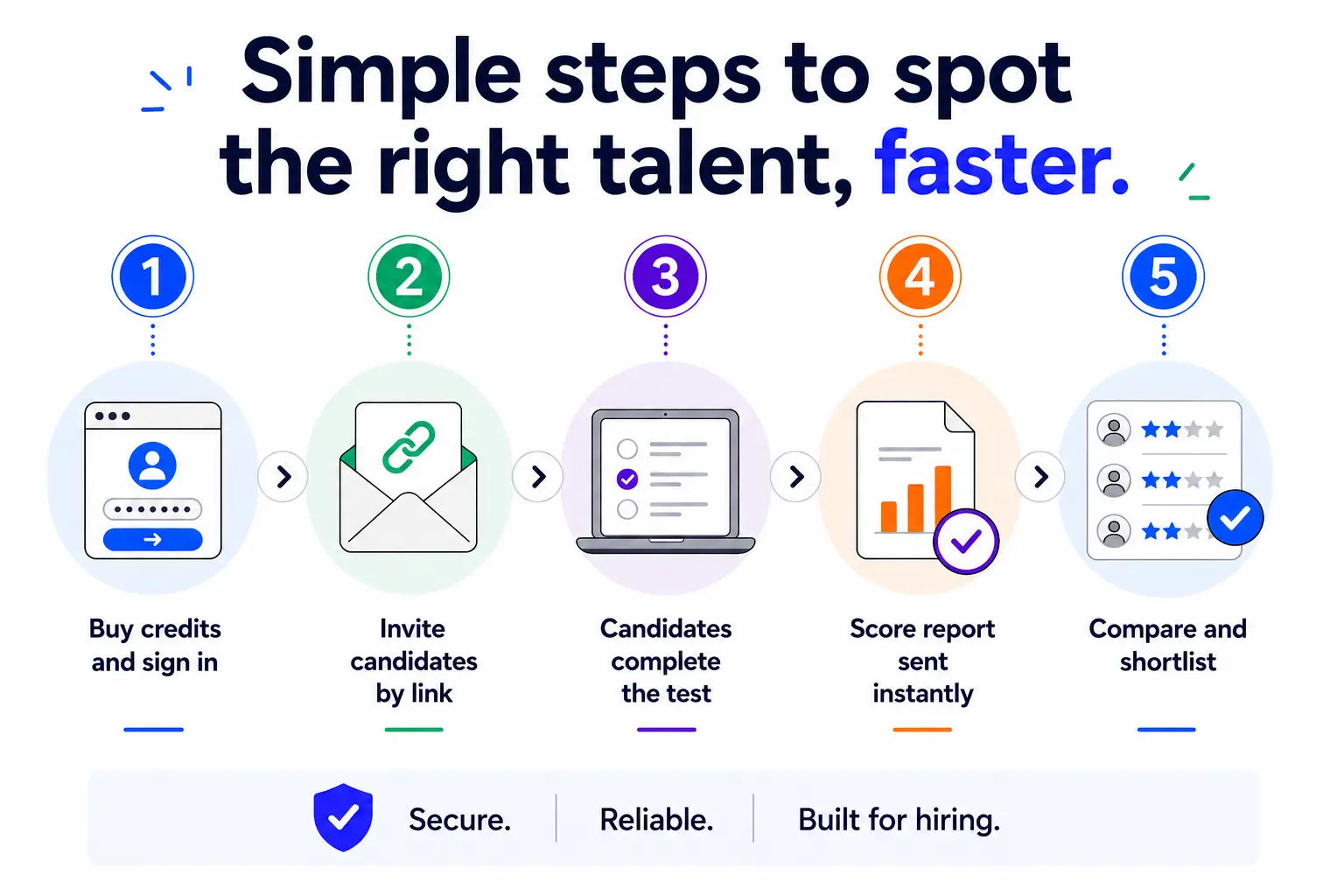
Getting started takes minutes:
The system sends results to you, not the candidate. No gut calls or opinions. Just clear data you can defend.
“I’ve used it now with 3 different companies that I’ve done recruiting for, and they have all loved it. It provides an extra level of assurance before making a hire.”



The test uses interactive simulations, not multiple-choice questions. Candidates work inside a real PowerPoint environment and complete hands-on tasks. This shows what they can actually do, not what they can guess.
Most hiring teams use the Intermediate level. It covers the skills needed for day-to-day presentation work. The Beginner test is a good fit for admin roles with light PowerPoint use. The Advanced test is best when candidates will create complex, client-facing decks.
Yes. Candidates complete the test online at their convenience. The simulation runs in a standard web environment. No IT setup is required on your end.
The score report is delivered instantly the moment the candidate finishes. Sign in to your dashboard to view past results at any time. Reports are saved automatically and never expire.
No. Results go directly to you, not the candidate.
Any role where presentations are part of the job. Marketing, sales, operations, HR, business analysis, and executive support roles all use PowerPoint regularly. If a candidate will create or edit slides in the first 30 days, test for it before you hire.
Pricing is simple and flexible as your needs change. Each test completed uses one test credit. (See pricing for credits)
Yes, just visit Try for Free to provide your information and we’ll send a free sample of the test you request.