EmployTest Logo

Pivot Table Test for Applicants

Anyone can say they know Excel. But can they actually build a pivot table from scratch, filter a dataset, and turn raw numbers into a report your team can use?

Our Pivot Table Test for Applicants finds out. It puts candidates inside a simulated Excel environment and asks them to perform the same tasks they would face on Day 1. You see exactly who can work with data and who just has “Excel” on their resume.

Pivot table skills show up in 44% of all job postings, making them one of the most in-demand technical skills for office, finance, and data roles. Stop guessing. Start measuring.

Buy Now

Try Free

What This Excel Pivot Table Assessment Covers

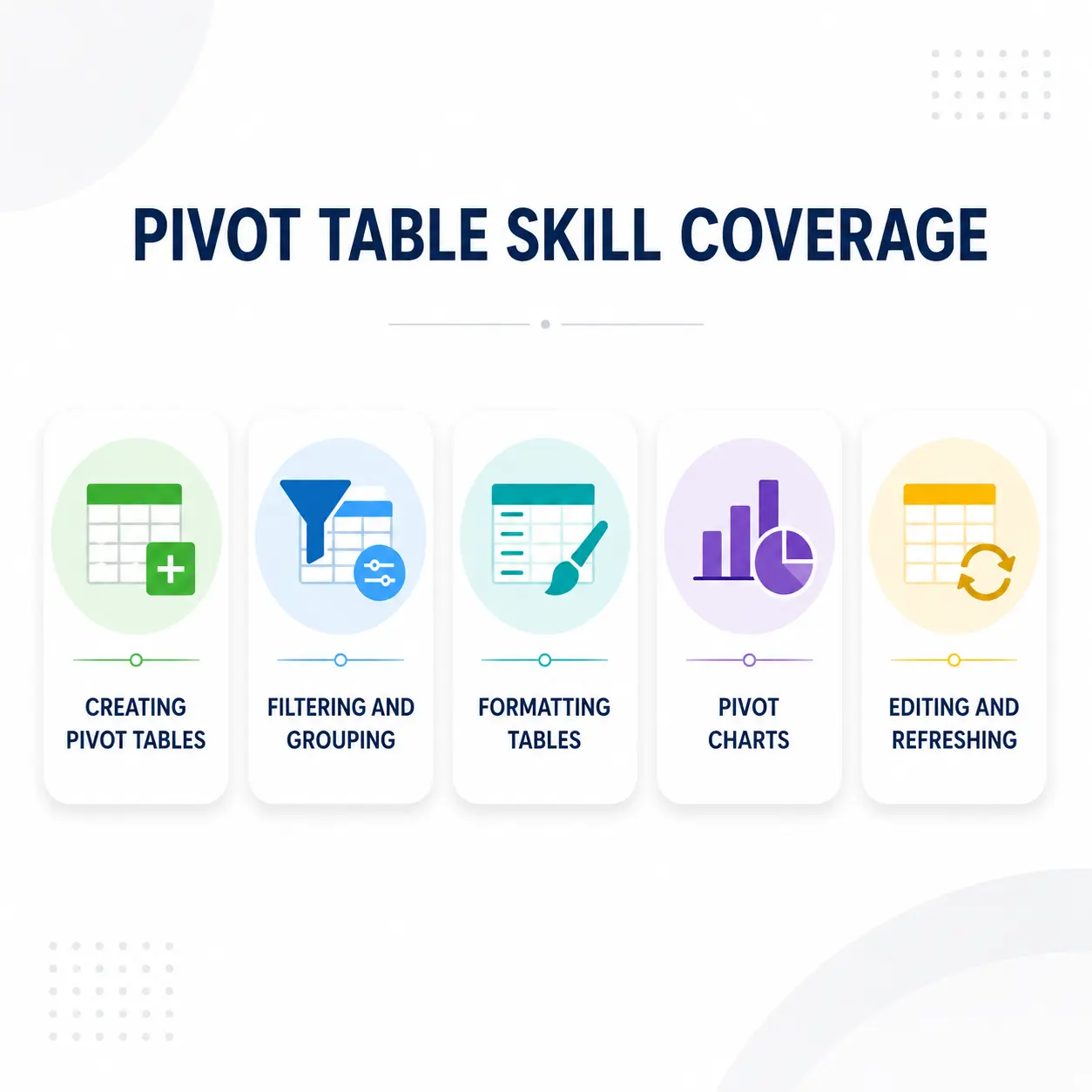
This pre-employment Excel test uses 20 timed questions built around real workplace tasks. It is not trivia. Candidates work inside a simulated Excel environment to complete each task. The pivot table skills test measures five core areas:

Creating PivotTables: Building a pivot table from a raw data set

Filtering and Grouping: Applying filters, slicers, and groupings to narrow data

Formatting Tables: Adjusting layout, styles, and field settings

Pivot Charts: Generating and editing charts from pivot data

Editing and Refreshing: Updating data sources, resizing, and editing existing tables

Questions cover both Intermediate and Advanced skill levels, so you can see exactly where each candidate stands before you make an offer.

Diagram showing five skill areas covered by the EmployTest Excel Pivot Table Assessment, including creating, filtering, formatting, charting, and editing Pivot Tables.

What Your Score Report Includes

Every completed pivot table pre-employment test sends a full report to your dashboard the moment the candidate finishes. No waiting. No manual scoring. Your report includes:

Overall percentile ranking: how this candidate compares to the full test-taker pool

Skill level breakdown: Caution, Moderate, or High performance at the Intermediate and Advanced levels

Topic-by-topic results: scores for each of the five skill areas covered

Question-level detail: right/wrong status and time spent on every question

You do not need to know Excel well to read the results. The report tells you what the numbers mean and flags where a candidate may need extra support on the job.

Roles That Need This Pivot Table Skills Test

Use this data analysis skills test for hiring whenever the job requires working with reports, spreadsheets, or data on a regular basis. It works best for:

Financial analysts and accountants: who build reports and track data in Excel daily

Operations coordinators: who manage scheduling, tracking, and logistics data

Administrative professionals: who handle records, billing, and data entry

HR coordinators: who pull and interpret workforce data and reports

Marketing and sales support staff: who analyze campaign and pipeline data

If a role involves reading or building reports in Excel, this test belongs in your screening process. Read Excel Assessment Test Importance When Hiring to see how to match the right Excel test to each role.

Financial analyst reviewing a pivot table report in Microsoft Excel on a laptop in an office setting.

Why You Cannot Trust a Resume for Excel Skills

Most candidates list Excel on their resume. Almost none of them mean the same thing. To one person, Excel means typing numbers into a spreadsheet. To another, it means building multi-source pivot reports with calculated fields.

A structured pre-employment assessment removes that gap. It gives every candidate the same task and scores the same result. No bias. No gut calls. Just data you can compare.

Harvard Business Review says that hiring assessments that focus on job-relevant skills outperform more generic measures of ability. A pivot table test is exactly that: a job-relevant, skills-based screen.

Learn more about why Excel tests matter in 6 Microsoft Excel Formulas Every Hire Should Know.

Side-by-side comparison of a resume claiming Excel proficiency versus objective pivot table test results from EmployTest.

How the Pivot Table Test Works

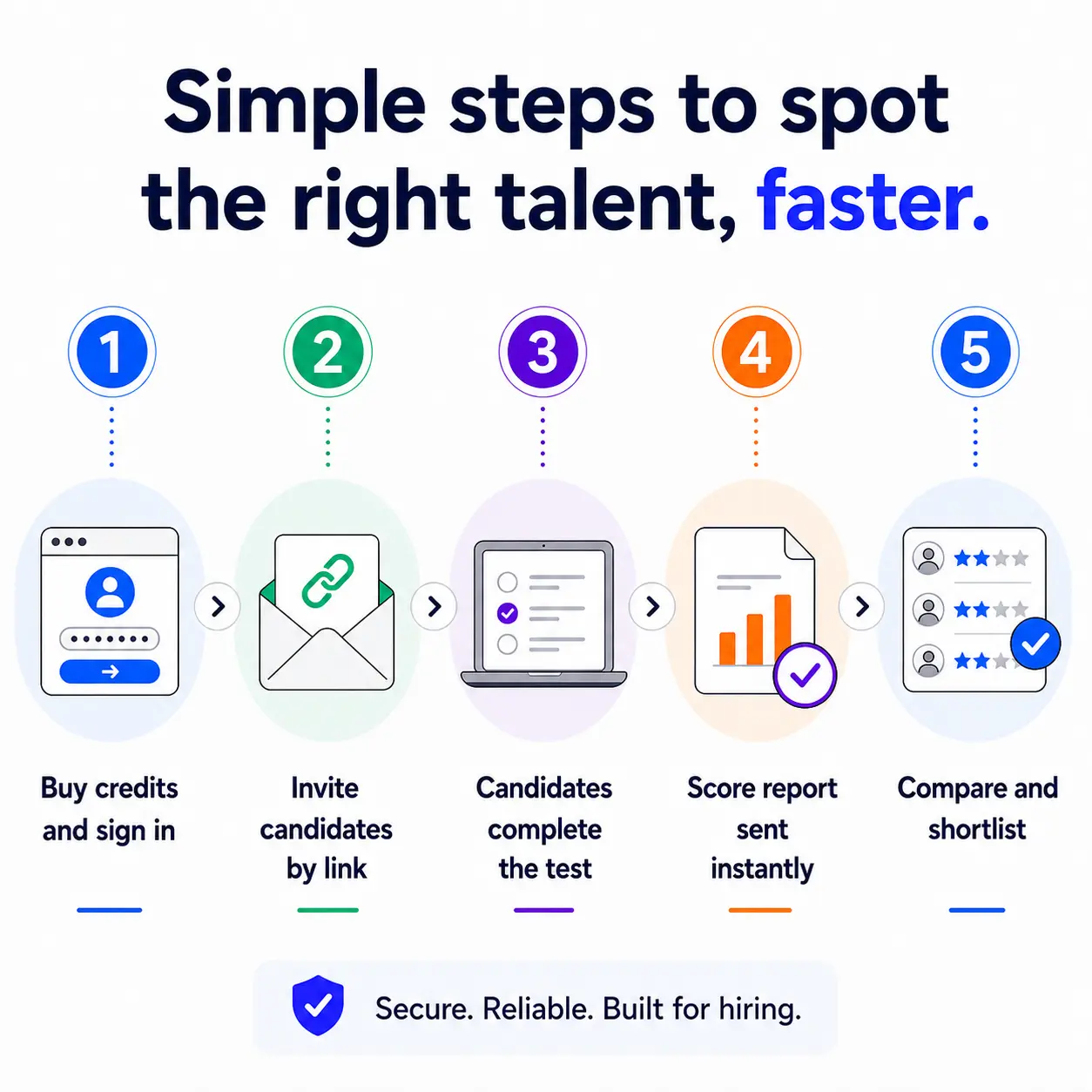
Getting started takes minutes. Here is how the process works:

Step 1: Buy test credits and sign in to your dashboard.

Step 2: Enter the candidate’s email and send the test link.

Step 3: The candidate completes the timed test at their convenience.

Step 4: Your score report arrives in your dashboard the moment they finish.

Step 5: Compare candidates side by side using percentile rankings.

You never see the candidate’s score during the test. Results go directly to you after they finish, keeping the process objective and fair.

Five-step process showing how to use the EmployTest verbal reasoning assessment from account setup to candidate comparison
Employtest Comparison

Frequently Asked Questions

What does the pivot table test for applicants cover?

The test includes 20 timed questions covering creating PivotTables, filtering, formatting, editing, and building Pivot Charts. It measures both Intermediate and Advanced skill levels using a real Excel environment, not multiple choice.

How is this different from a general Excel assessment?

A general Excel test covers a wide range of topics including formulas, formatting, and functions. This test focuses specifically on Pivot Tables and Pivot Charts. Use it when the role depends heavily on summarizing and analyzing data from large spreadsheets.

Which roles is this test best suited for?

Financial analysts, data coordinators, operations staff, HR coordinators, and administrative professionals who work with reports and datasets regularly. If the job requires pulling insights from large data sets in Excel, this test belongs in your screening process.

How long does the test take?

The pivot table pre-employment test is timed and typically takes candidates around 20 minutes to complete. Results arrive in your dashboard the moment they finish.

What do the score levels mean?

Scores are reported as Caution, Moderate, or High for each skill area. You also get an overall percentile ranking that shows how the candidate compares to all others who have taken the test. The report explains what each result means in plain language.

How much does this cost?

Pricing is simple and flexible as your needs change. Each test completed uses one test credit. (See pricing for credits)

Can I get a free sample before I purchase?

Yes, just visit Try for Free to provide your information and we’ll send a free sample of the test you request.

How it Works

Wicon 1
BUY TEST CREDITS
Wicon 2
SIGN INTO DASHBOARD
Wicon 3
CHOOSE TESTS
Wicon 4
EMAIL TEST SESSIONS